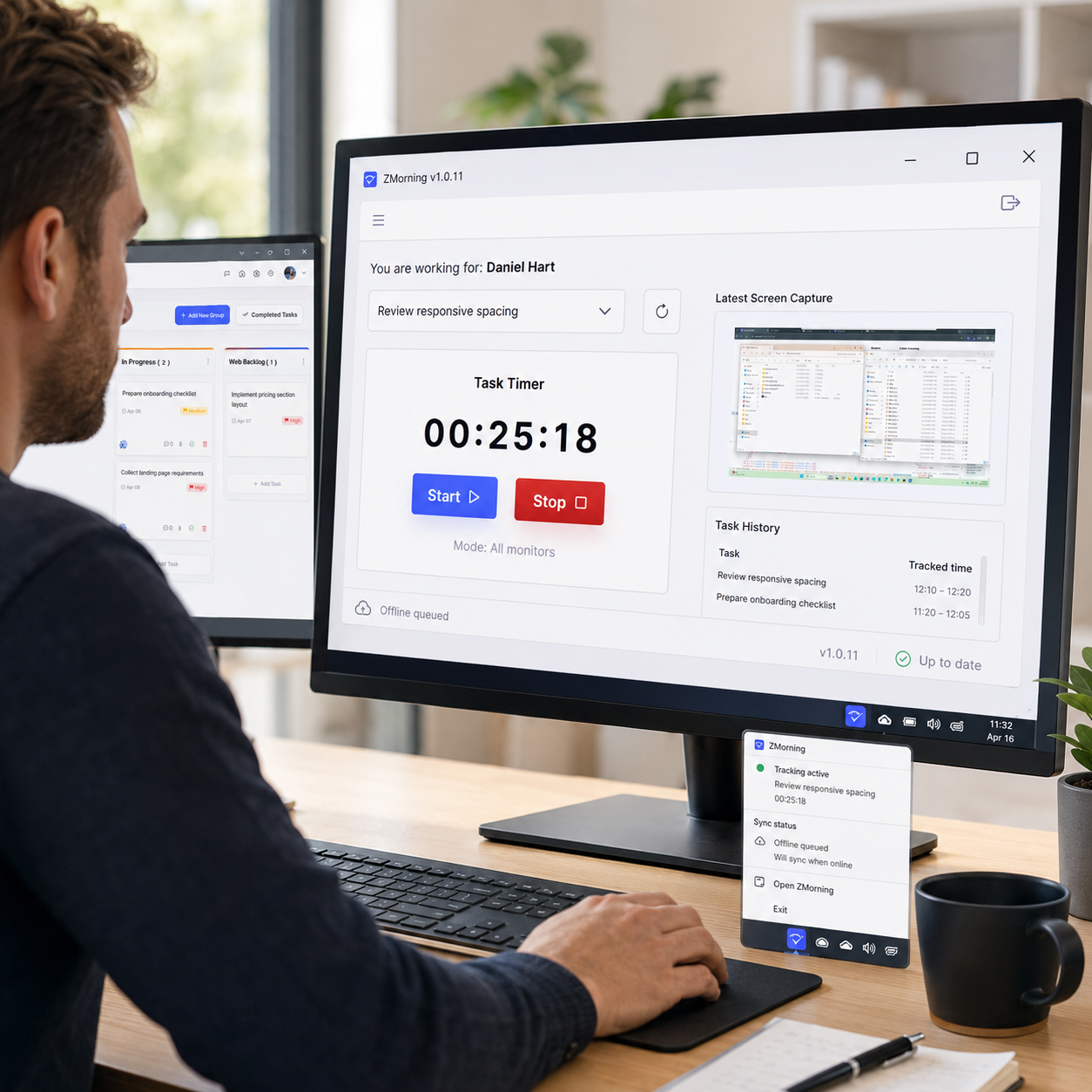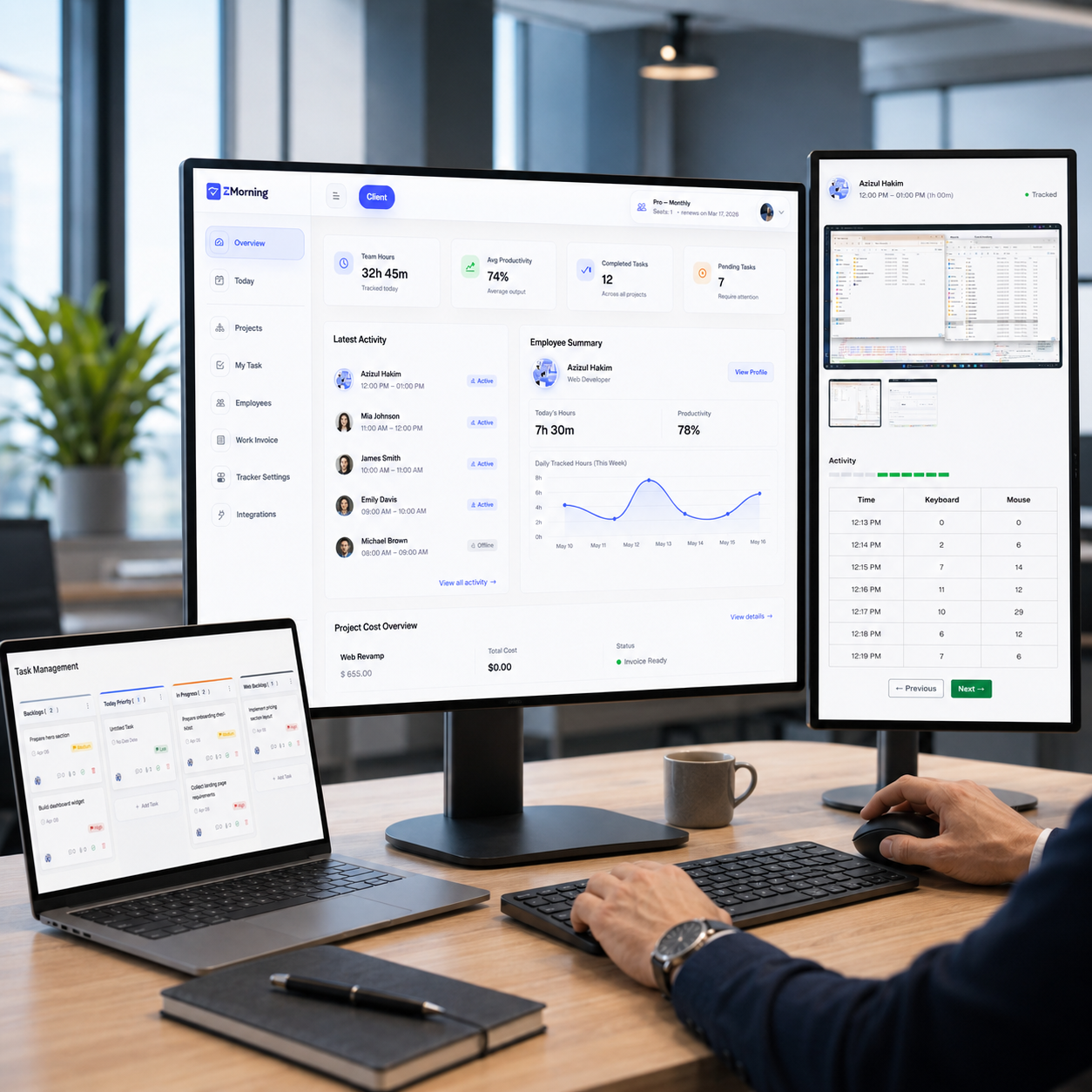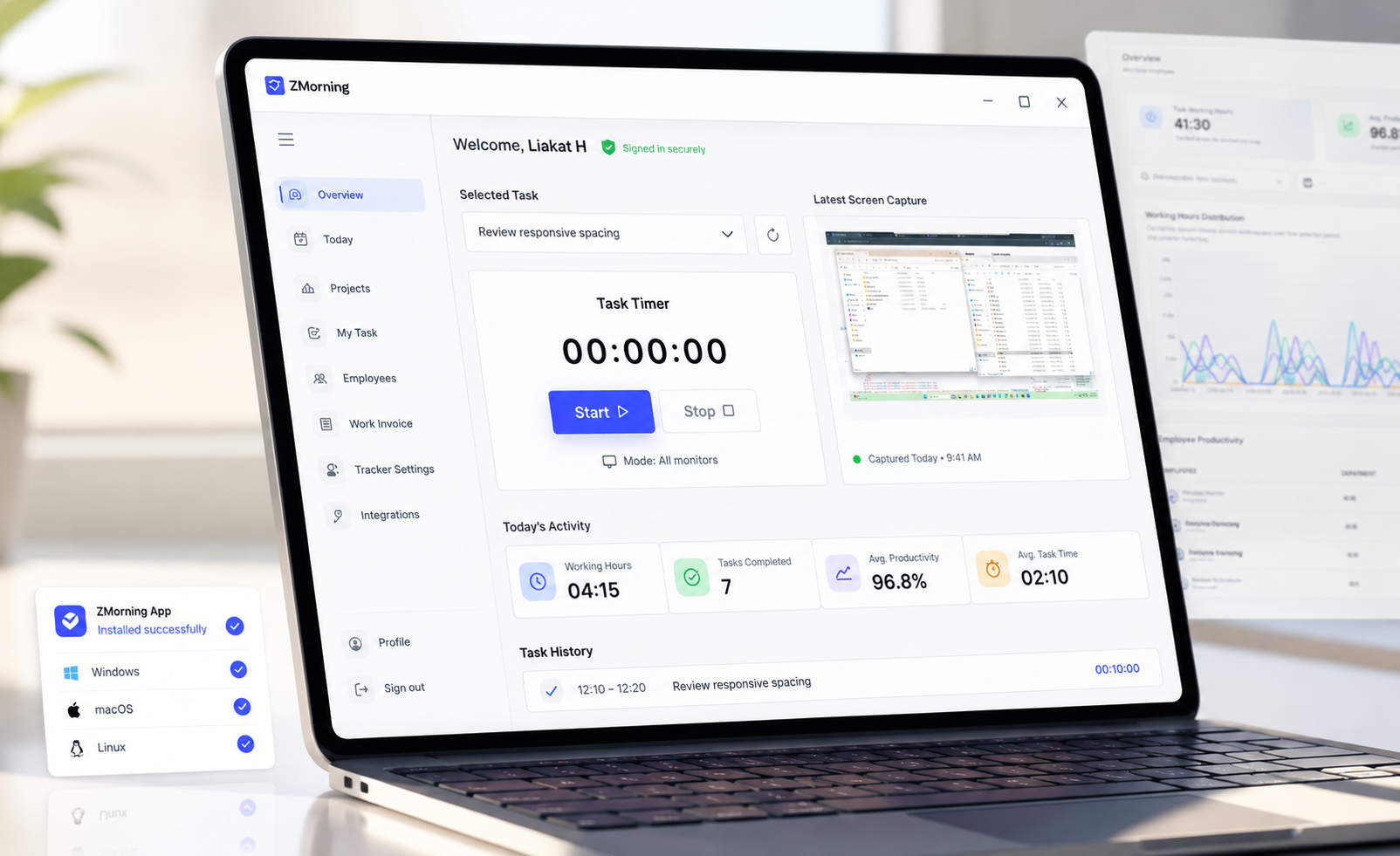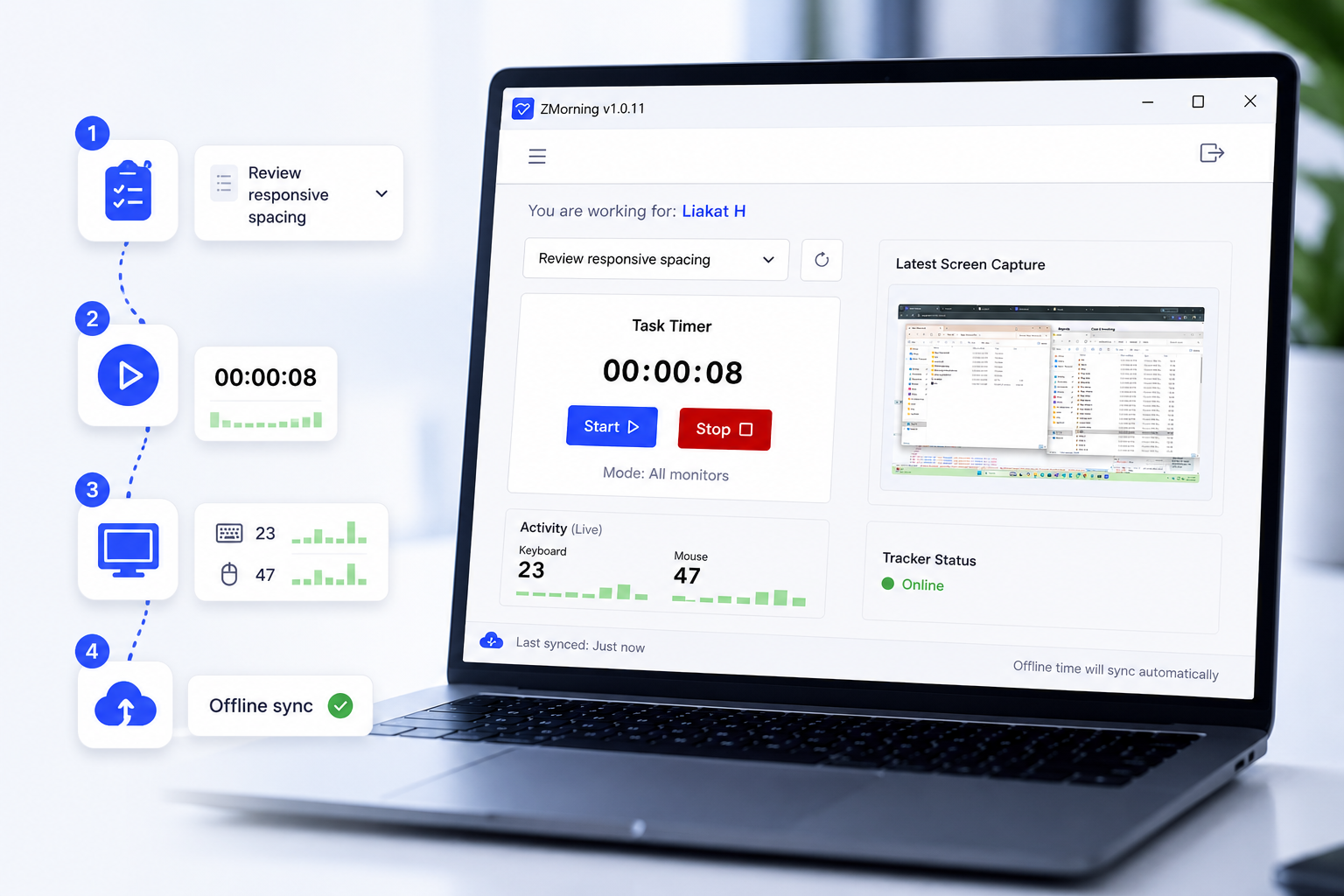
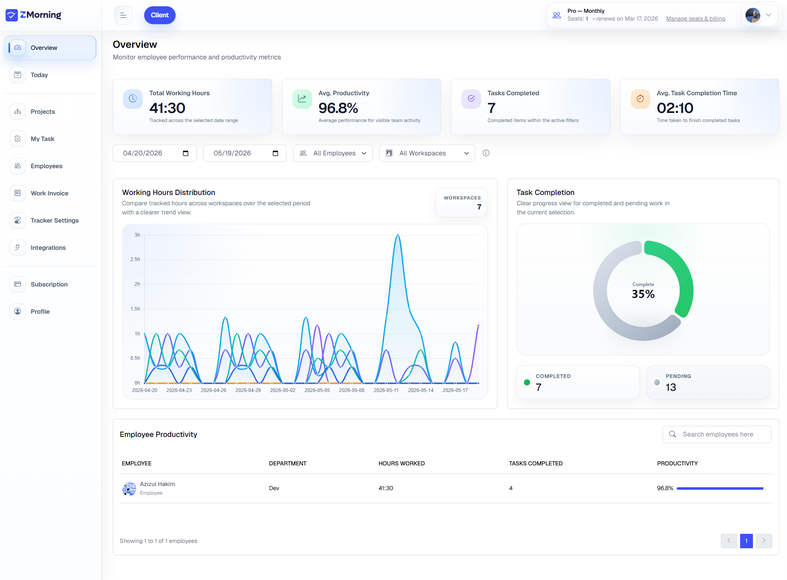
As teams grow, work visibility breaks down fast.
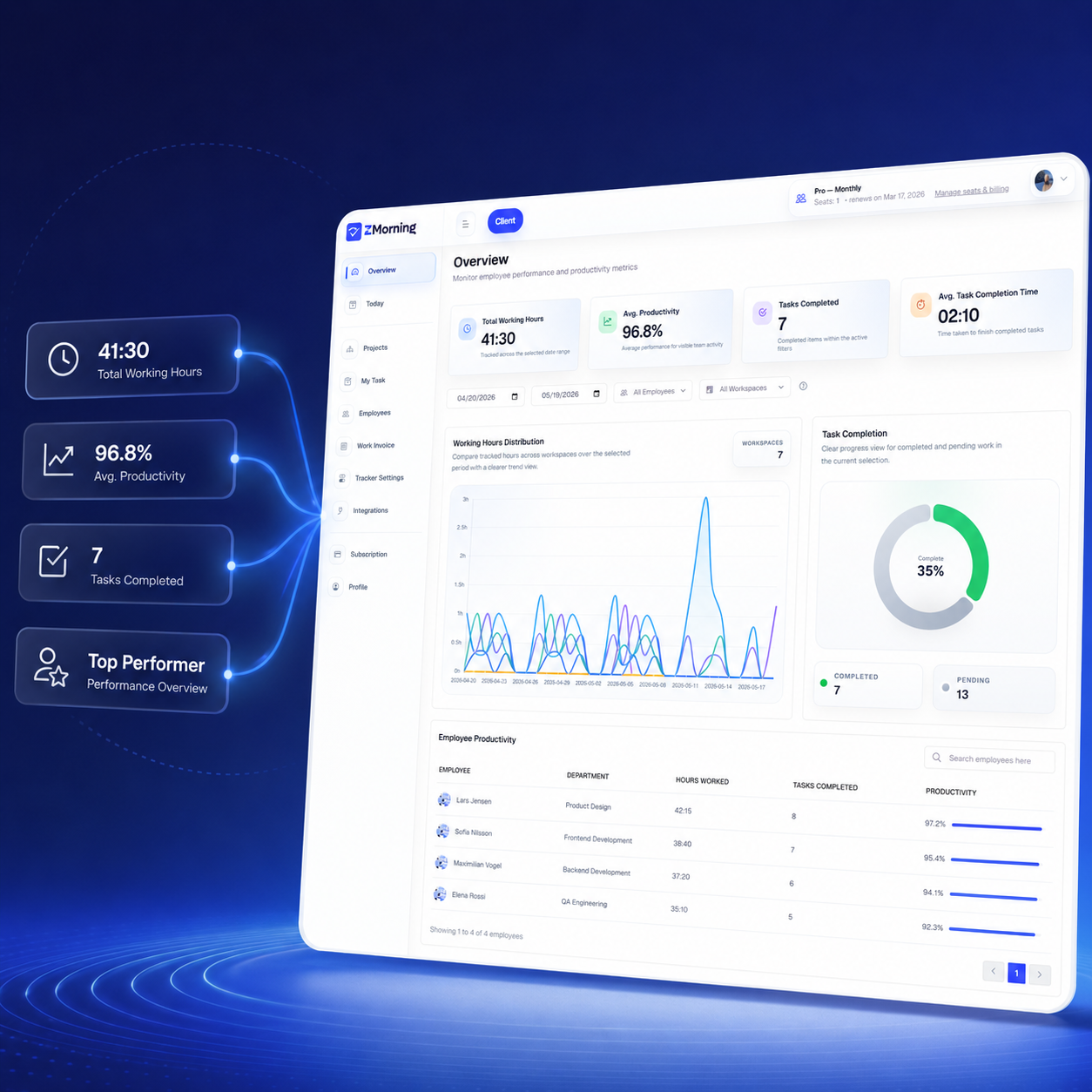
Hours become unclear, reporting becomes manual, remote oversight becomes weaker, and billing becomes harder to trust when work data lives across disconnected tools and spreadsheets.
Managers lose confidence in hours, employees repeat updates in multiple places, and billing gets slower because the source of truth is no longer clear.
-
Unclear work hours
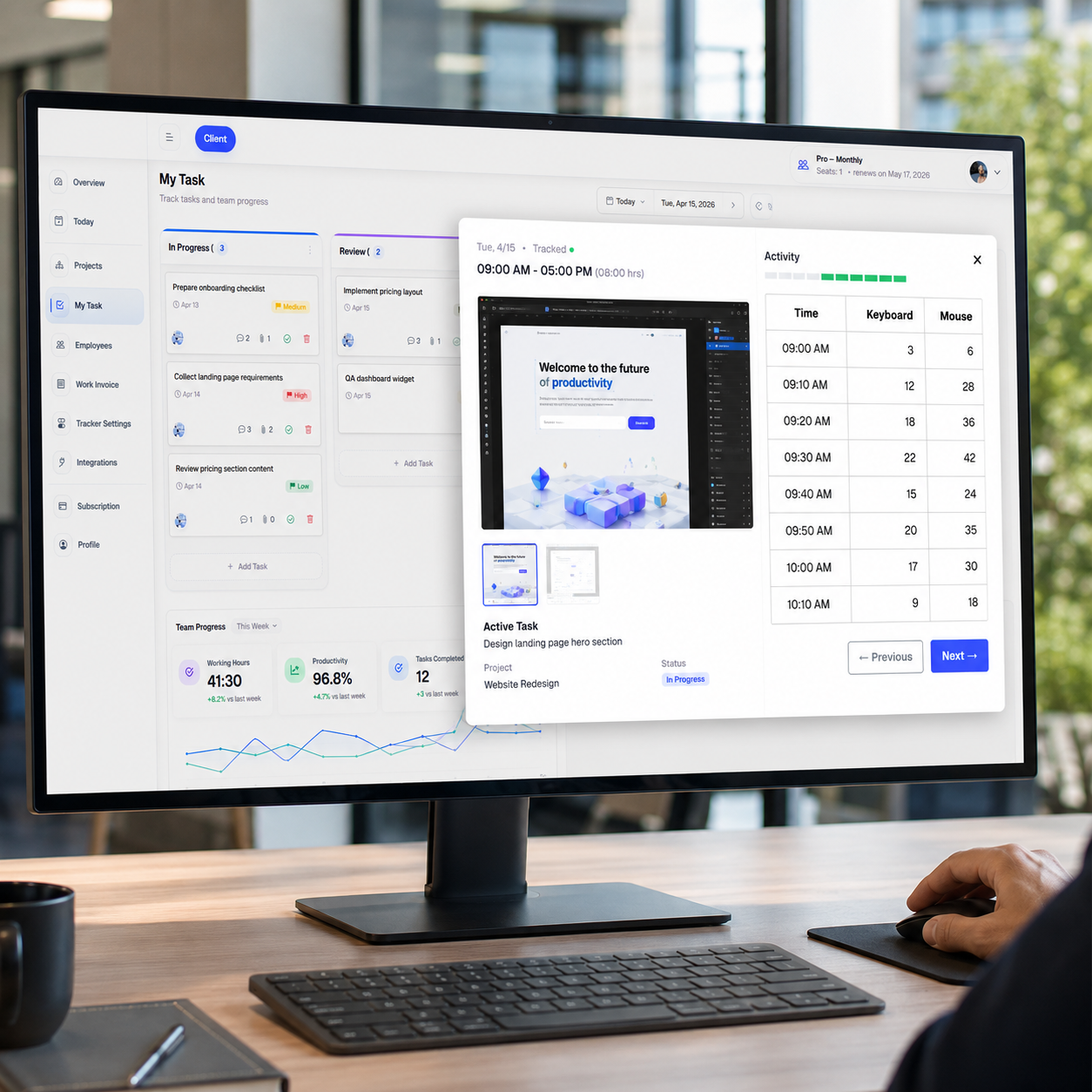
It becomes difficult to verify who worked, for how long, and whether those hours were tied to real assigned tasks.
-
Manual reporting
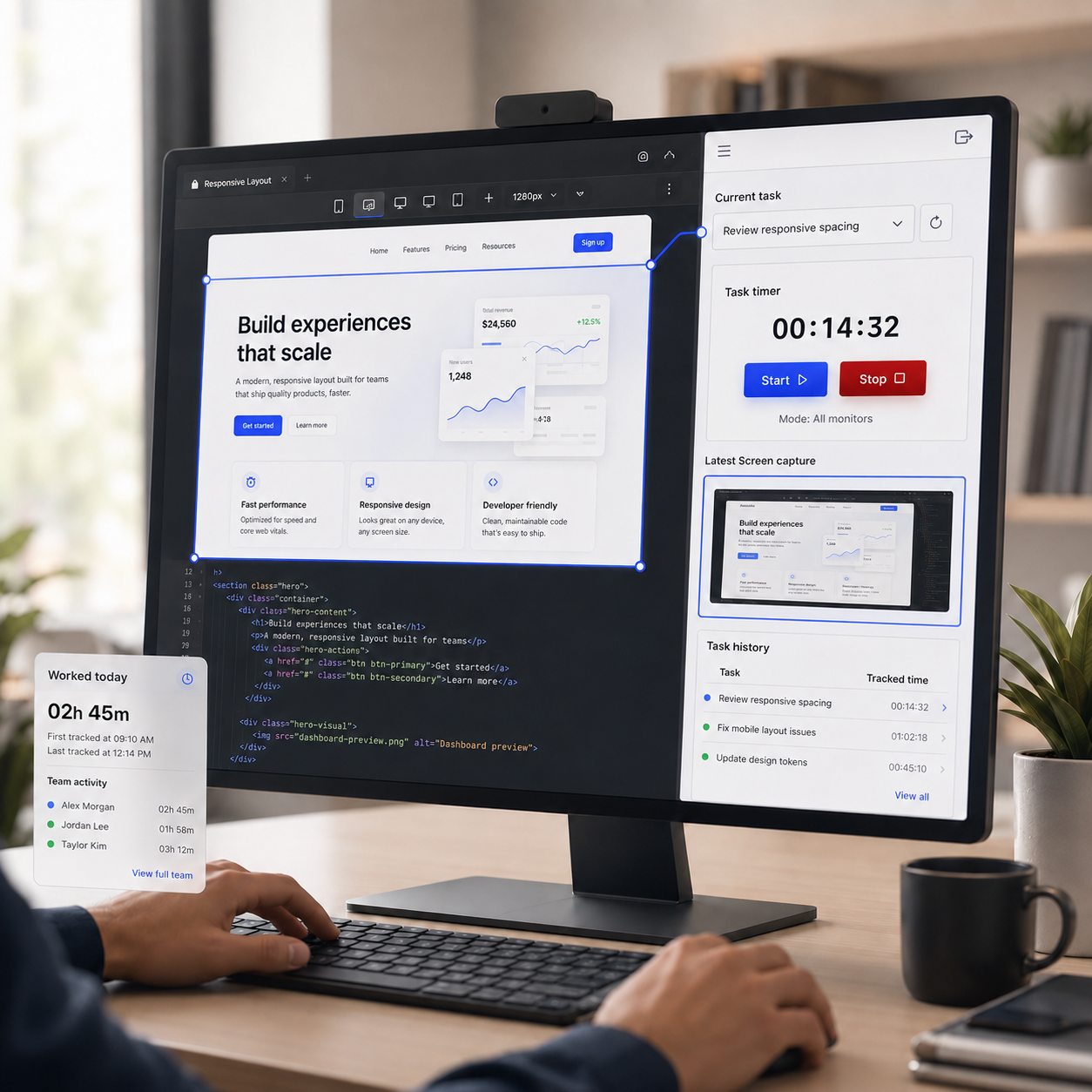
Progress updates often depend on exports, screenshots, and manual summaries pulled together from different places.
-
Low remote visibility
Without task-linked activity and screenshot history, remote oversight becomes reactive instead of clear and confident.
-
Billing confusion
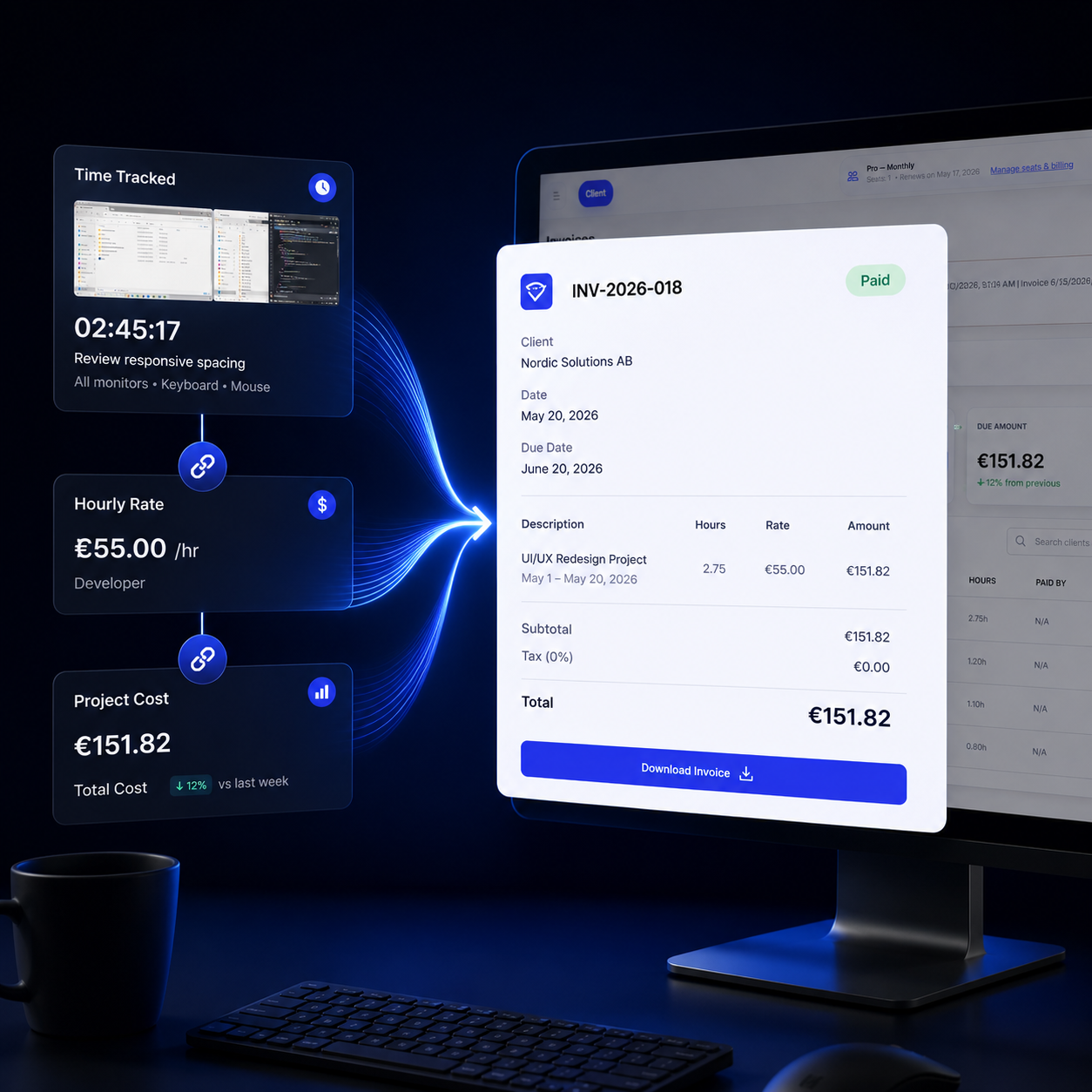
When hours, costs, and invoice records are disconnected, client billing becomes slower, weaker, and harder to defend.
-
Scattered task ownership
When task updates live in chat, spreadsheets, and memory, accountability fades and priorities become harder to follow.
-
Weak cost visibility
Without live hour and rate tracking, teams often discover project cost overruns too late to act with confidence.
The result is delayed decisions, weaker accountability, and reporting that takes too much effort to trust.