
Small team time tracking that stays simple as you grow.
Track work by task, review screenshots and activity, and keep manager reporting clean from the start.
ZMorning helps small teams track employee time against assigned tasks, review daily work visibility, and manage hours, progress, and reports from one connected workflow.
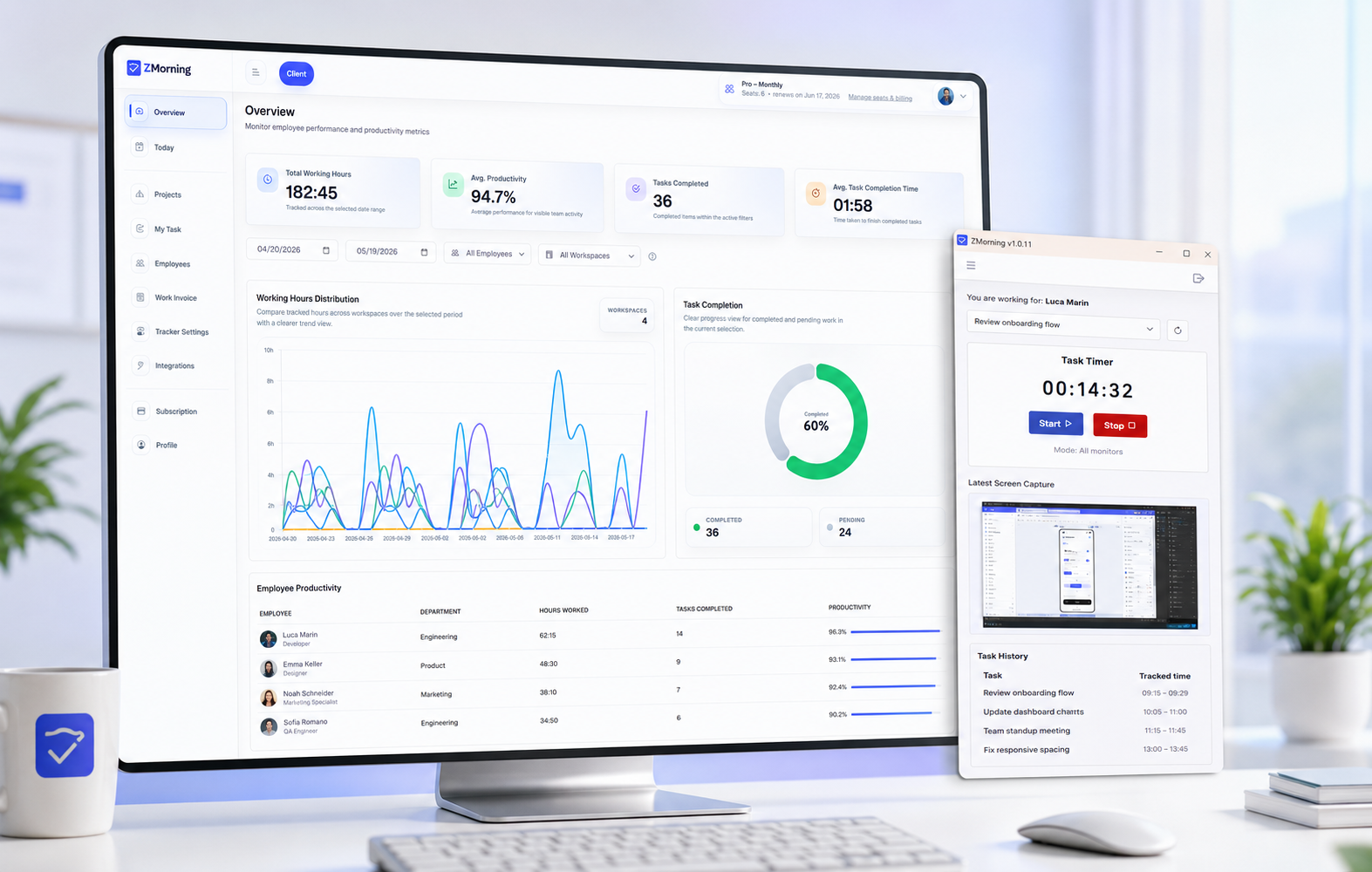
Why small teams lose clarity early
Small teams need simple time tracking, real task context, and quick reporting. When those stay disconnected, managers spend more time following up and less time moving work forward.
Hours without task context
Small teams lose clarity fast when tracked hours are not tied to real assigned work.
Too many manual follow-ups
Managers should not need constant messages and check-ins just to understand daily progress.
Updates scattered everywhere
Task progress becomes harder to trust when it is spread across chat, spreadsheets, and memory.
Reporting gets messy as you grow
Without one work record, reviews, cost visibility, and reports take more effort than they should.
The result is slower decisions, weaker accountability, and more admin overhead than a small team should need.
How small teams keep tracking simple and useful
A short workflow for task-based tracking, daily visibility, and cleaner reporting.
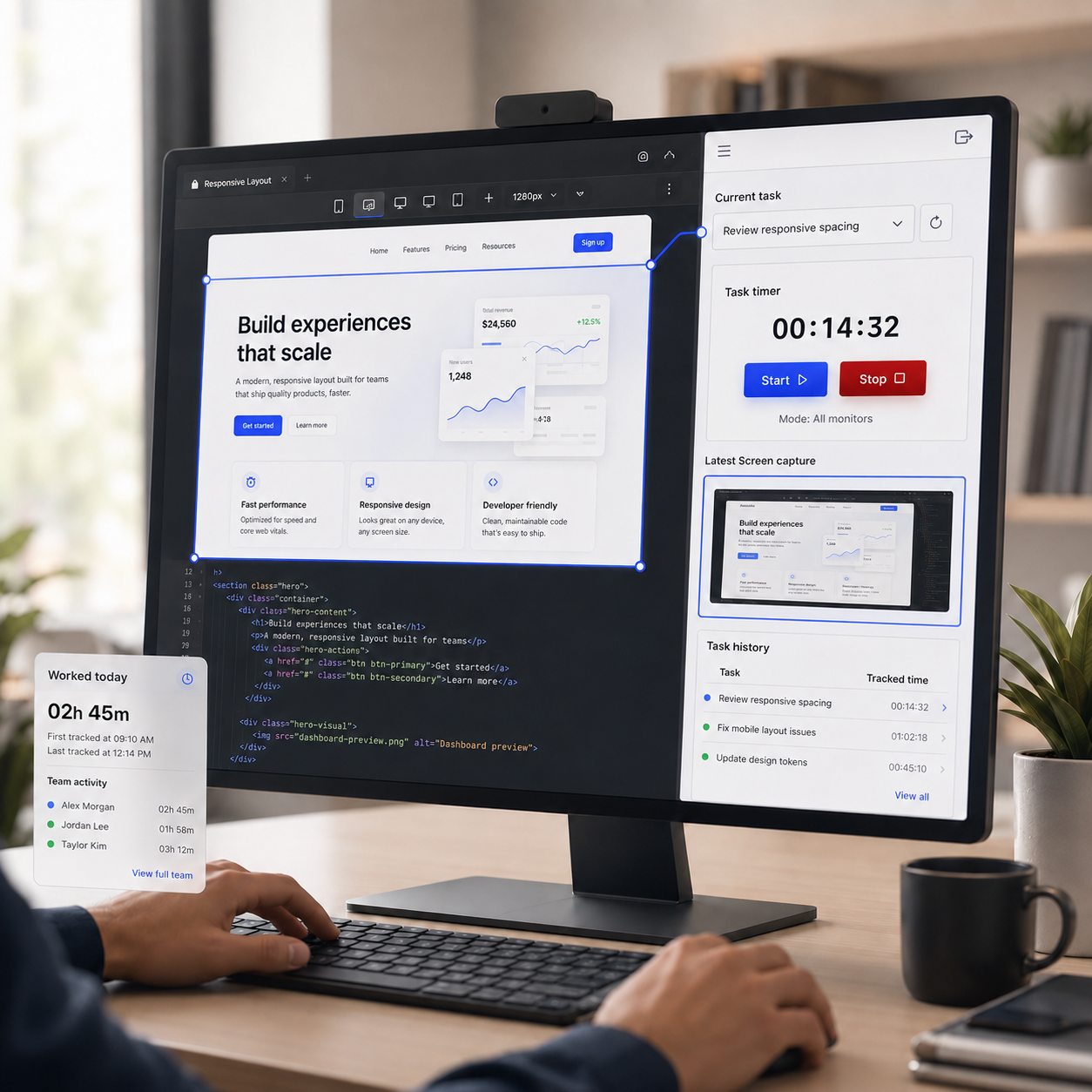
Track time against real assigned tasks
Employees sign in, choose a task, and start or stop the timer from a simple desktop flow.
Explore employee time tracking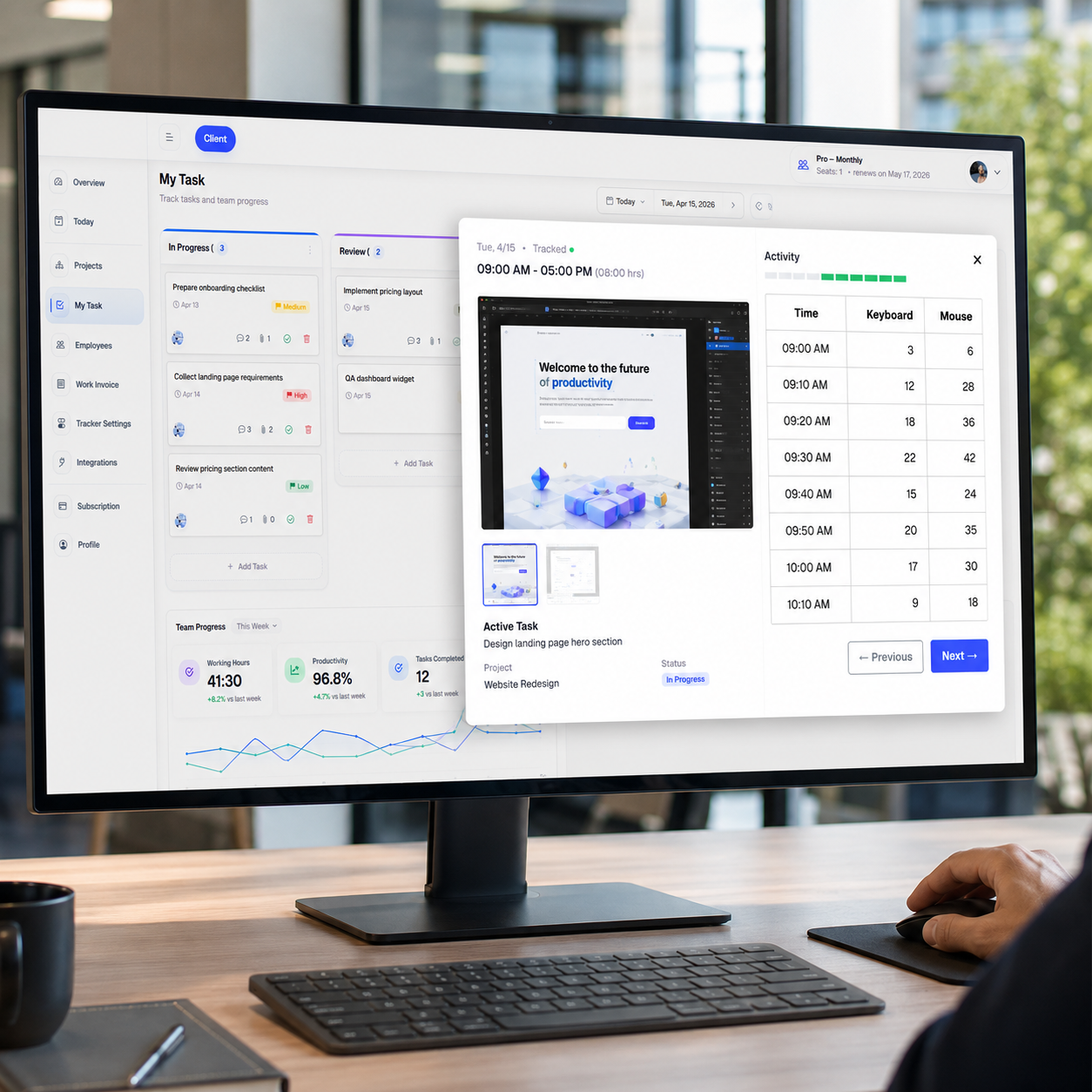
Review screenshots, activity, and progress
Managers get a clearer daily view of team hours, work proof, and task progress without constant follow-up.
Explore the manager overview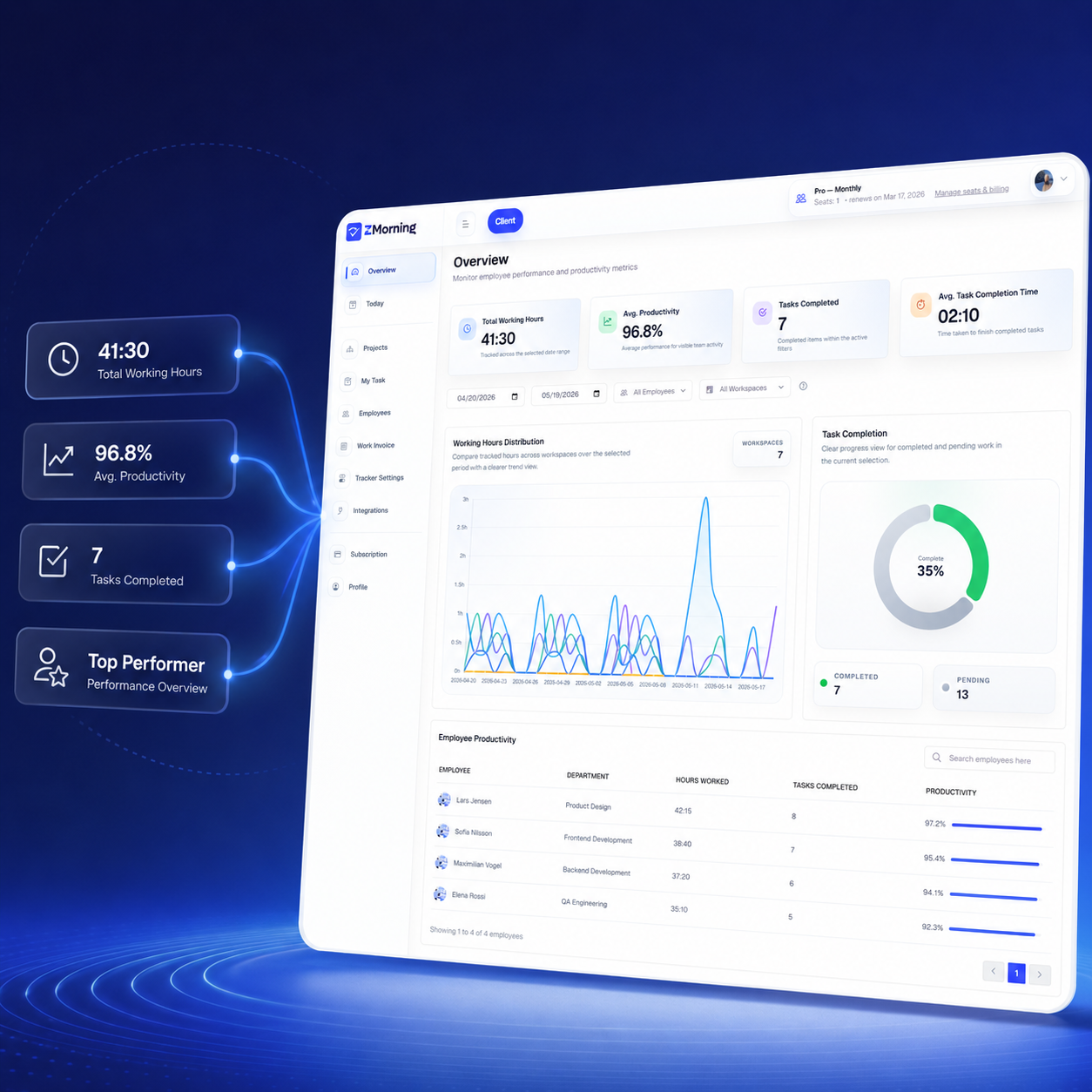
Turn tracked work into cleaner reports
Small teams can move faster from daily tracking to reports, cost visibility, and invoice-ready work records.
Explore reports and analyticsTracking controls that stay practical for growing teams
Set up work tracking in a way that stays simple for employees and easier to manage as the team grows.
Configurable tracking
Adjust screenshot, keyboard, and mouse tracking to fit how your small team works.
Screenshot workflow
Keep screenshot review and storage easier to manage without adding more admin overhead.
Offline sync
Let employees keep tracking when connectivity drops, then sync work records later.
Tray control
Let employees start and stop tracking with less interruption during the workday.
Multi-monitor support
Capture work more clearly for team members who switch across more than one screen.
Auto-update support
Keep the desktop app easier to maintain without turning updates into a manual task.
Turn daily work records into clearer team decisions
Review hours, understand progress, and keep reporting cleaner before small-team operations become harder to manage.
Team hours and task context
Review employee time with assigned task context instead of disconnected totals.
See who worked, on what, and for how long from one place.
Progress and productivity insight
Use screenshots, activity, and task progress to review daily output with less guesswork.
Give managers cleaner visibility without adding more manual follow-up.
Cost and billing readiness
Understand project cost earlier as tracked work turns into clearer records.
Prepare invoice-ready work records without rebuilding reporting later.