
Download the ZMorning Time Tracker.
Desktop time tracking for Windows, Mac, and Linux with task-based sessions, screenshots, activity visibility, offline sync, and manager-ready reporting.


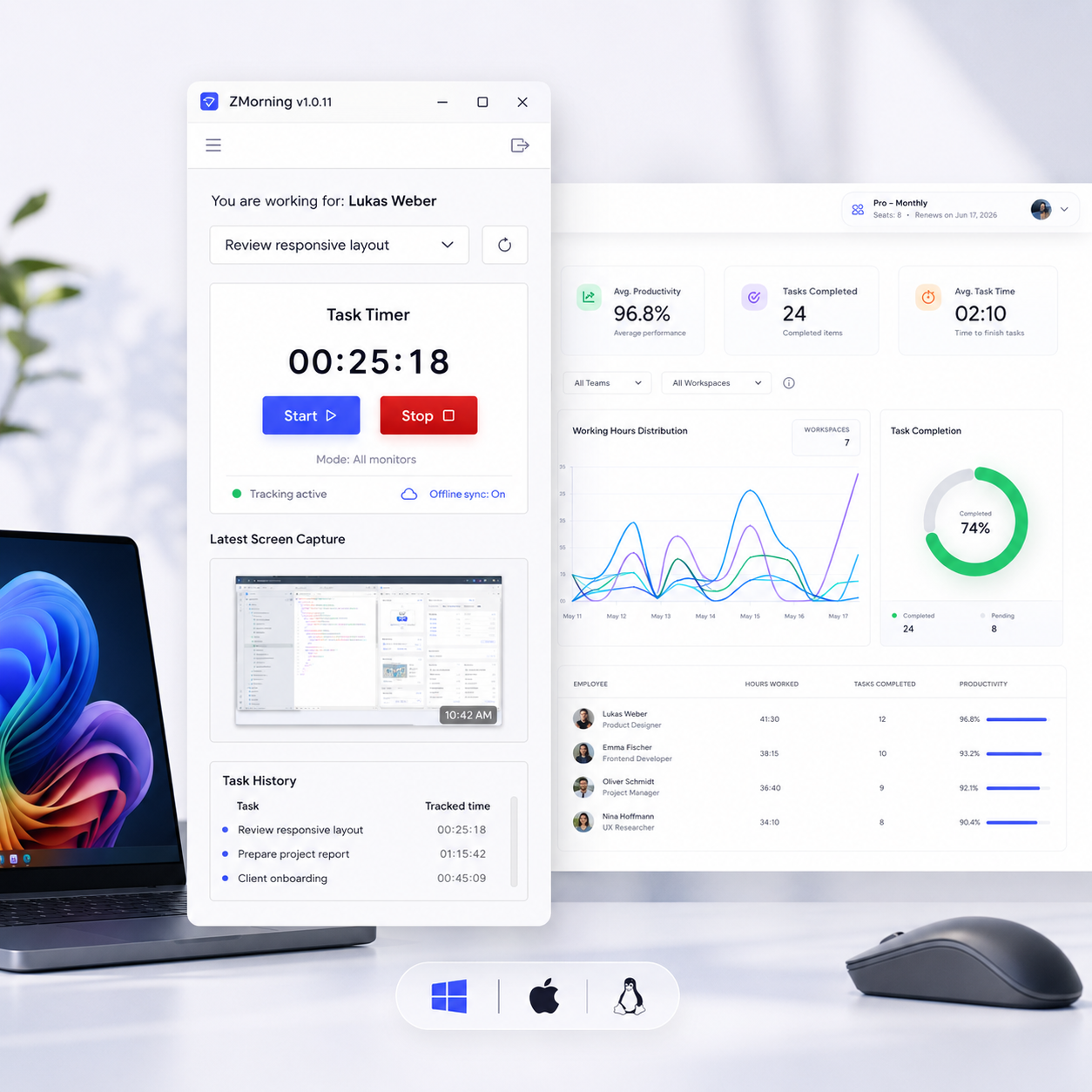
Choose your ZMorning App download.
Download the ZMorning employee tracker for your platform and get task-based tracking ready in minutes.
Windows
RecommendedBest for most teams. Verified app with task selection, timer control, screenshots, and activity tracking.
Mac
Direct .dmg downloadInstall the verified macOS app for clean task-based tracking, screenshots, and synced desktop activity records.
Linux
For supported setupsRun ZMorning on Linux with task-based timing, offline sync, and visibility features for distributed teams.
Verify your download
Complete the verification below to continue.
Get your team tracking in three steps.
Install the ZMorning App, sign in, pick the right task, and start tracking work with clean records from day one.
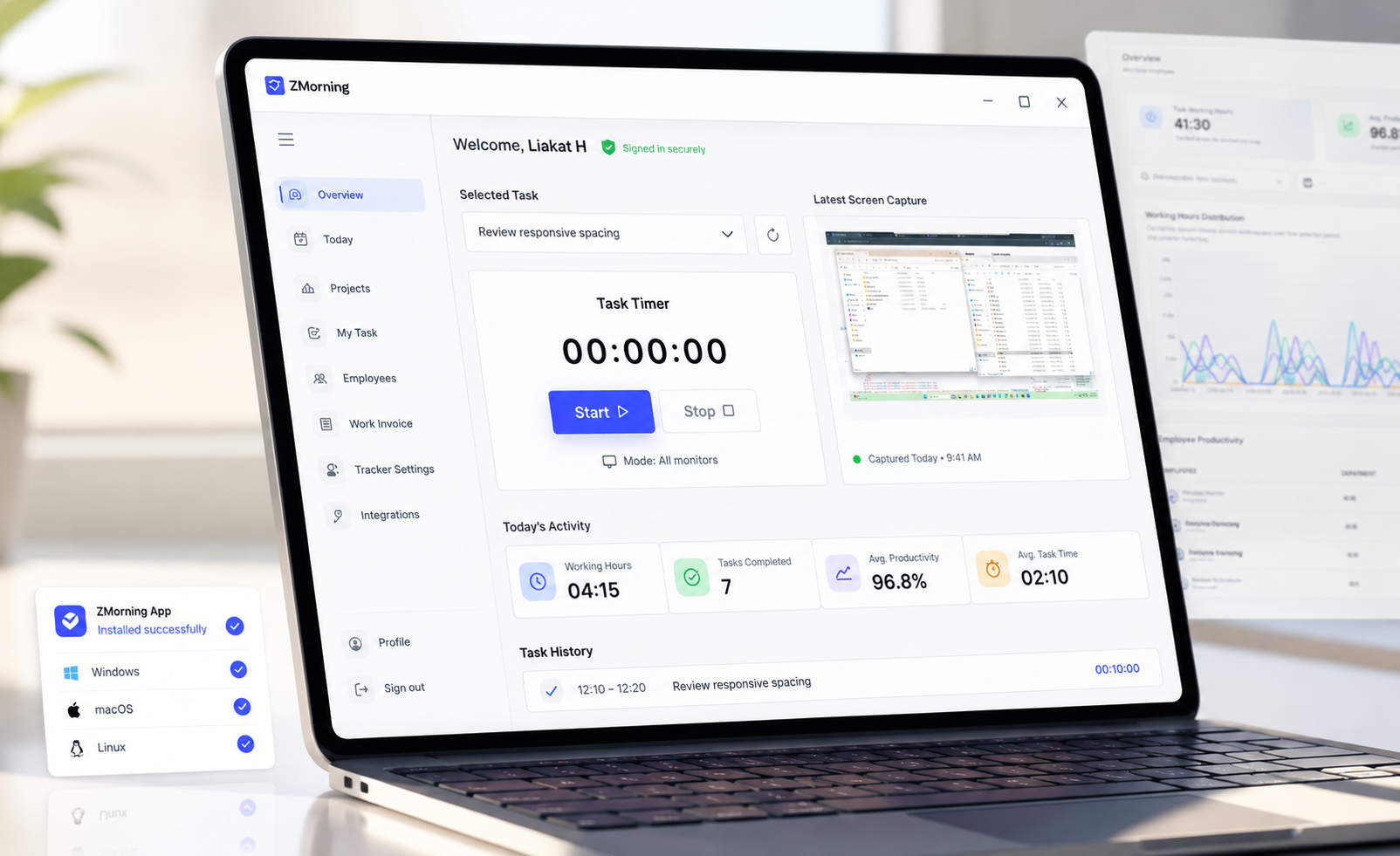
Download the app and log in
Install the ZMorning Time Tracker on Windows, Mac, or Linux and sign in with your employee account to enter the workspace.
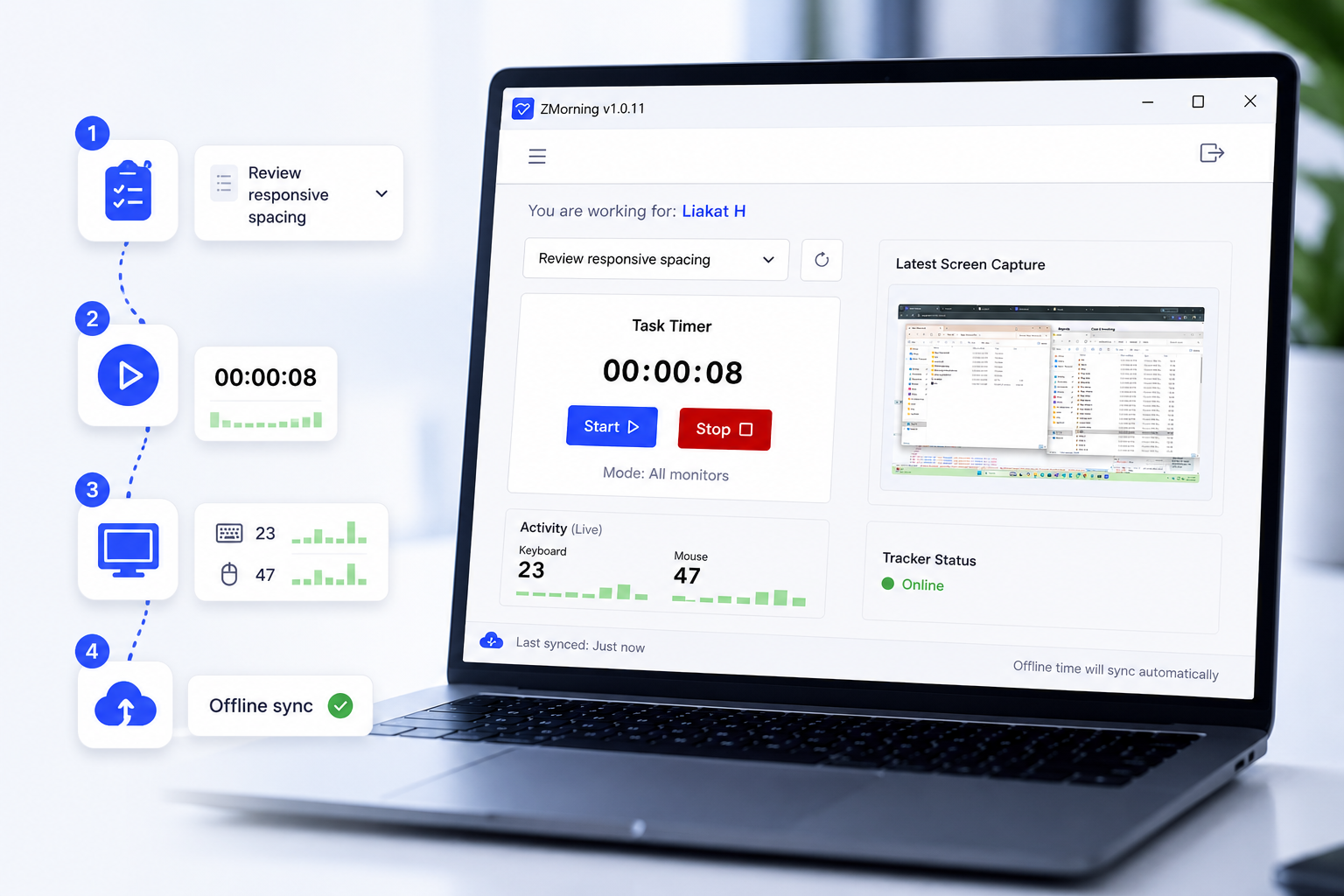
Select a task and start tracking
Choose the assigned task, start the timer, and let ZMorning capture time, screenshots, and keyboard and mouse activity against real work.
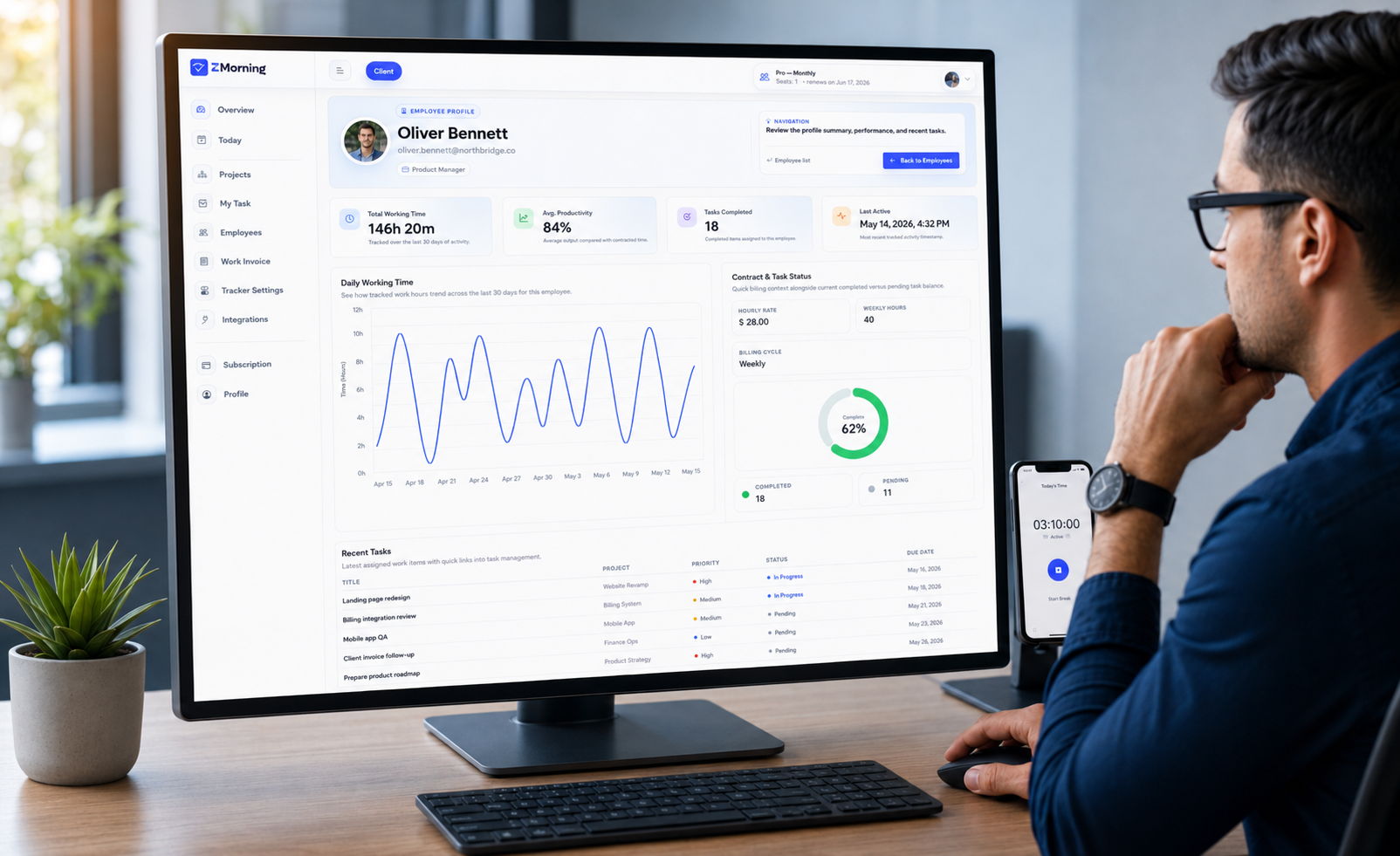
Keep records ready for review
Tracked sessions sync into the manager dashboard so hours, proof of work, and reporting stay ready without extra employee admin.
Everything employees need in one tracker.
The ZMorning App is built for real work sessions, so teams can track time cleanly while managers keep the visibility they need.
Get setup support fast.
Use the help center for guided setup steps, or contact support if your team needs a direct answer before rollout.
Need quick product answers too? View FAQ.