Product overview

Track work, review teams, and report faster.

ZMorning helps employees track work against assigned tasks and helps managers review hours, visibility, reports, and invoice-ready records in one place.

Built for teams that need clear work records without disconnected tools.

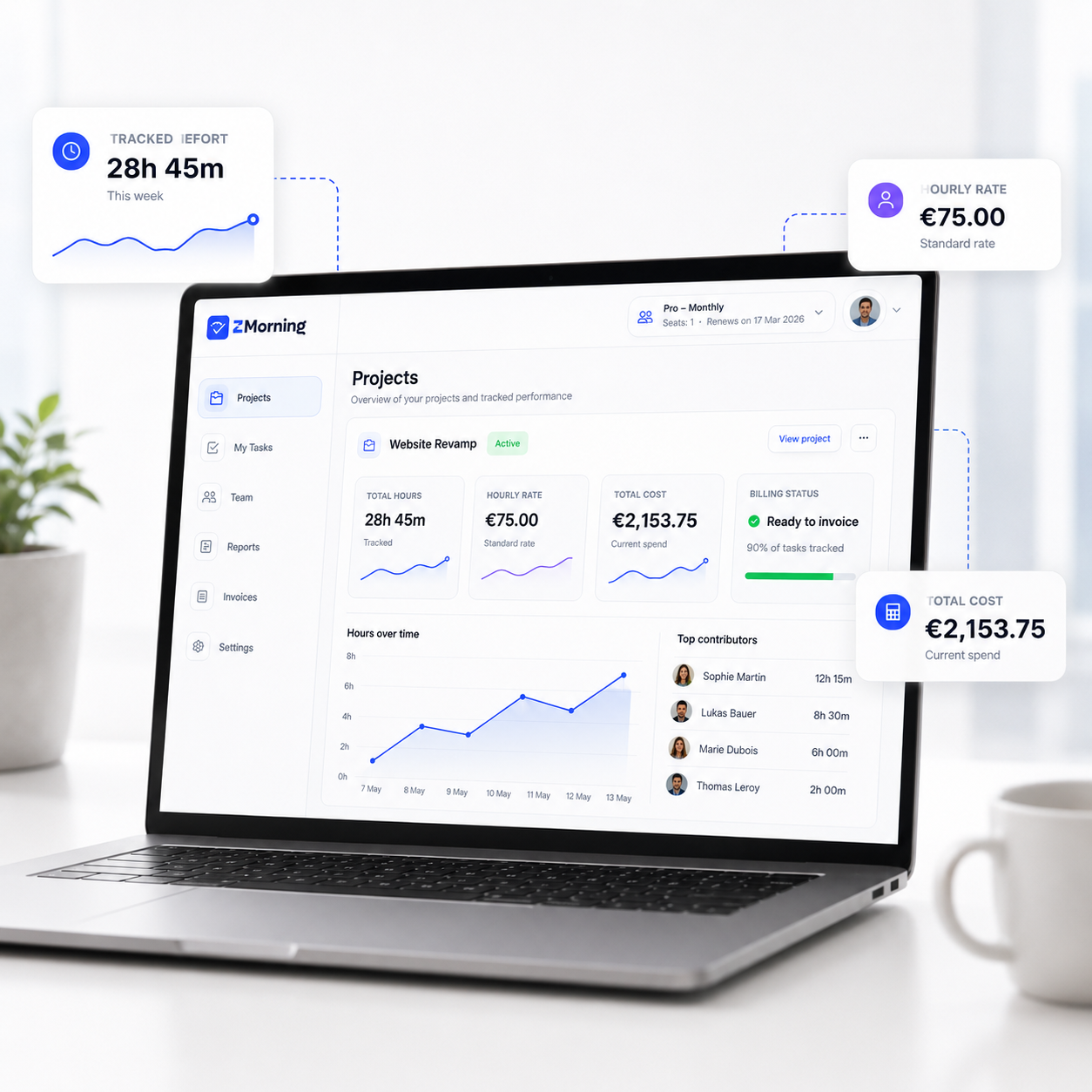
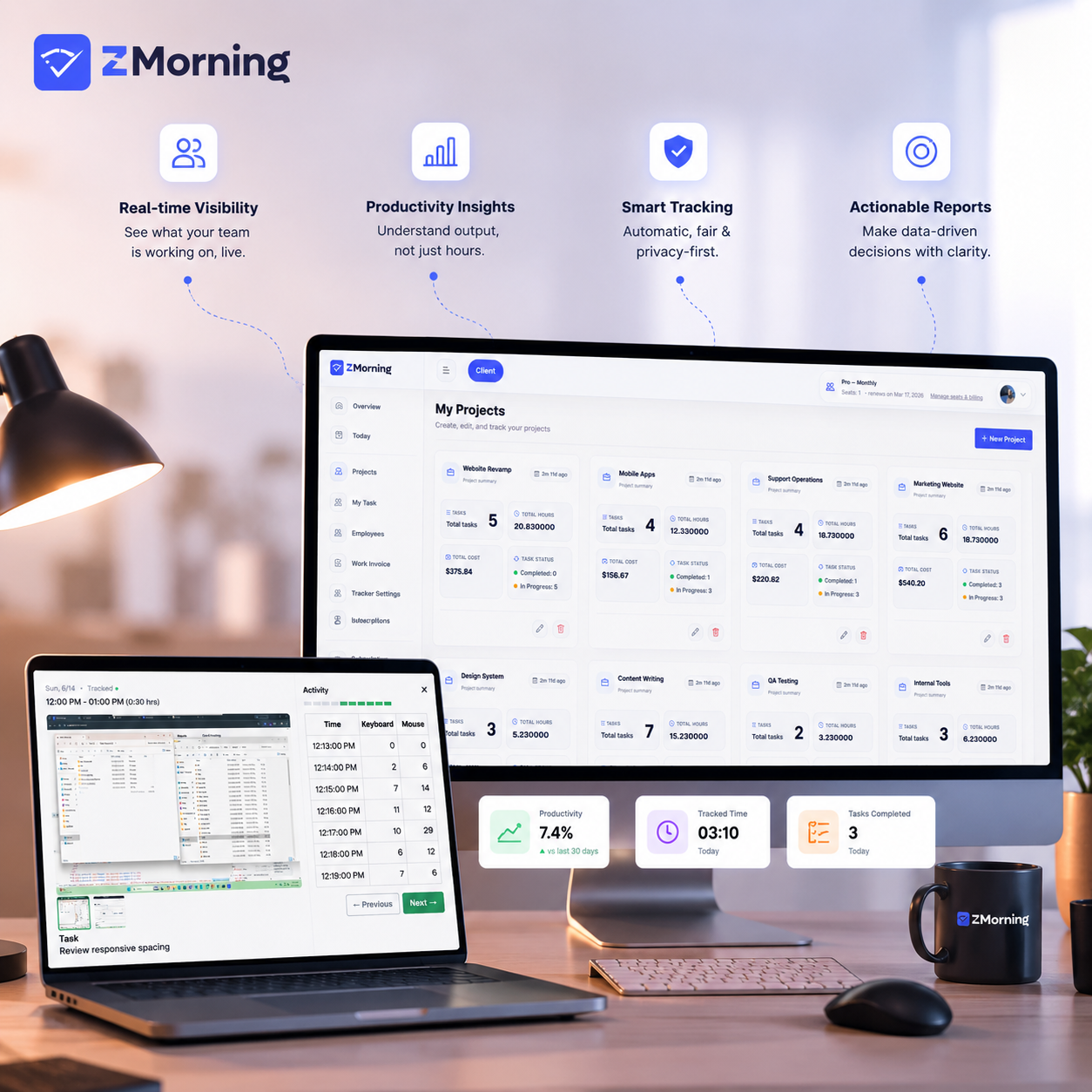
ZMorning product overview with dashboard, tracked time, visibility, reports, and cost insights
Platform capabilities

What teams actually use ZMorning to do

ZMorning connects daily task execution, manager oversight, and billing-ready work records in one workflow.

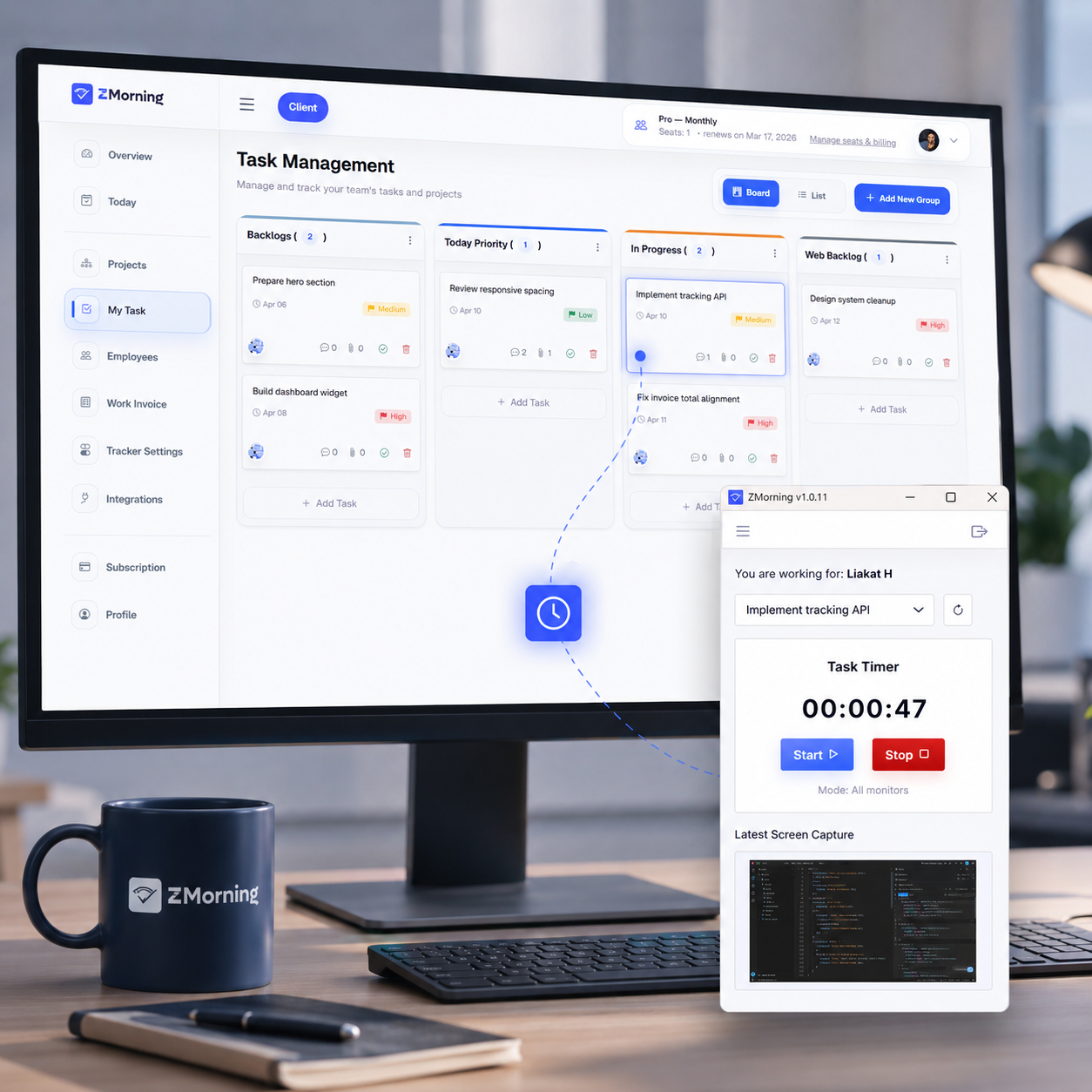
ZMorning task-based employee time tracking
01

Task-based time tracking

Employees track assigned work from the desktop app, so every hour stays tied to real execution instead of vague timesheets.

Explore employee time tracking
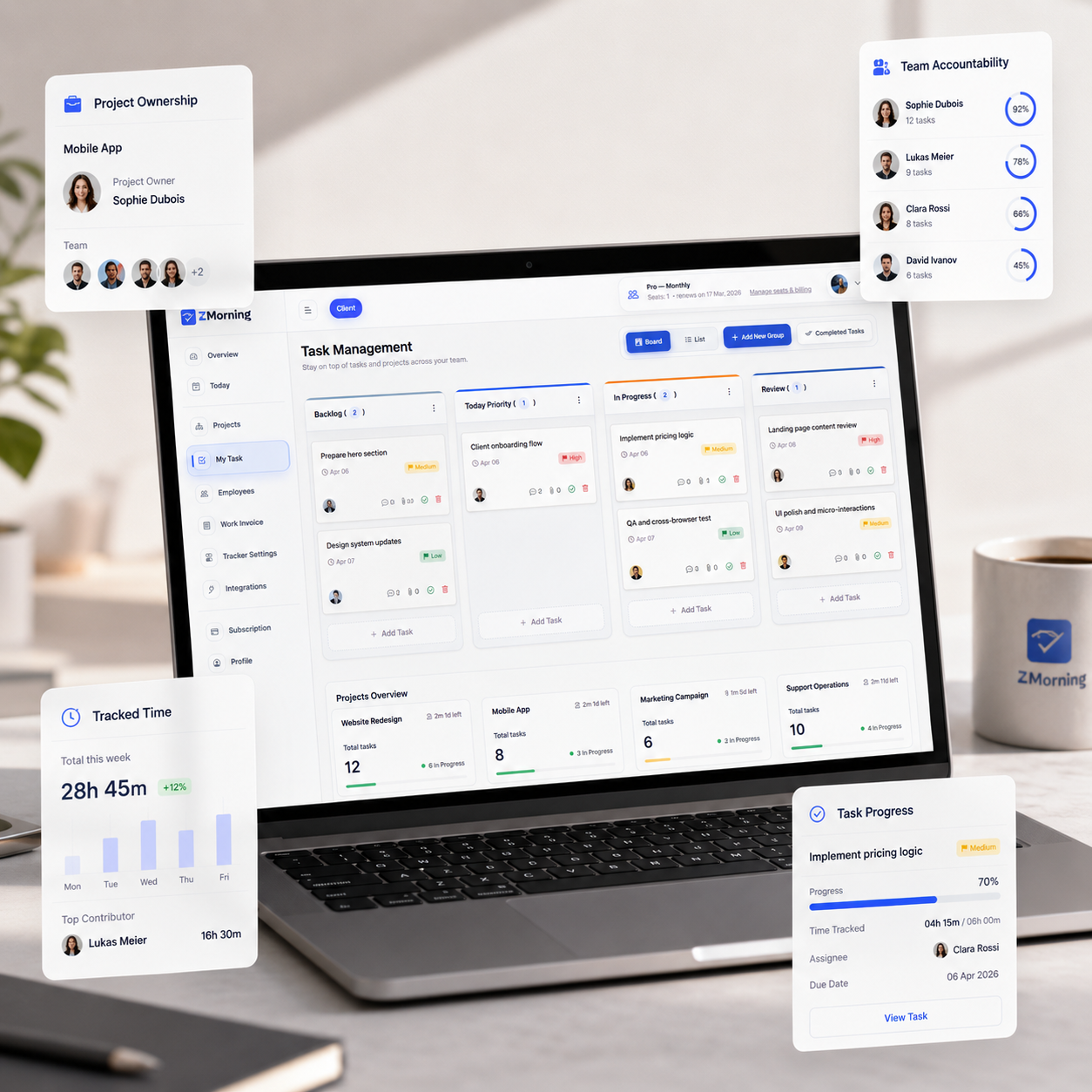
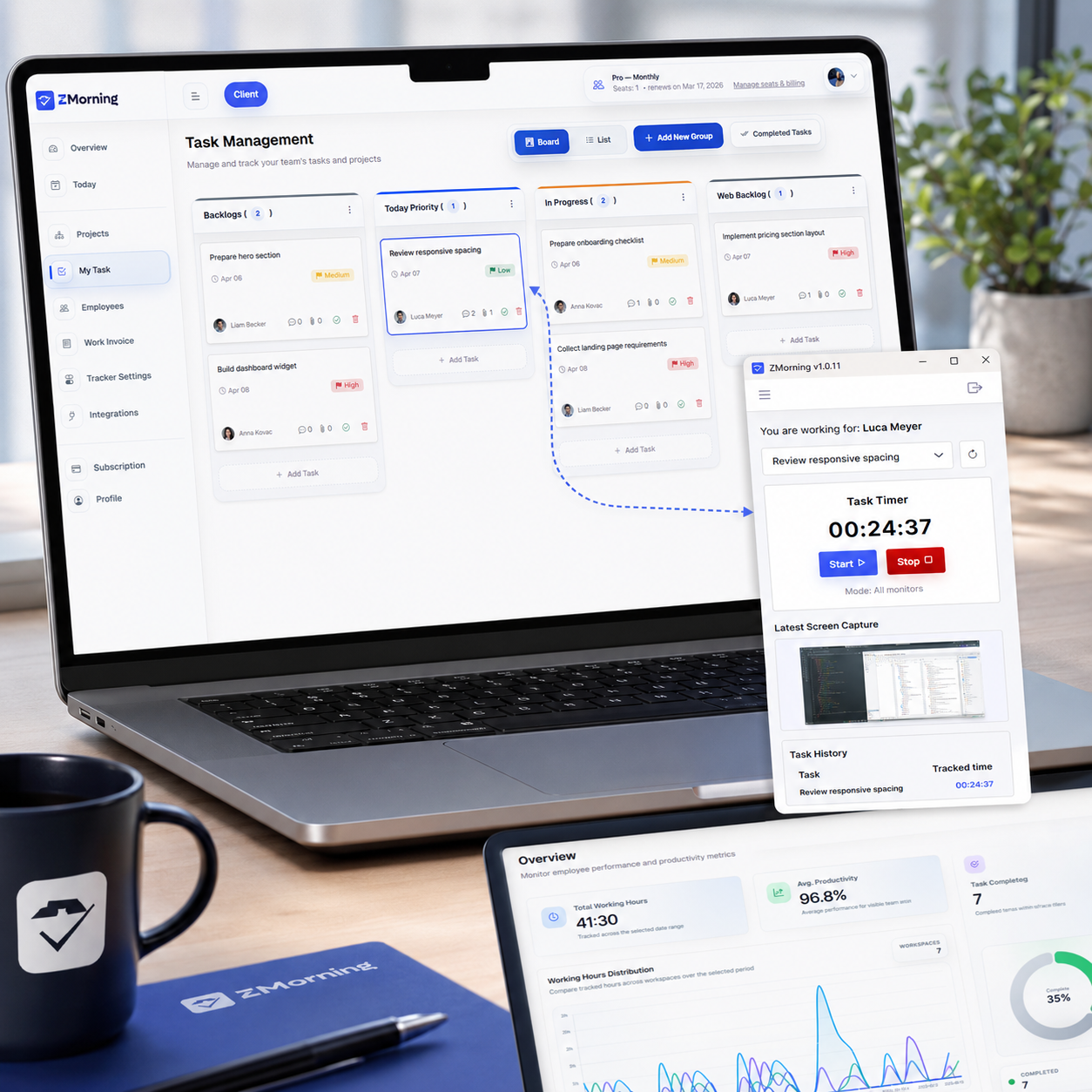
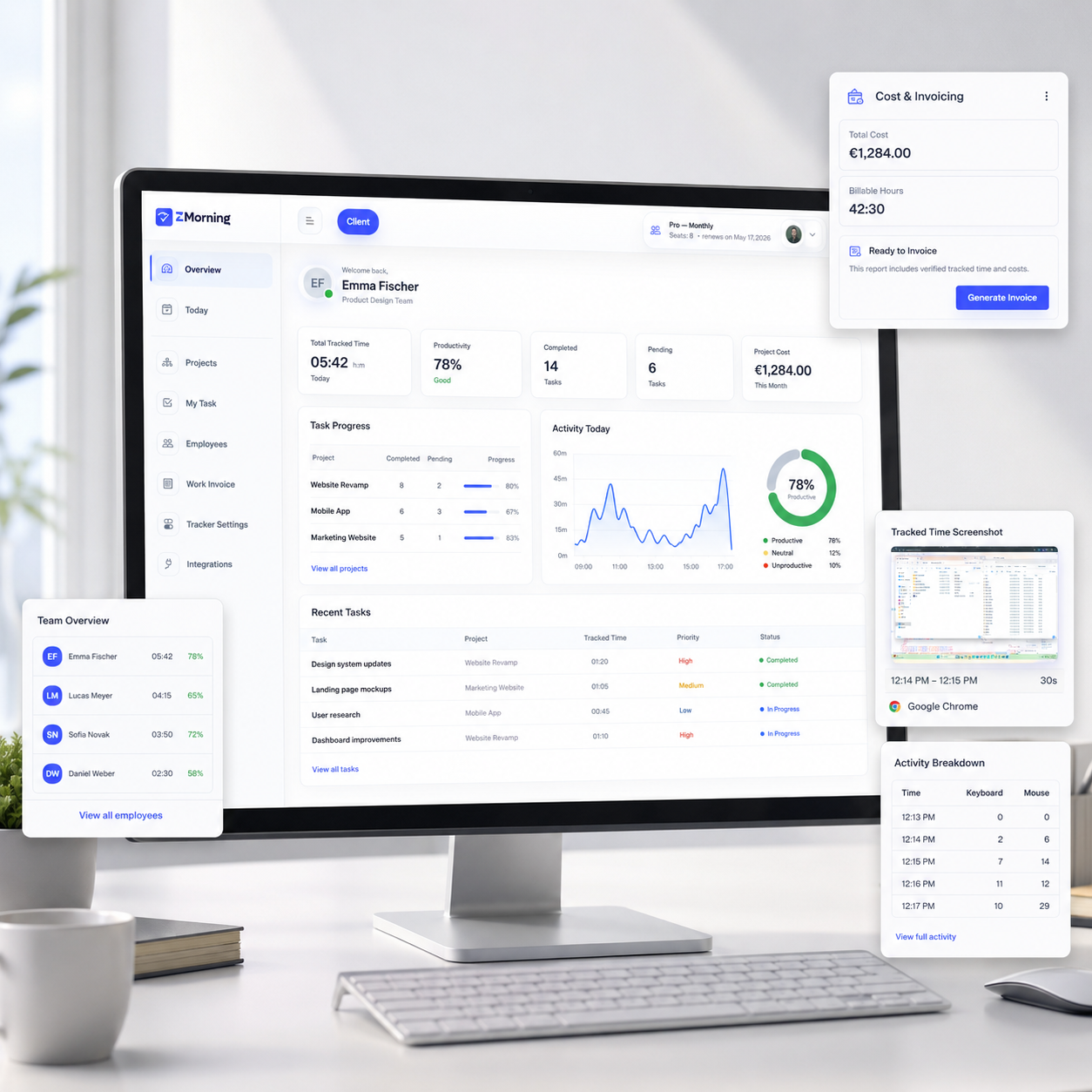
ZMorning dashboard for tasks, team hours, and manager oversight
02

Task and team accountability

Managers organize work, review progress, and connect tracked time back to ownership before work slips out of view.

Explore task management
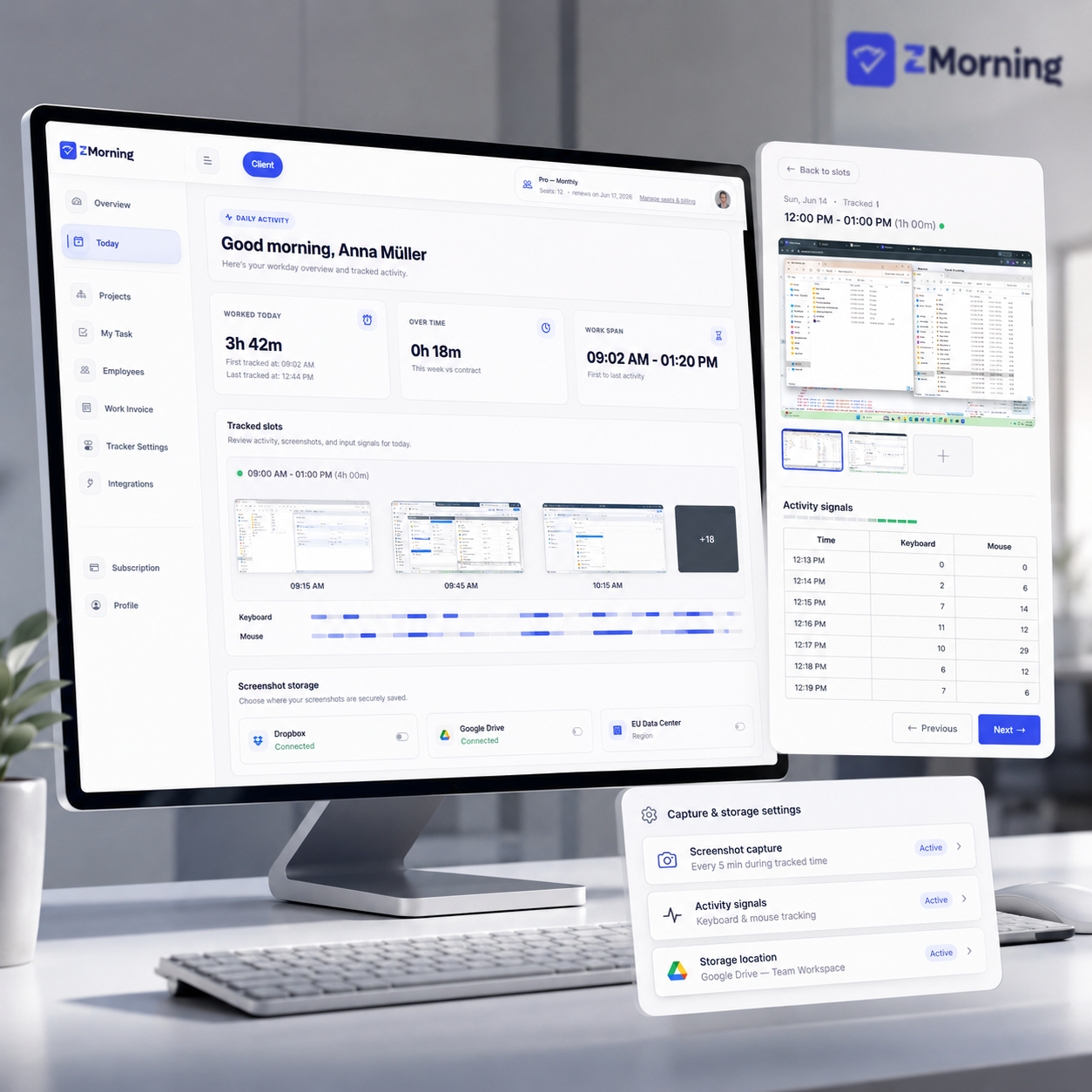
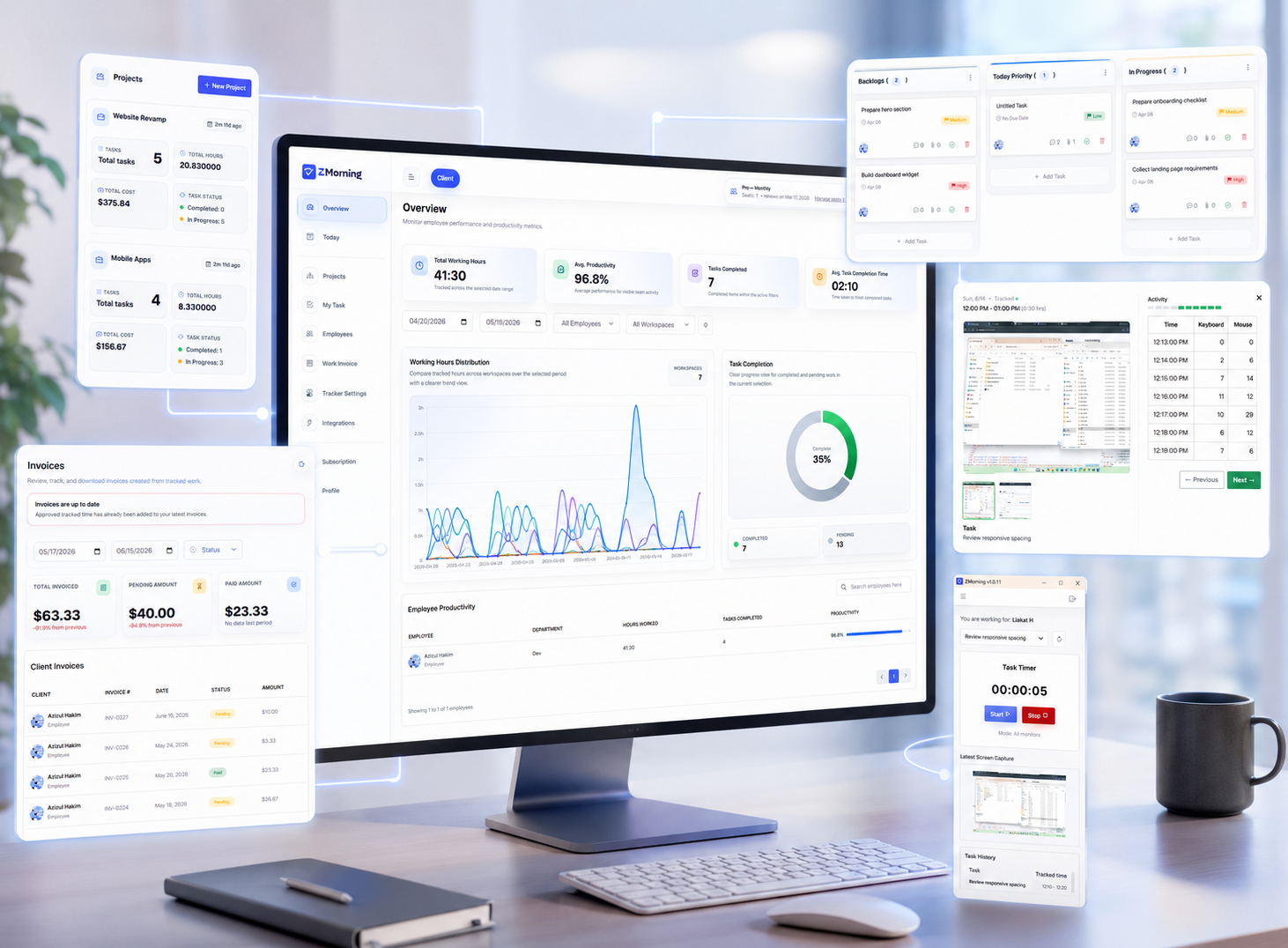
ZMorning screenshots and activity visibility
03

Screenshots and activity context

Review screenshots, activity signals, and configurable tracking controls with enough context to manage fairly.

Explore screenshots and visibility
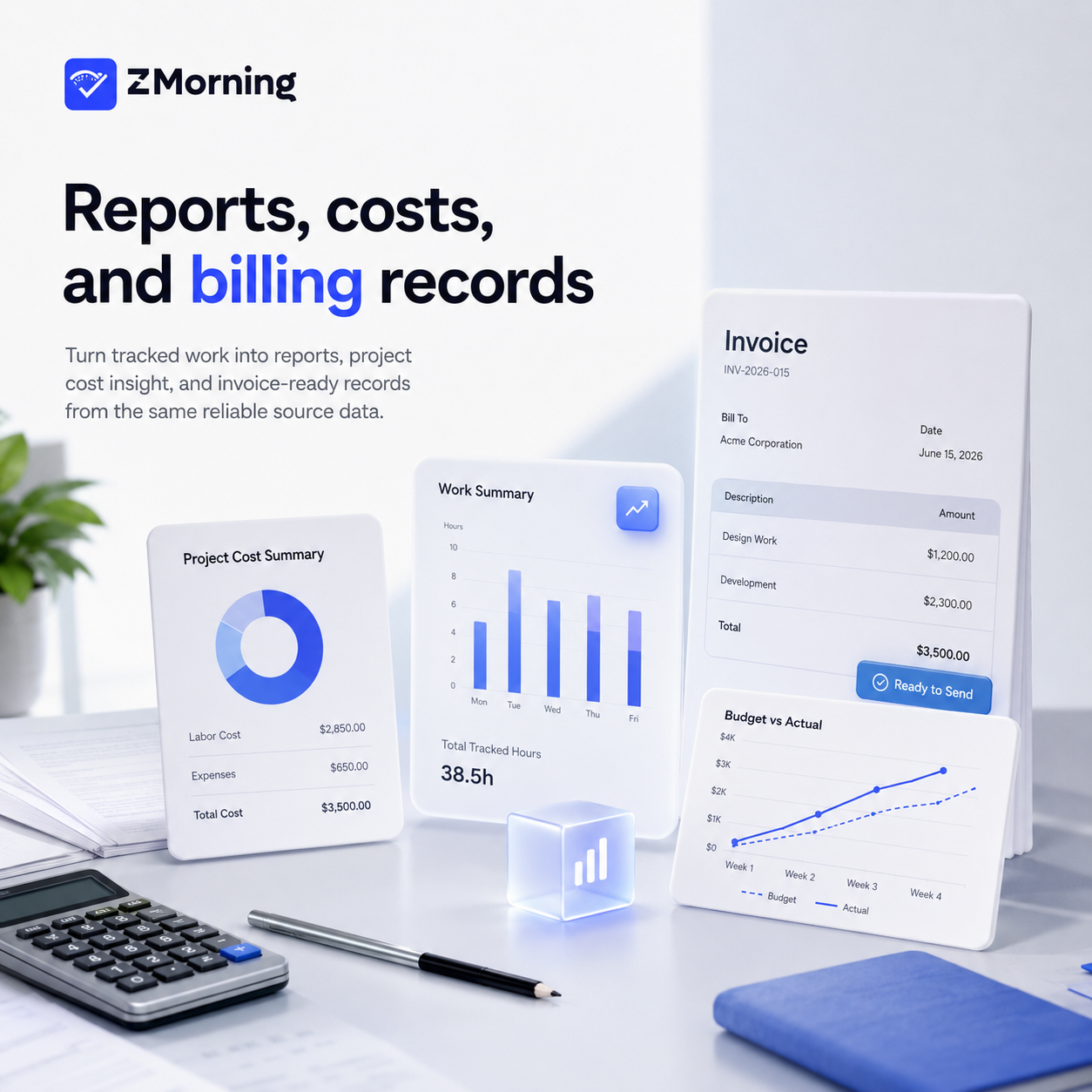
ZMorning reports, cost calculation, and invoice-ready records
04

Reports, costs, and billing records

Turn tracked work into reports, project cost insight, and invoice-ready records from the same reliable source data.

Explore reports and invoicing

Supporting capabilities that make the workflow more usable every day.

Desktop app workflow

Track from the ZMorning app with task selection, tray control, offline sync, and auto-update support.

Keyboard and mouse activity

Activity signals add context to tracked time and help managers review productivity with more confidence.

Multi-monitor support

Capture and review work across more than one screen for teams using dual-display or wider setups.

Manual time entry

Add or correct time when needed while keeping records connected to real tasks and manager review.

Reports and analytics

Review hours, productivity, activity, and project effort with reporting built for managers, not spreadsheets.

Cost and billing records

Use tracked work to understand cost earlier and prepare cleaner invoice-ready records later.

Tracking controls

Enable or disable screenshots, keyboard tracking, and mouse tracking based on how your team needs to operate.

Storage and integrations

Keep screenshot workflows aligned with storage preferences and connected tools when needed.

Built for both sides of work

Clear for employees. Useful for managers.

ZMorning keeps employee tracking simple while giving managers practical visibility, reporting, and billing support.

For employees

Open the desktop app, see assigned work, and start the timer from real tasks.

Use tray control and offline sync support without breaking the workday.

Keep tracked time tied to actual execution instead of vague hour reporting.

For managers

Review tracked hours, screenshots, keyboard and mouse activity, and task progress from one dashboard.

See reporting, project effort, and visibility signals without chasing updates across tools.

Move from tracked work to cost awareness and invoice-ready records with less manual cleanup.

How it works

A clear workflow from tracked tasks to manager-ready records.

ZMorning keeps the daily routine simple for employees while giving managers the visibility, reporting, and billing context they need.

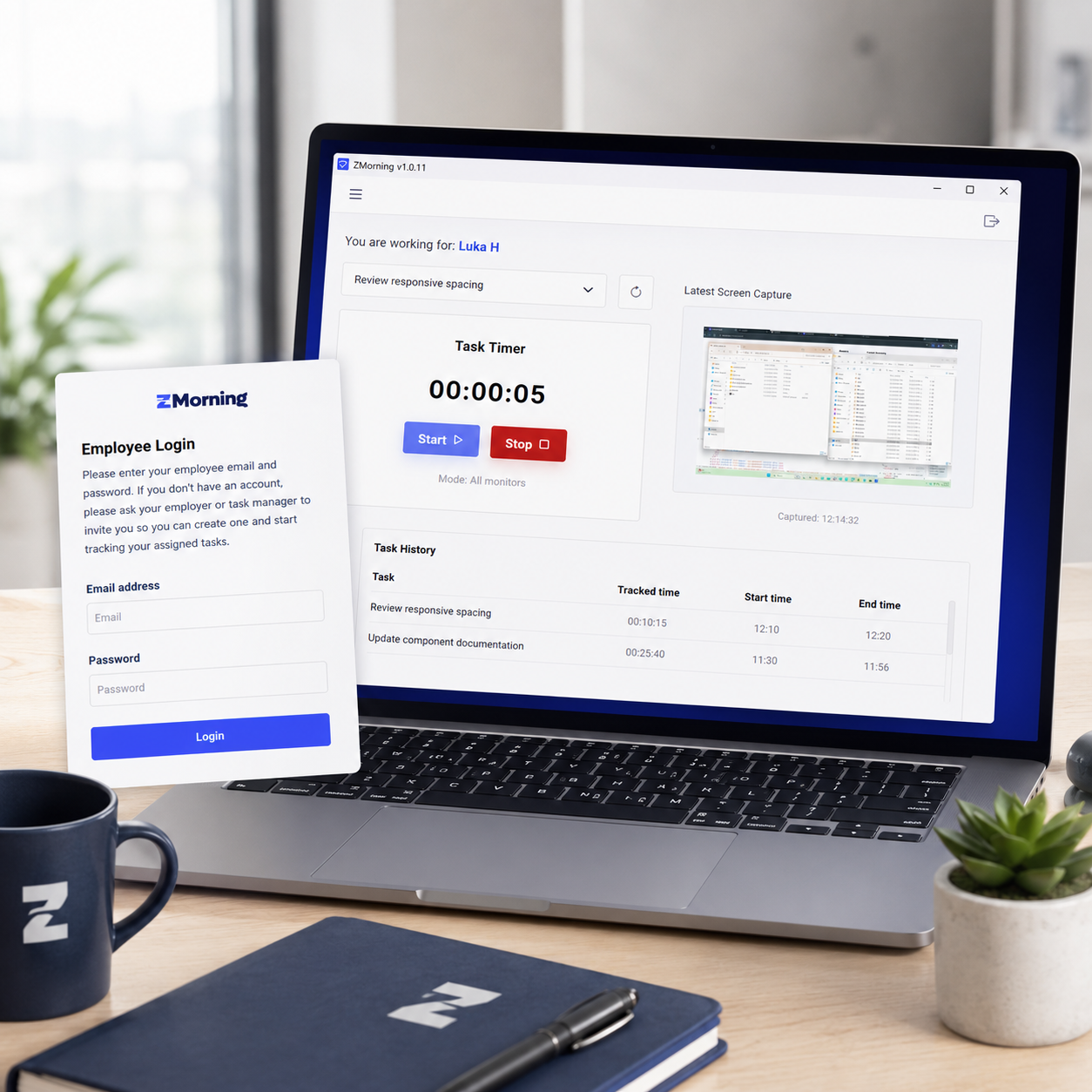
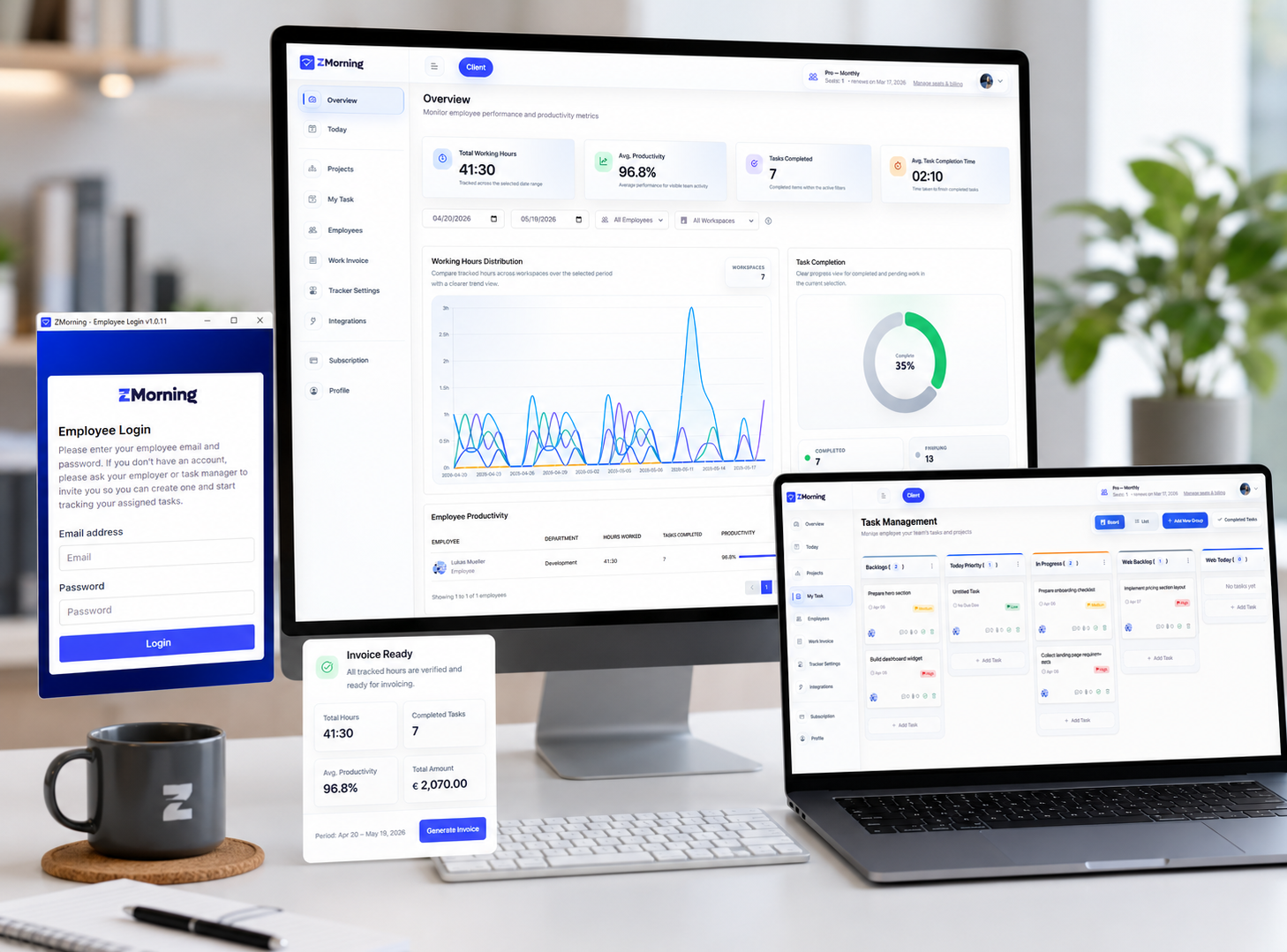
ZMorning desktop app sign in and task selection

01

Employees sign in on the desktop app, choose assigned work, and start tracking against real tasks.

ZMorning task list and work planning dashboard

02

Work stays tied to real assignments, so teams track by task instead of relying on vague hour logs.

ZMorning work session with visibility and activity tracking

03

During work, ZMorning captures time, screenshots, and activity signals, with controls that fit how each team operates.

ZMorning project cost and invoicing records

04

Project effort turns into cleaner cost visibility, helping teams understand spend before billing work out.

ZMorning manager dashboard with reports and billing records

05

Managers review tracked hours, progress, and project cost to prepare cleaner reports and invoice-ready records.

Use cases

Where ZMorning fits best

ZMorning works best for teams that need tracking, visibility, reporting, and billing records to stay connected in one workflow.

Small teams

Keep daily tracking simple without heavy process overhead.

Give managers clearer visibility as teams grow.

Move faster from tracked time to usable reporting.

Remote teams

Use screenshots and activity signals to add context to remote workdays.

Keep distributed task execution and tracked hours connected.

Reduce status chasing with clearer oversight.

Freelancers

Track work by task so client time records stay more defensible.

Review hours and project effort without separate manual logs.

Prepare cleaner invoice-ready records from tracked work.

Agencies

Track team hours across client work with clearer proof and accountability.

Understand project effort and cost earlier.

Support cleaner client-facing invoice preparation from one workflow.

Billing-focused teams

Keep tracked hours, work context, and project effort aligned before invoicing.

Reduce spreadsheet cleanup with one connected source of work records.

Support faster invoice preparation with cleaner task-linked records.

Visibility-first operations

Use screenshots, activity signals, and task-linked tracking to review work with more confidence.

Improve oversight where managers need more than basic timesheets.

Bring hours, activity, and reporting into one review workflow.

Frequently asked questions

View full FAQ
Start with clarity

Bring time tracking, visibility, and reporting into one workflow.

Give employees a simpler tracking routine and give managers cleaner hours, visibility, reporting, and invoice-ready records.

Built for teams that need work visibility without disconnected tools.

ZMorning dashboard with reports, tracked hours, and visibility metrics