Generic timesheets create weak records and extra follow-up.
When employees add hours later without choosing the task first, time becomes harder to verify, progress becomes less clear, and reporting turns into cleanup.
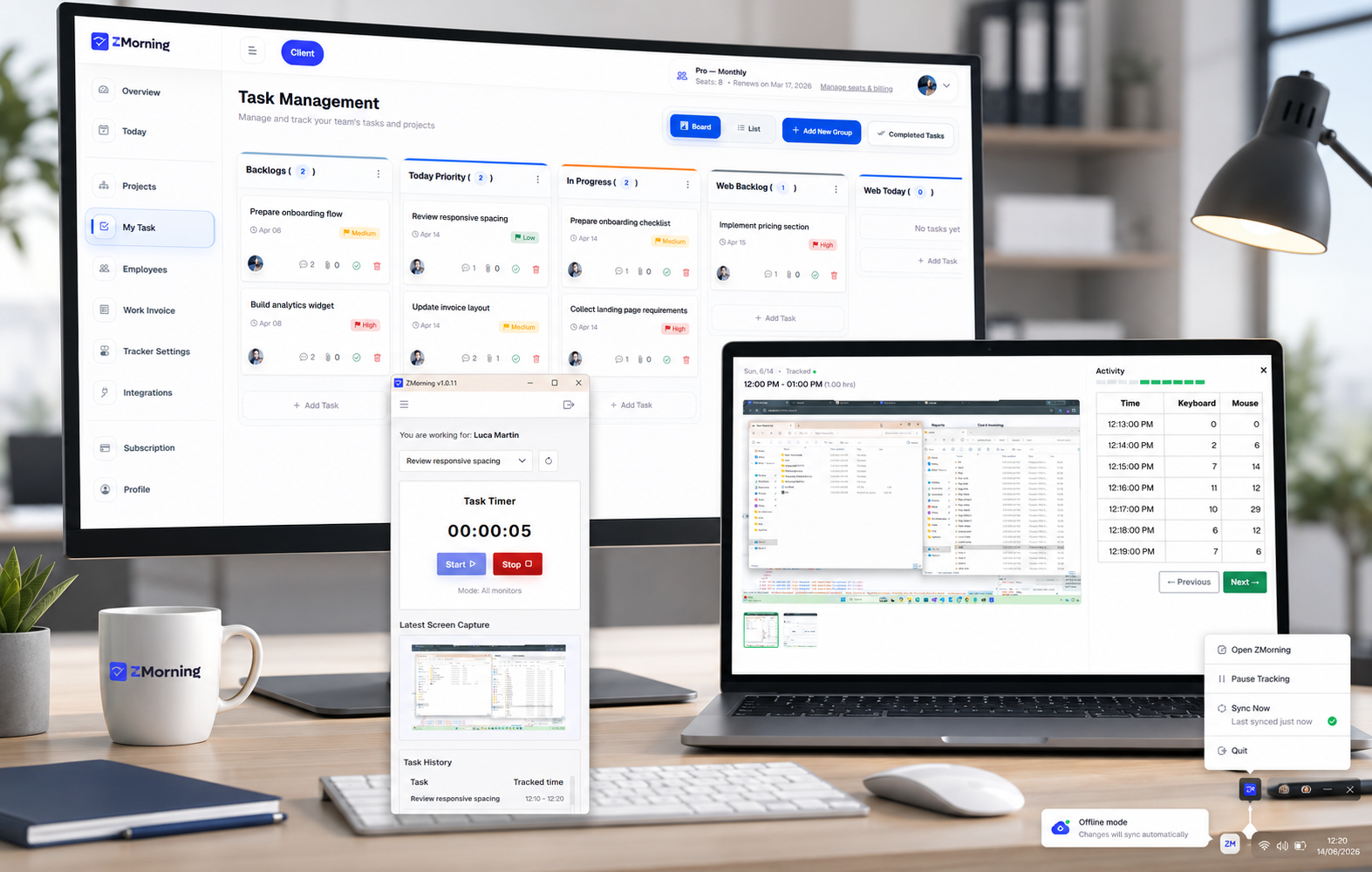
Employees select the assigned task before the timer starts, so every work session stays tied to actual execution instead of becoming a disconnected hour entry.
-
Hours stay connected to real work
Managers can review exactly which task the employee was working on instead of trying to interpret generic daily hour totals after the fact.
-
Employees spend less time explaining logs
Because the task is chosen before tracking begins, the work record already carries context that teams usually have to reconstruct later.
-
Manager review becomes more reliable
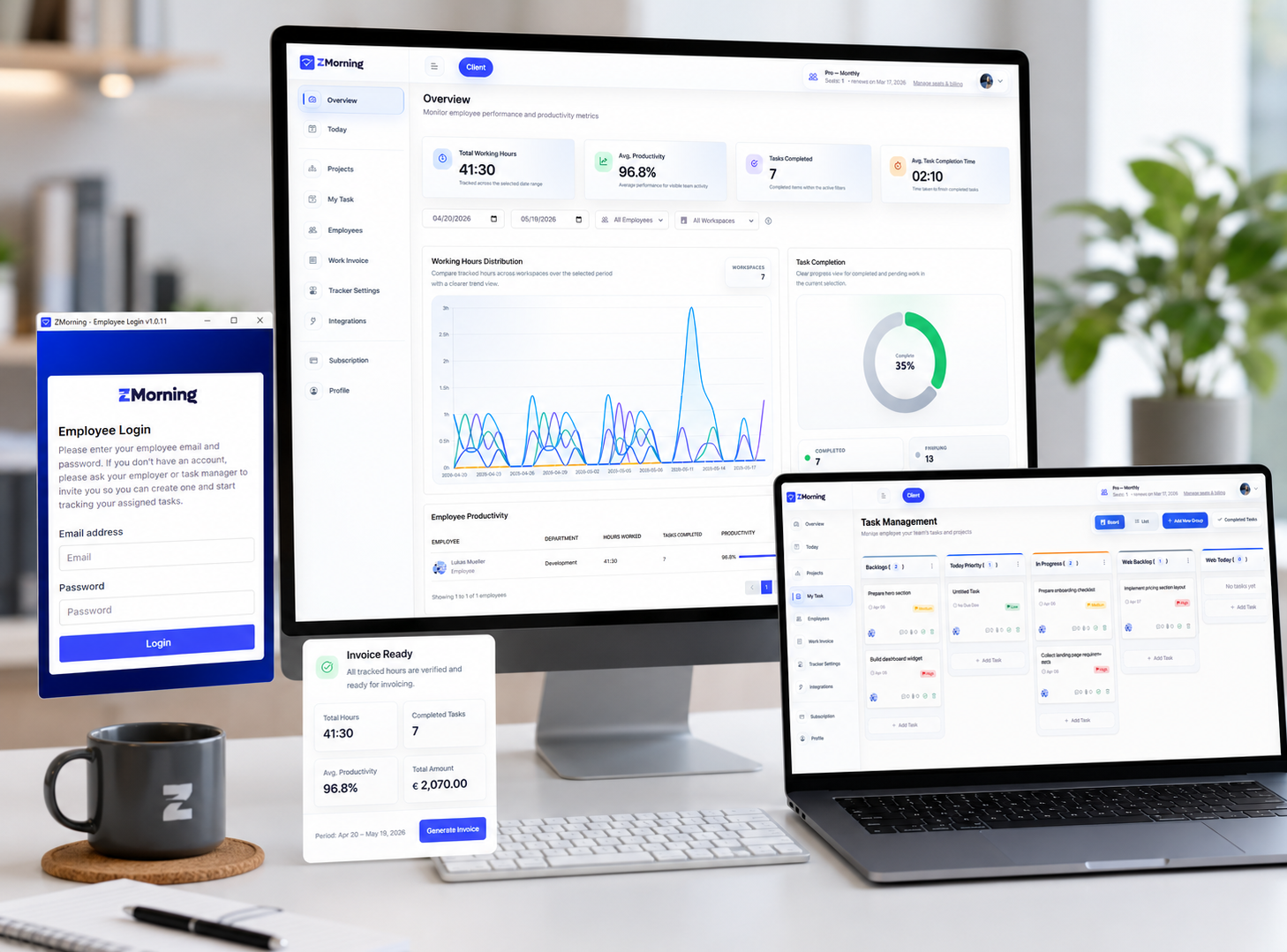
Task-linked records make it easier to compare hours, progress, screenshots, and activity without relying on guesswork or separate summaries.
-
Reporting starts from cleaner source data
Project reports, cost visibility, and invoice-ready records all improve when tracked time begins with the right task context.
-
Tracking feels more operational, less administrative
Employees follow a simple workflow in the app, and the business gets work records that are immediately more trustworthy and usable.
Task-based tracking is not just a timer improvement. It gives the rest of the platform better source data.