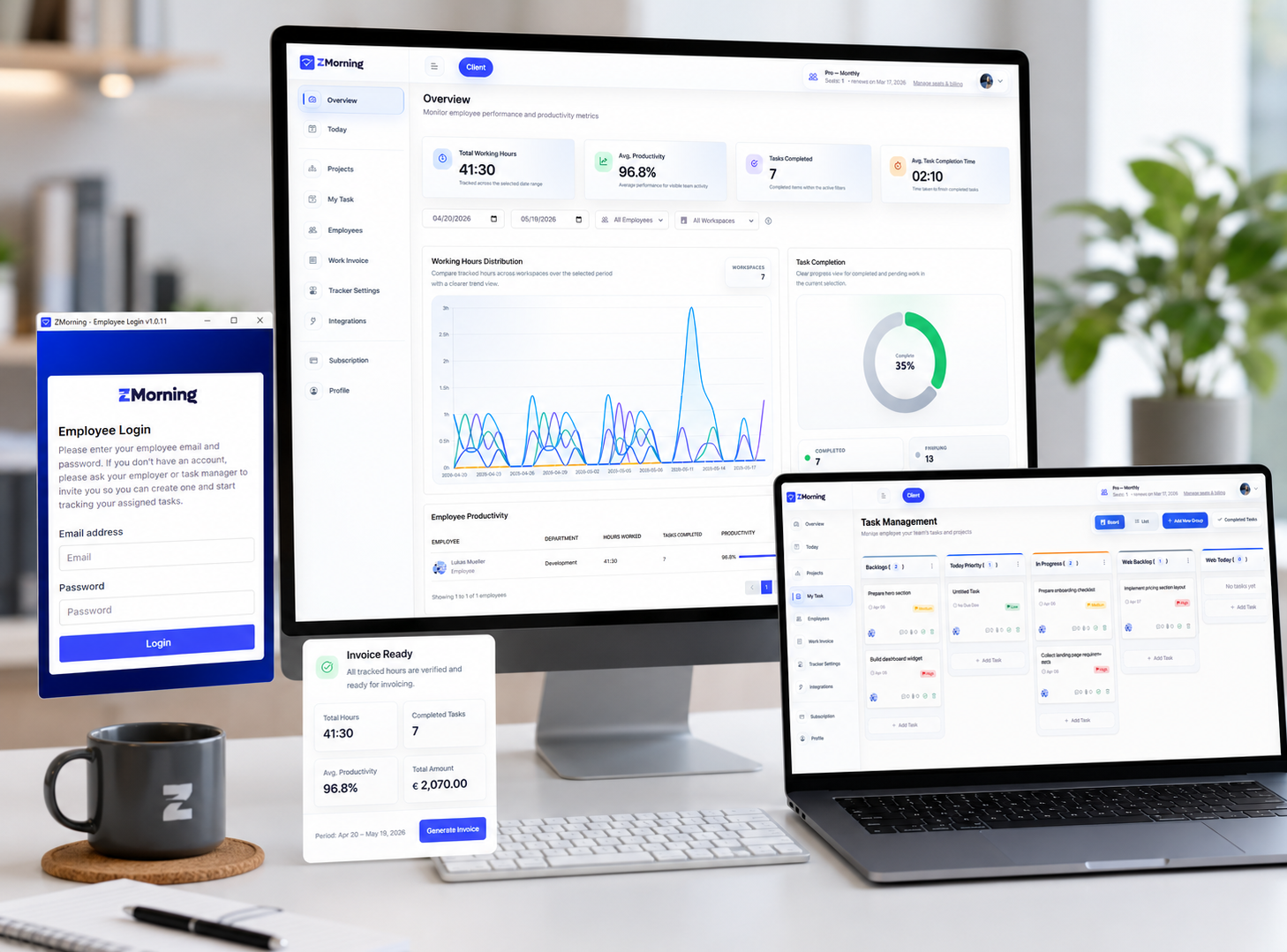
Understand what tracked work is really costing before billing gets messy.
ZMorning helps managers connect task-based tracked hours, project effort, and reporting context so employee cost and project cost stay visible before invoicing starts.
Built for teams that need cleaner labor visibility, stronger reporting, and better invoice preparation.
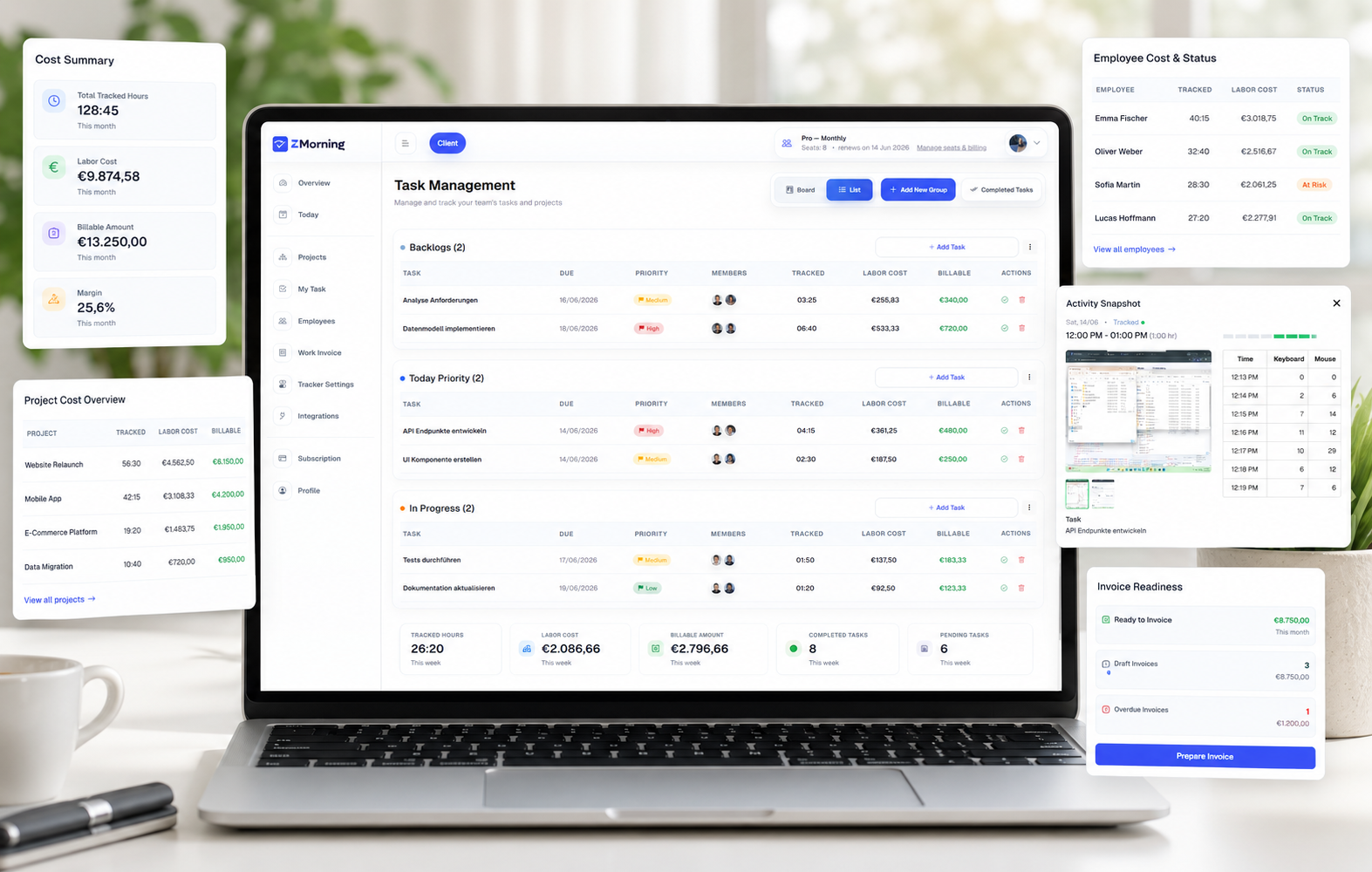
A clearer way to move from tracked hours to cost visibility.
ZMorning cost calculation works because time, tasks, reports, and billing readiness stay part of the same workflow.
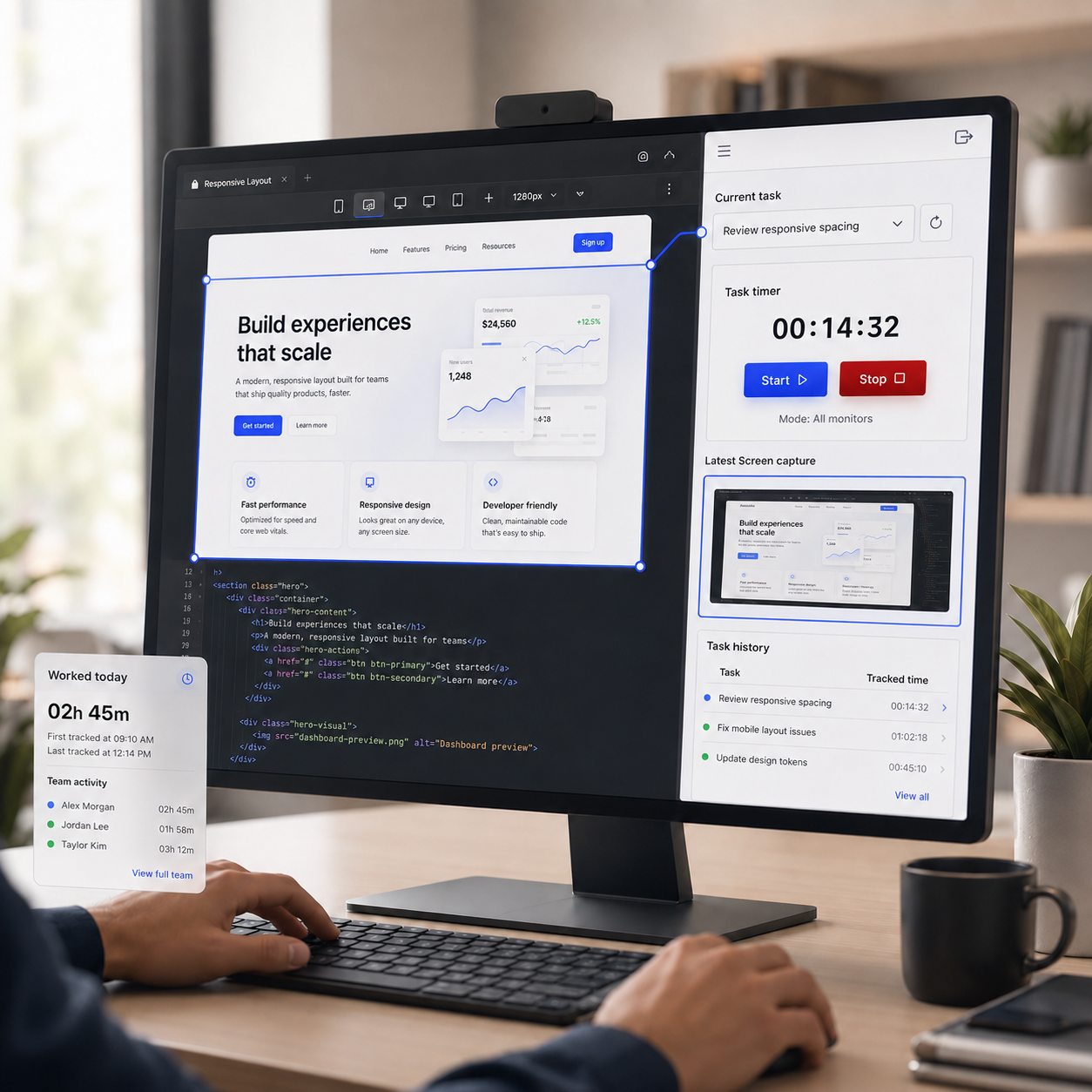
See labor cost by employee from real tracked sessions
When employees track time against assigned tasks, ZMorning gives managers a cleaner basis for understanding who worked, for how long, and what that effort is costing.
Explore employee time tracking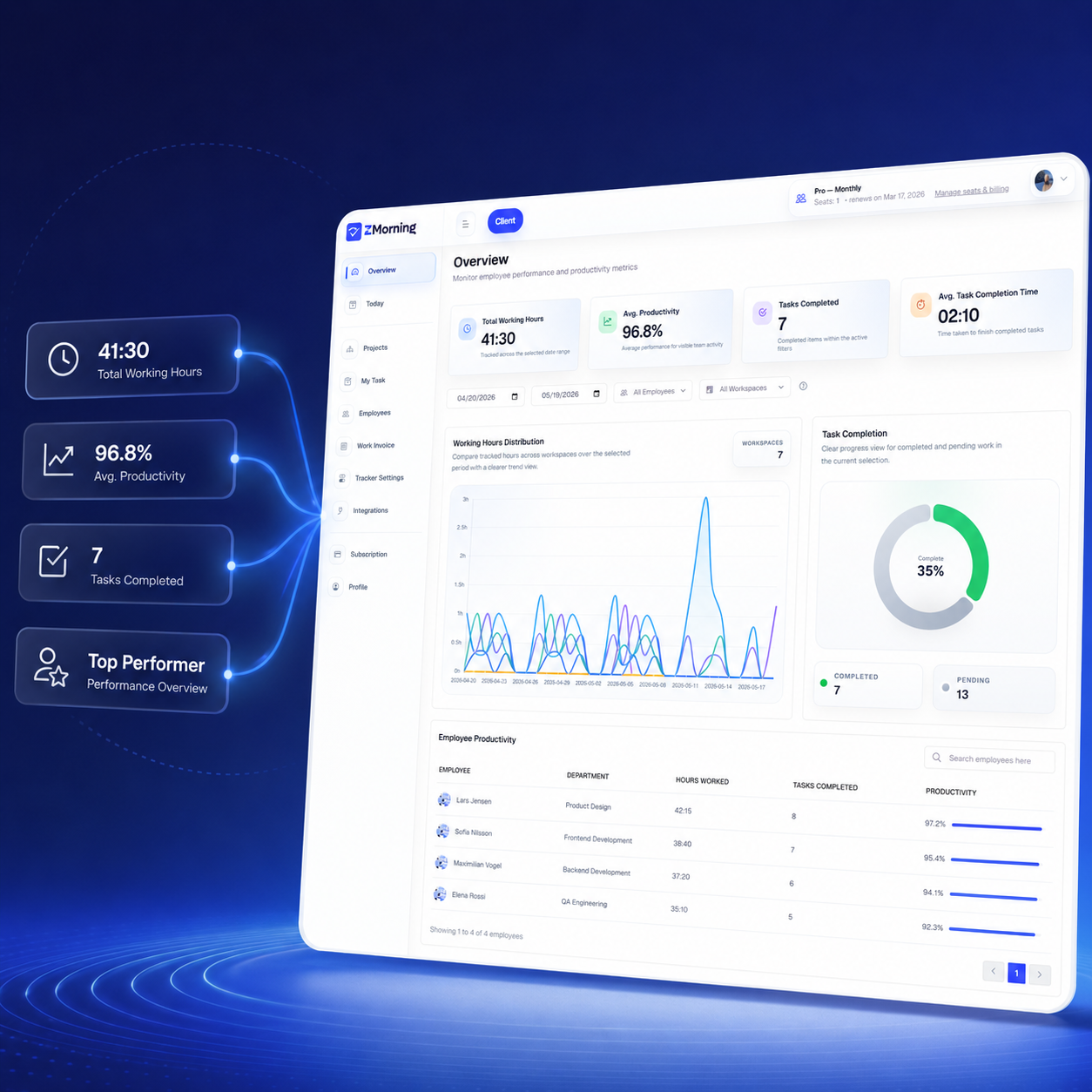
Break down project cost by workspace, task, and time period
Managers can review reports by project, employee, and date range to see where effort is accumulating and where labor cost starts putting pressure on delivery.
Explore reports and analytics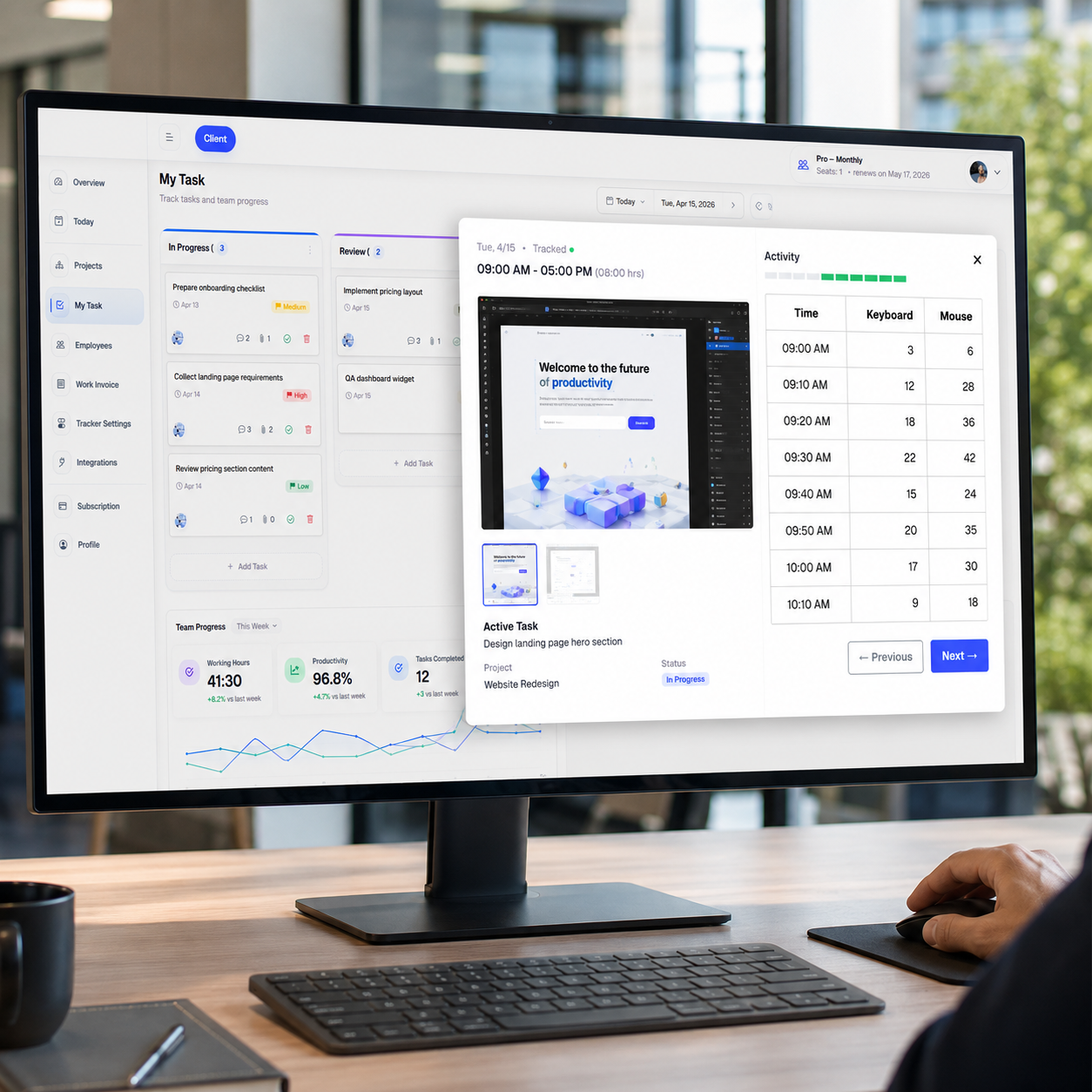
Review cost with operational context, not just numbers
Screenshots, keyboard and mouse signals, manual corrections, and task progress help managers understand whether tracked cost reflects real project movement.
Explore activity visibility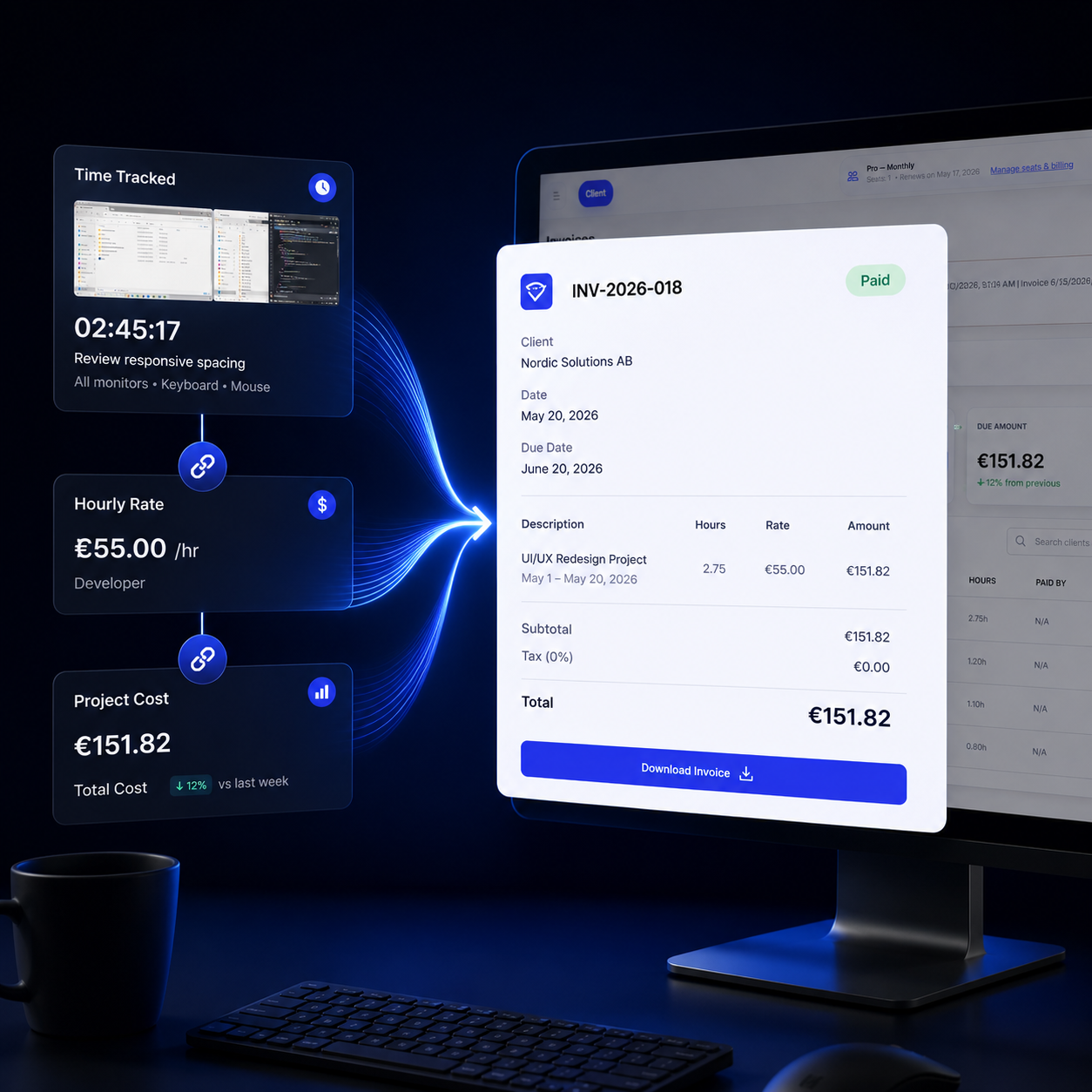
Move from cost review into cleaner invoice preparation
Once tracked hours, project effort, and cost exposure are clear, ZMorning helps teams prepare invoice-ready records with less spreadsheet cleanup and less billing doubt.
Explore invoicingCost visibility works best when the work record starts clean.
ZMorning turns everyday work tracking into usable cost insight by keeping tasks, time, reports, and manager review connected.
Assigned task first
Employees choose the assigned task before the timer begins.
Hours stay tied to real execution instead of vague daily logs.
That gives cost review a stronger source record from the start.
Manager review builds context
Managers review employee hours, task progress, and project effort from one web dashboard.
Screenshots and keyboard and mouse activity add more context when deeper review is needed.
Offline sync and manual correction help keep cost review more complete.
Cost turns into billing readiness
Reports filtered by employee, project, and date range show where labor cost is accumulating.
Teams can spot cost pressure before it turns into a delivery or margin problem.
Reviewed cost data supports invoice-ready records with less spreadsheet cleanup.
Billing becomes easier to explain because the source workflow stayed connected.
Timer stays attached
Start and stop timer control keeps tracked hours attached to the selected task.
That keeps employee effort easier to read when cost is reviewed later.
Visibility explains effort
Screenshots and activity signals help explain the work behind the hours.
That makes labor cost easier to interpret in real project context.
Pressure becomes visible
Managers see where labor cost is building before margin pressure gets worse.
That gives teams time to adjust before billing or delivery gets harder.
Operational controls matter as much as the final number.
ZMorning cost visibility is stronger because the tracking model can stay aligned with how the team actually works.
Cost calculation is strongest when it stays between reporting and invoicing.
ZMorning cost review should not stand alone. It should sit in the middle of a workflow managers can actually use week after week.
Reports first. Cost next. Billing after that.
Managers need to verify hours, task effort, screenshots, activity context, and project progress before labor cost becomes trustworthy enough for client billing or internal review.
Reports & analytics
Review project effort, employee hours, and reporting context before turning that effort into cost insight.
Explore reports and analyticsInvoice-ready records
Turn reviewed tracked work into cleaner billing preparation for agencies, remote teams, and service operations.
Explore invoicingTeams that need cleaner cost signals before billing and delivery decisions.
This matters most when project effort, team oversight, and client-facing billing all need to line up.
For agencies
See if project effort is growing faster than expected before invoices are prepared.
Compare tracked work with project reporting and client billing needs.
For remote teams
Use screenshots, activity signals, and tracked hours to review cost with better operational context.
Keep distributed work visible enough for more confident delivery planning.
Frequently asked questions
-
How does ZMorning help calculate employee and project cost?
ZMorning uses task-based tracked time, manager reporting, and project review context to help teams understand how employee effort is translating into labor cost.
-
Does manual time entry affect cost review?
Yes. Manual entries and corrections remain part of the work record, which helps teams keep cost visibility more complete when automatic tracking was interrupted.
-
What happens if work was tracked offline?
Offline sync helps tracked work flow back into the system later, so cost review does not lose those work sessions just because connectivity was unstable.
-
Can managers review cost alongside screenshots and activity signals?
Yes. Managers can use screenshots, keyboard and mouse activity, and reporting views together when they need stronger context around tracked hours and project effort.
-
How does cost calculation connect to invoicing?
Cost review helps teams verify tracked work and project exposure first, then move into invoice-ready records with a cleaner source of truth for billing preparation.
Understand project effort, labor cost, and billing readiness in one workflow.
Give managers cleaner cost signals by keeping tasks, tracked hours, reporting context, and invoice-ready records connected from the start.
Built for teams that need more than disconnected hours and spreadsheet cost checks.