Single-screen tracking can miss how multi-screen work actually happens.
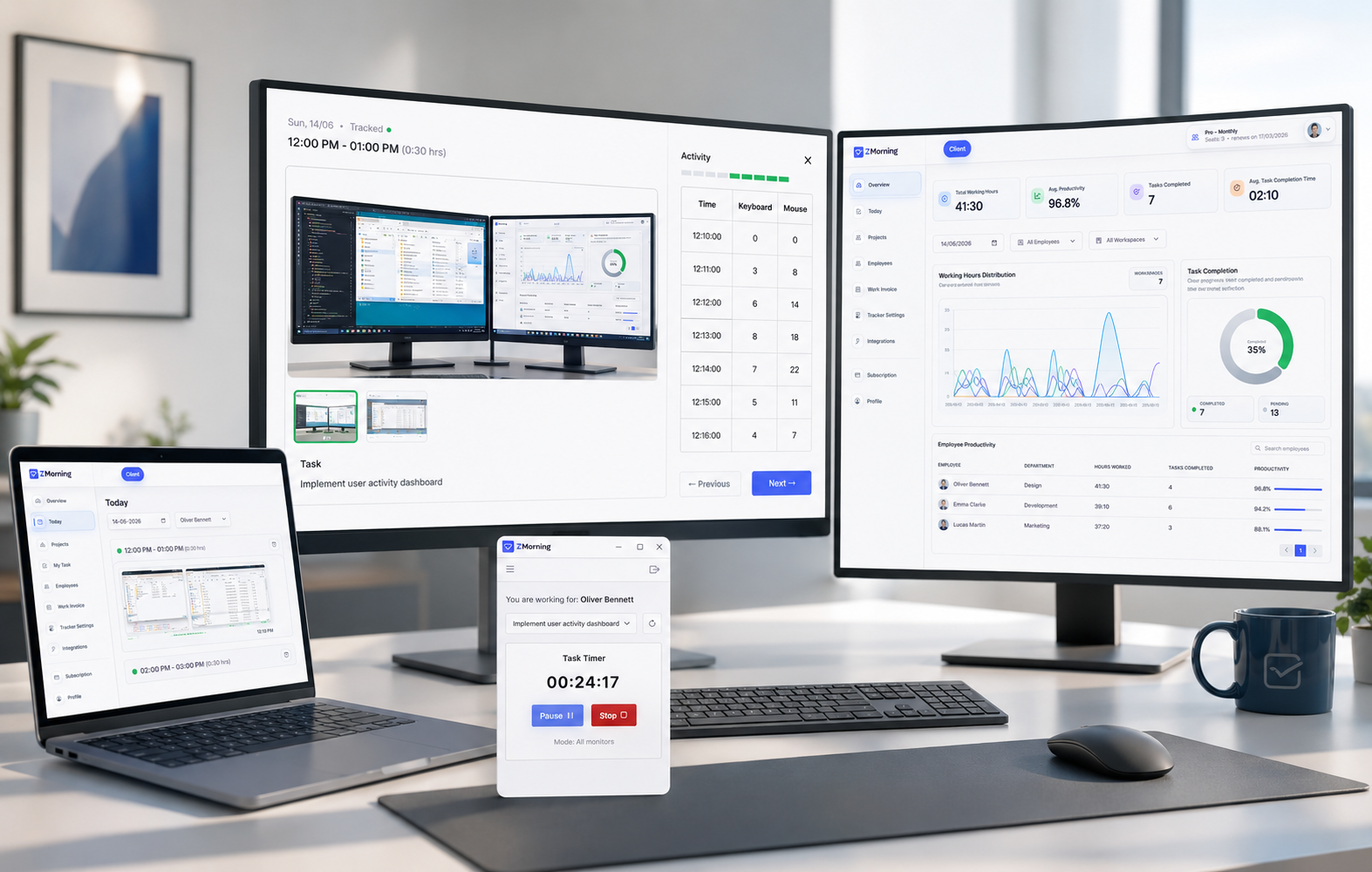
Many employees work across more than one display during the same session. When visibility only reflects one screen, managers can miss useful context, review becomes less complete, and screenshot records can feel weaker than the actual work that happened.
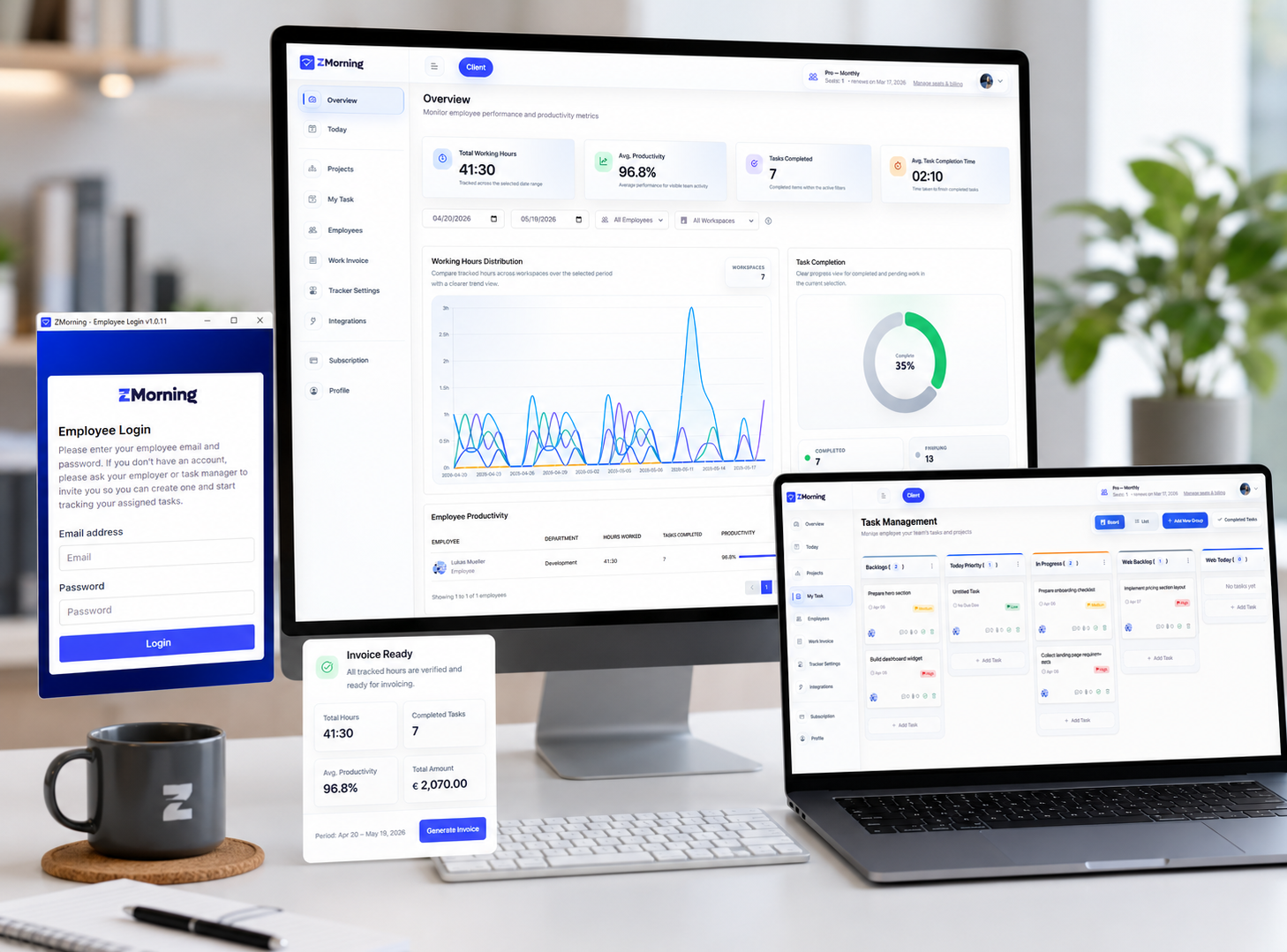
ZMorning supports multi-monitor setups so screenshot review, tracked time, and task context stay better aligned with how employees really work across screens during active sessions.
-
Review work across the full setup
When employees use multiple displays for coding, design, research, communication, or dashboards, managers get a fuller view of the tracked session instead of seeing only part of the work environment.
-
Keep screenshot history more complete
Screenshot records become more useful when they reflect the broader multi-screen session rather than leaving important screen context outside the review trail.
-
Reduce gaps in manager review
Managers can review tracked time with more confidence when the visual record better matches how the employee actually worked across their displays.
-
Support real task-based workflows
Task-linked time records become stronger when multi-screen sessions still stay connected to the assigned task instead of losing context during review.
-
Fit different tracking preferences
Teams can support broader multi-monitor visibility while still keeping tracking operationally practical for different work styles and review needs.
-
Strengthen downstream reporting
More complete screen visibility helps the tracked session carry stronger context into reporting, oversight, and invoice-ready work records later.
Multi-monitor support is most useful when it stays connected to screenshots, tracked time, assigned tasks, and manager review in one workflow.