If the employee workflow is clumsy, tracking quality drops fast.
When the desktop app feels disconnected from assigned work, employees are more likely to create vague logs, miss context, or need manual fixes later.
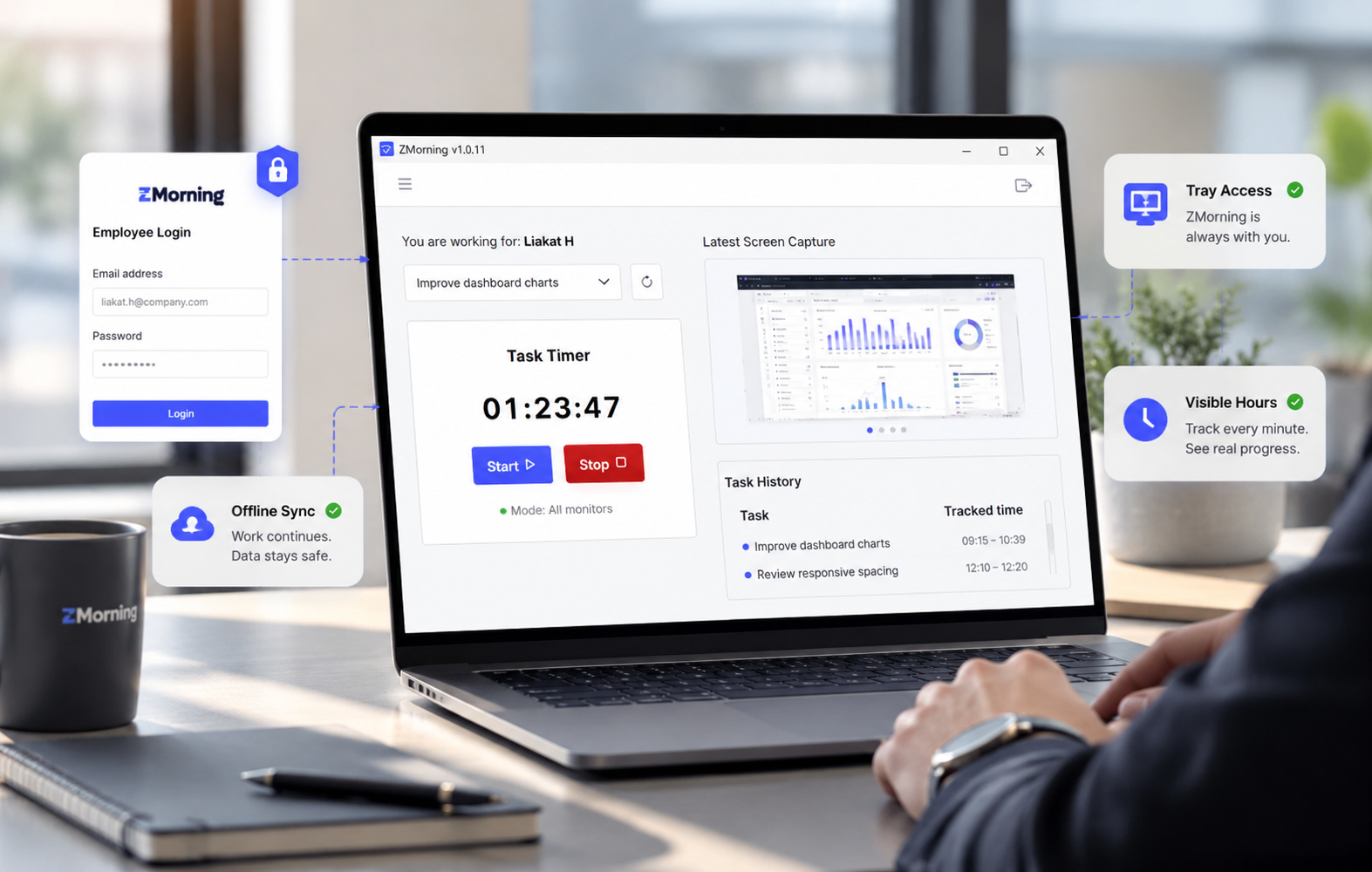
The app becomes the clear starting point for assigned tasks, active timers, tray control, and offline continuity, so work records stay cleaner from the first click.
-
Assigned work is visible from the start
Employees can begin from the right task instead of treating the desktop app like a generic timer with no work context attached.
-
Tracking stays easier to use during real work
Tray access and simple timer control reduce friction, which helps teams keep the workflow consistent throughout the day.
-
Offline continuity protects the work record
Employees can keep working through unstable connectivity and sync later without losing the link between time and task.
-
Manager review starts with better source data
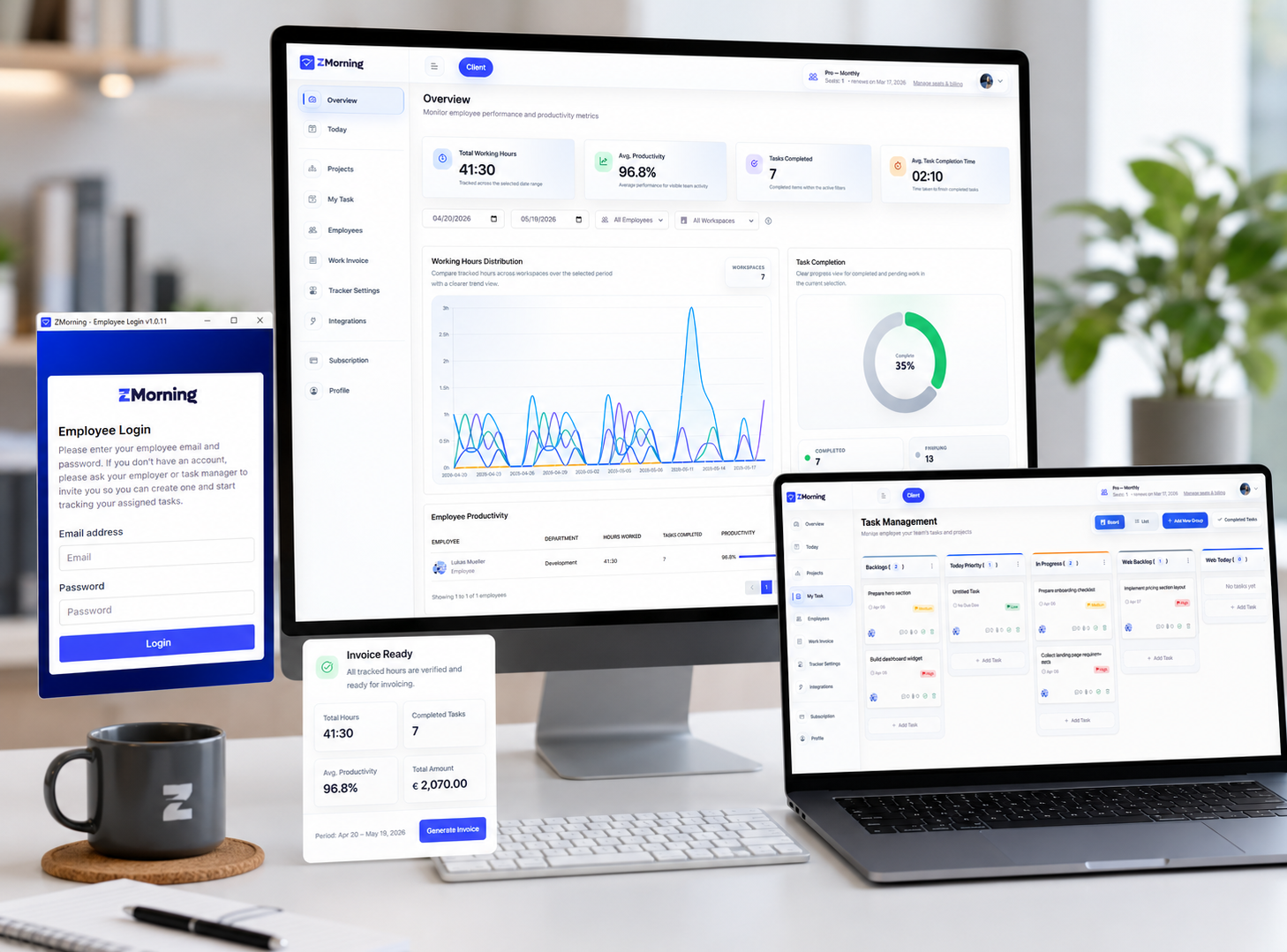
When the app flow is clean, the rest of the platform gets clearer hours for screenshots, activity review, reports, and billing support.
-
The desktop app becomes operational, not just installable
It is not only where employees log in. It is where the daily tracking routine becomes reliable enough for the whole business to use.
A stronger desktop workflow improves the rest of ZMorning because every downstream record starts here.