
Agency time tracking for clearer delivery.
Track client work, review team activity, and prepare invoice-ready records from one workflow.
ZMorning helps agencies track time by task, review screenshots and activity, monitor project cost, and turn tracked work into cleaner reports and billing records.
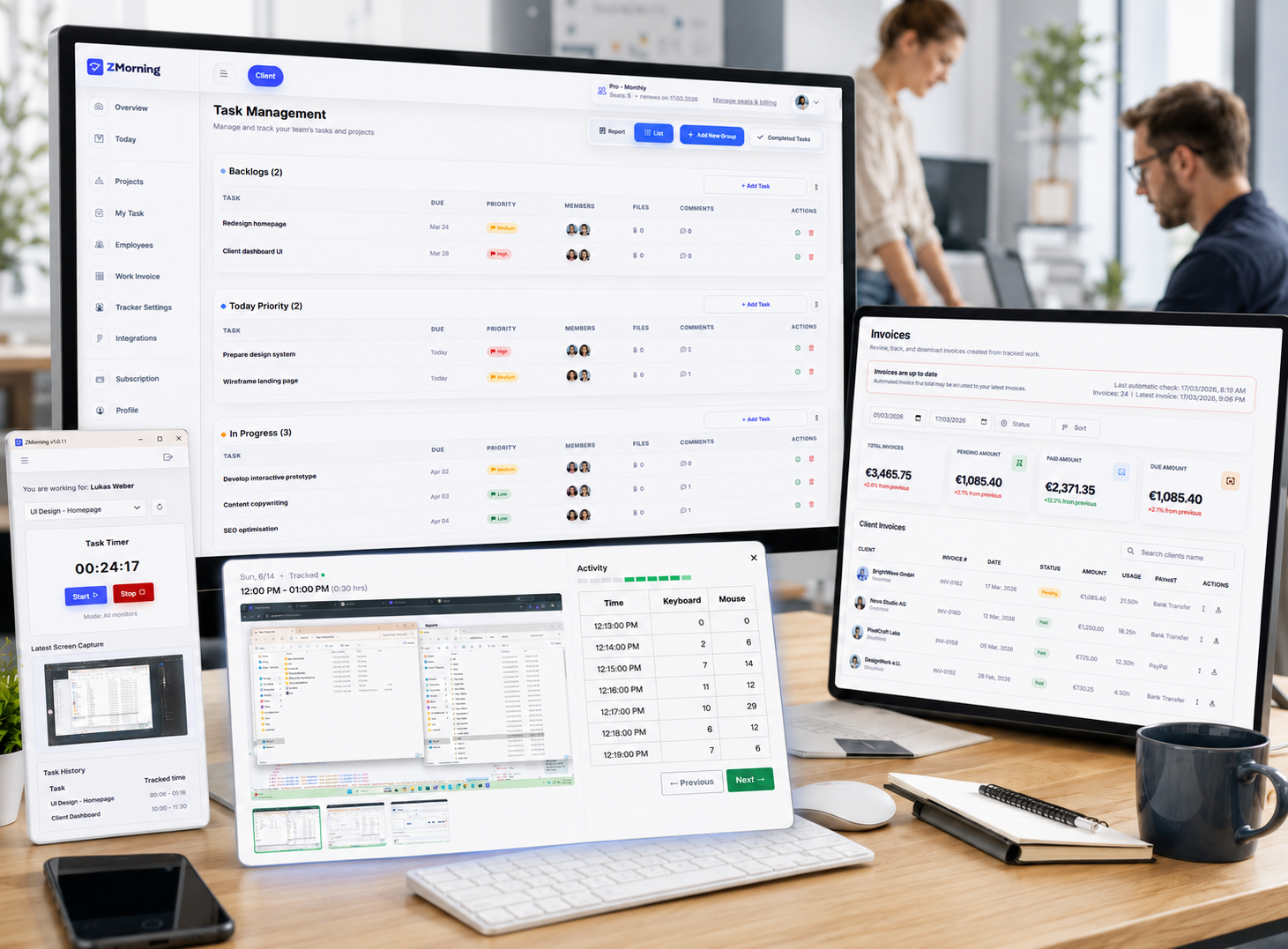
Why agency work gets harder to trust
Agencies need clear task-based hours, team visibility, and billing-ready records. When those stay disconnected, delivery review and client reporting take more effort.
Hours without proof
Client work is harder to defend when tracked hours are not tied to real tasks and work sessions.
Delivery spread across tools
Task updates, team activity, and project hours become harder to review when they live in different places.
Low team visibility
Managers need clearer screenshots, activity, and progress signals across active client work.
Billing prep slows down
Reporting, project cost review, and invoice preparation take longer when work records are incomplete.
The result is slower delivery review, weaker reporting, and more friction between tracked work and client billing.
How agencies keep work, visibility, and billing connected
A simple workflow for client delivery tracking and cleaner reporting.
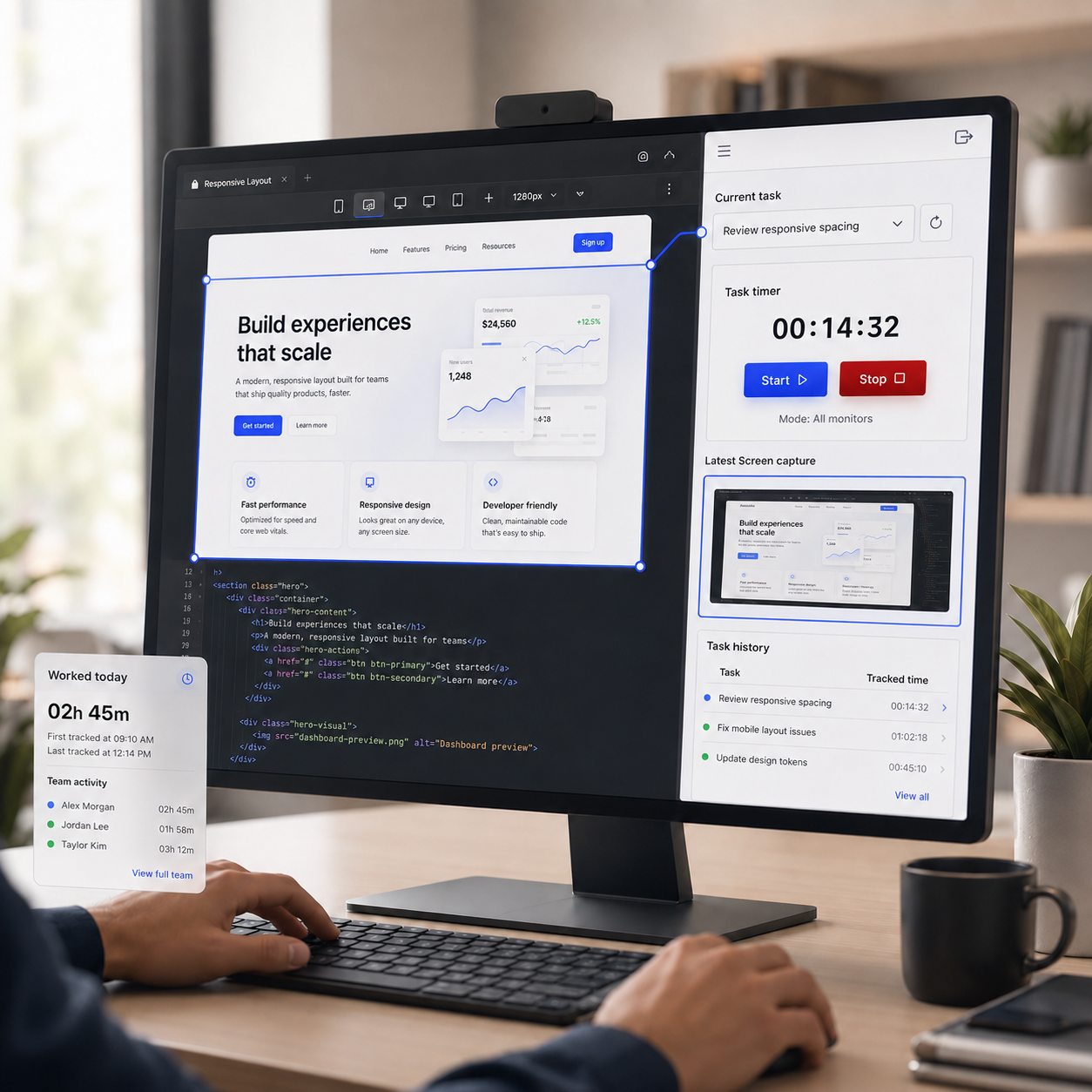
Track time against real client tasks
Employees log time by assigned task so client hours stay tied to real delivery work.
See how it works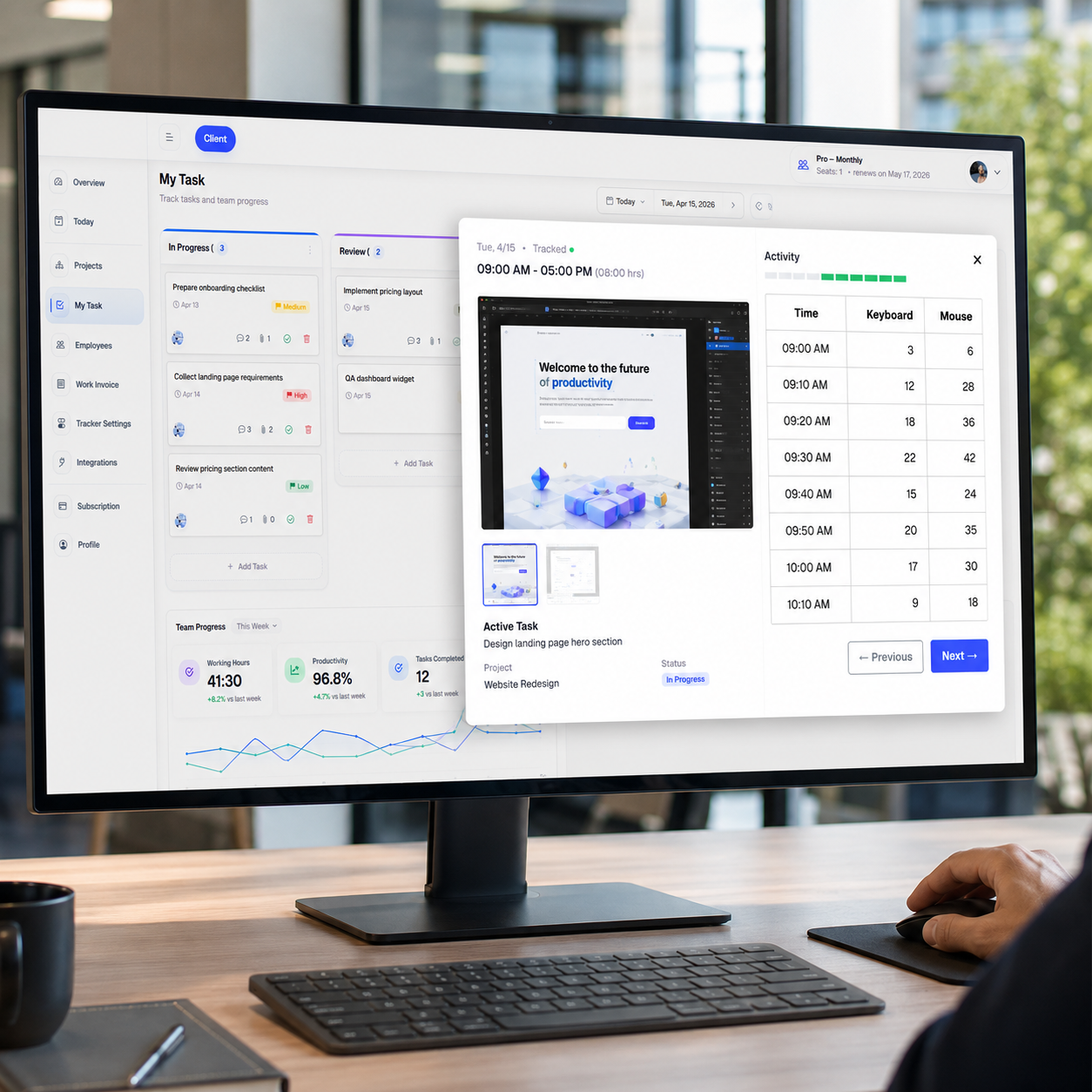
Review screenshots, activity, and progress
Managers get clearer visibility into team hours, work proof, and active project progress.
Explore the workflow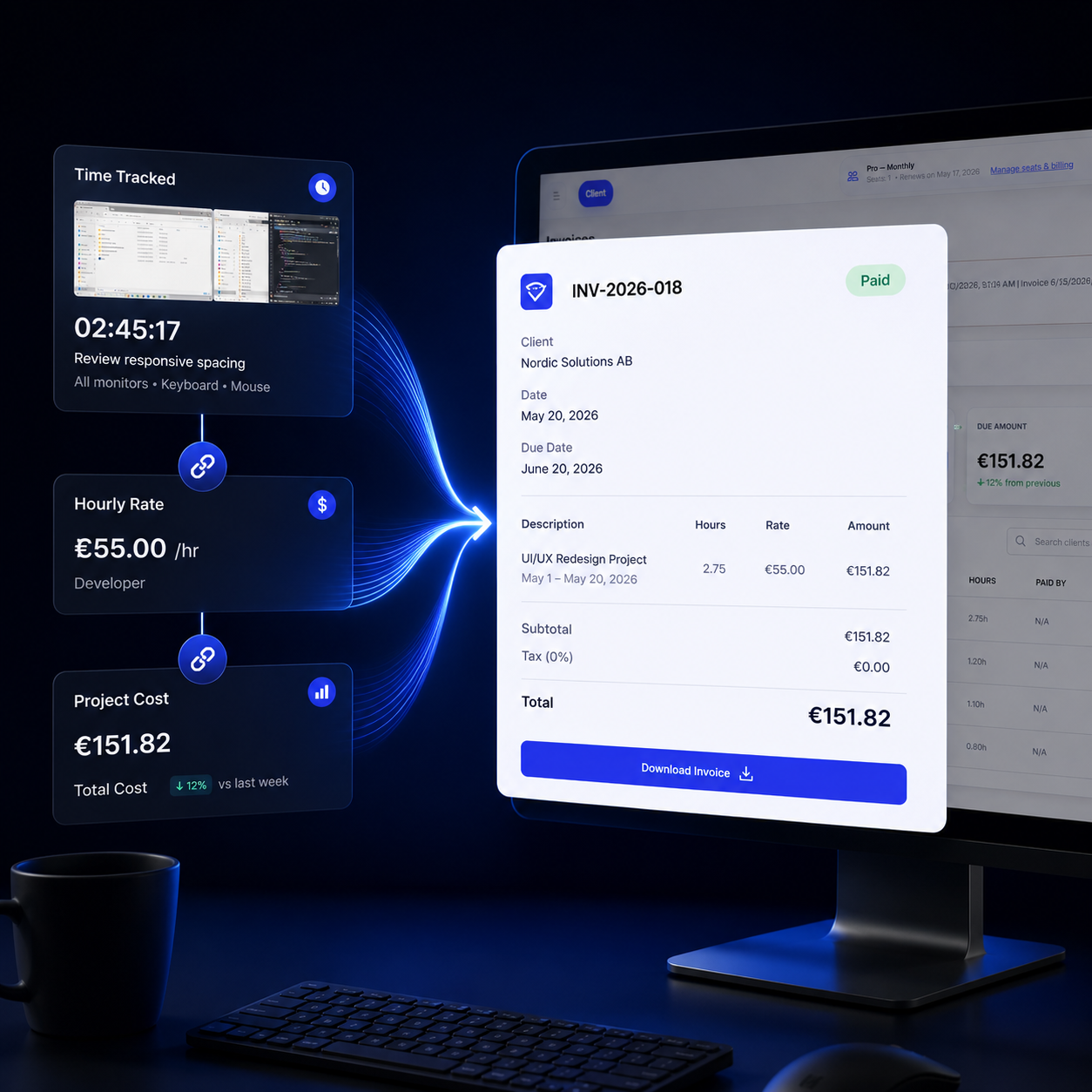
Turn tracked work into billing records
Move faster from tracked client work to reports, project cost visibility, and invoice-ready records.
View pricingControls that support cleaner agency tracking
Set up tracking in a way that fits client work, team policy, and day-to-day delivery.
Configurable tracking
Adjust screenshot, keyboard, and mouse tracking to match agency policy.
Screenshot workflow
Keep screenshot review and storage more manageable across client-facing teams.
Offline sync
Keep work tracked when connectivity drops, then sync records later.
Tray control
Let employees start and stop tracking with less interruption during active client work.
Multi-monitor support
Capture work more clearly for teams managing client tasks across multiple screens.
Auto-update support
Keep the desktop app easier to maintain across growing agency teams.
Turn tracked work into clearer agency decisions
Review delivery, understand project cost, and prepare cleaner billing records from one source.
Client and team hours
Review tracked hours with task-based context.
See who worked, on what, and for how long.
Cost and delivery insight
Understand project cost before billing becomes a problem.
Give managers clearer reporting across active client work.
Billing readiness
Turn tracked work into invoice-ready records faster.
Keep reporting and billing closer to the real work record.