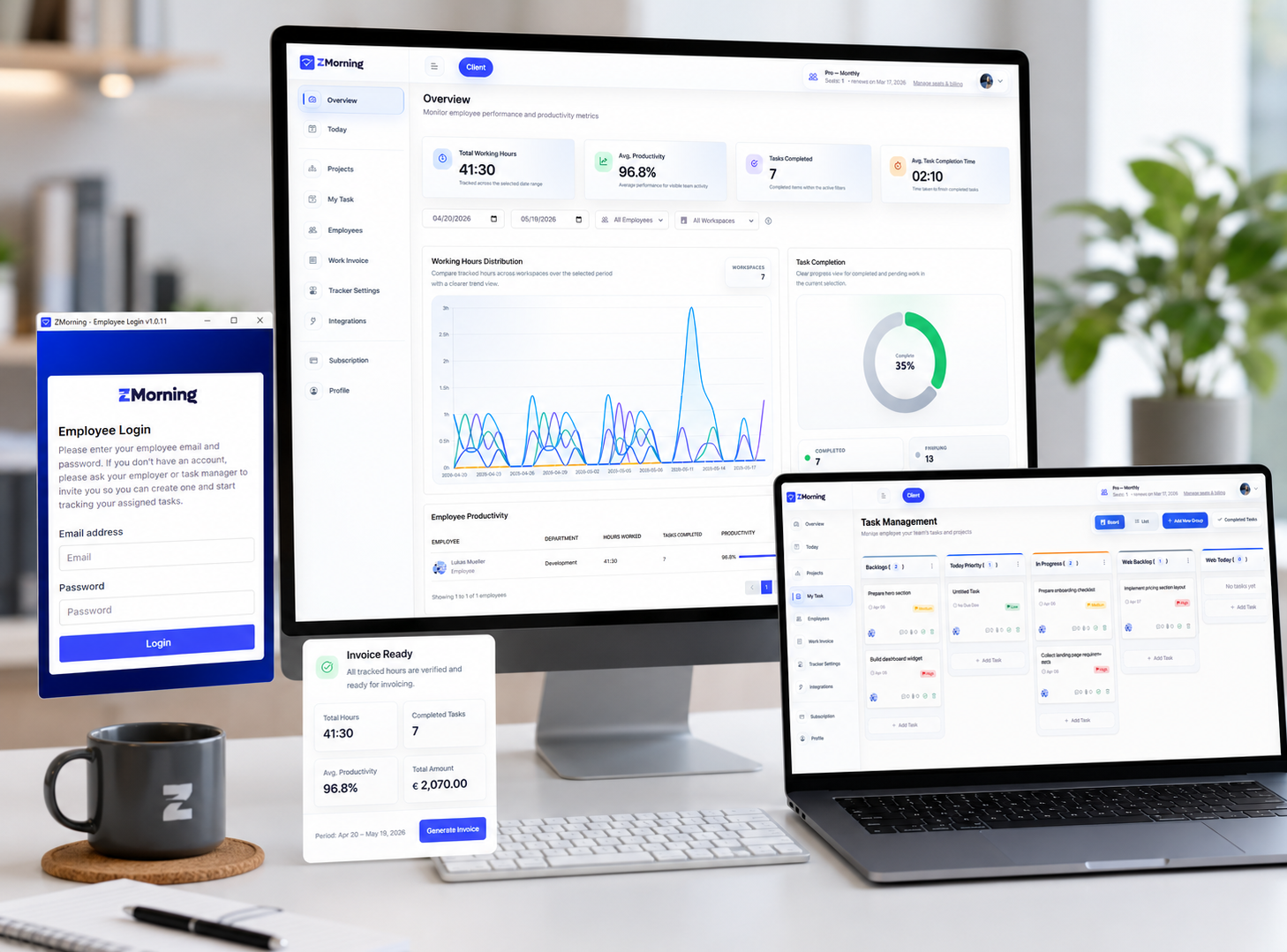
See hours, productivity, and task progress while work is still in motion.
ZMorning gives managers a live reporting view across employees, projects, tracked hours, activity signals, and completed work so decisions do not have to wait for manual summaries.
Filter by employee, project, and date range from the manager dashboard.
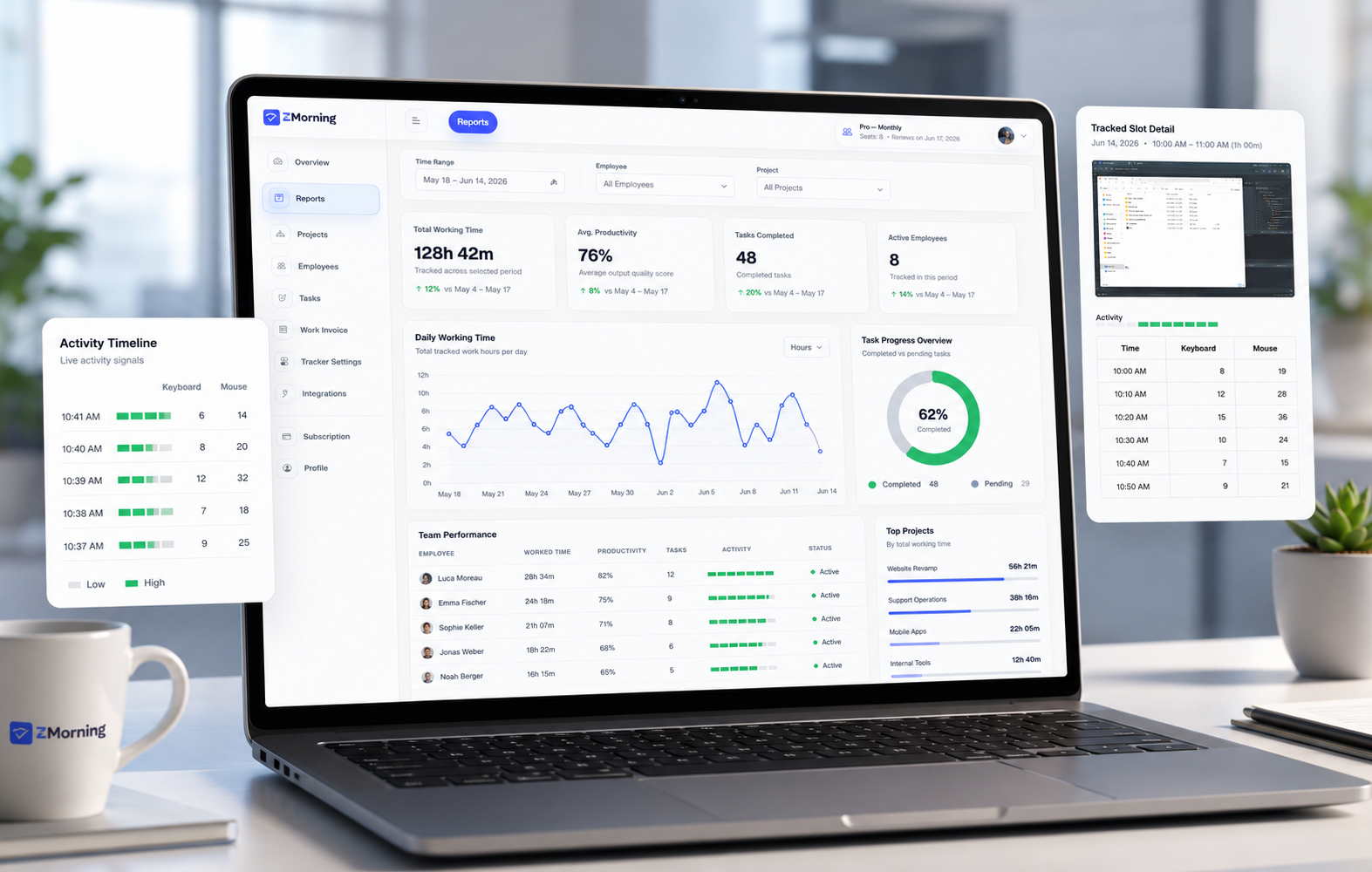
The reporting views managers actually need every week
ZMorning reports are built from real tracked sessions, task activity, and workflow context instead of disconnected spreadsheets.
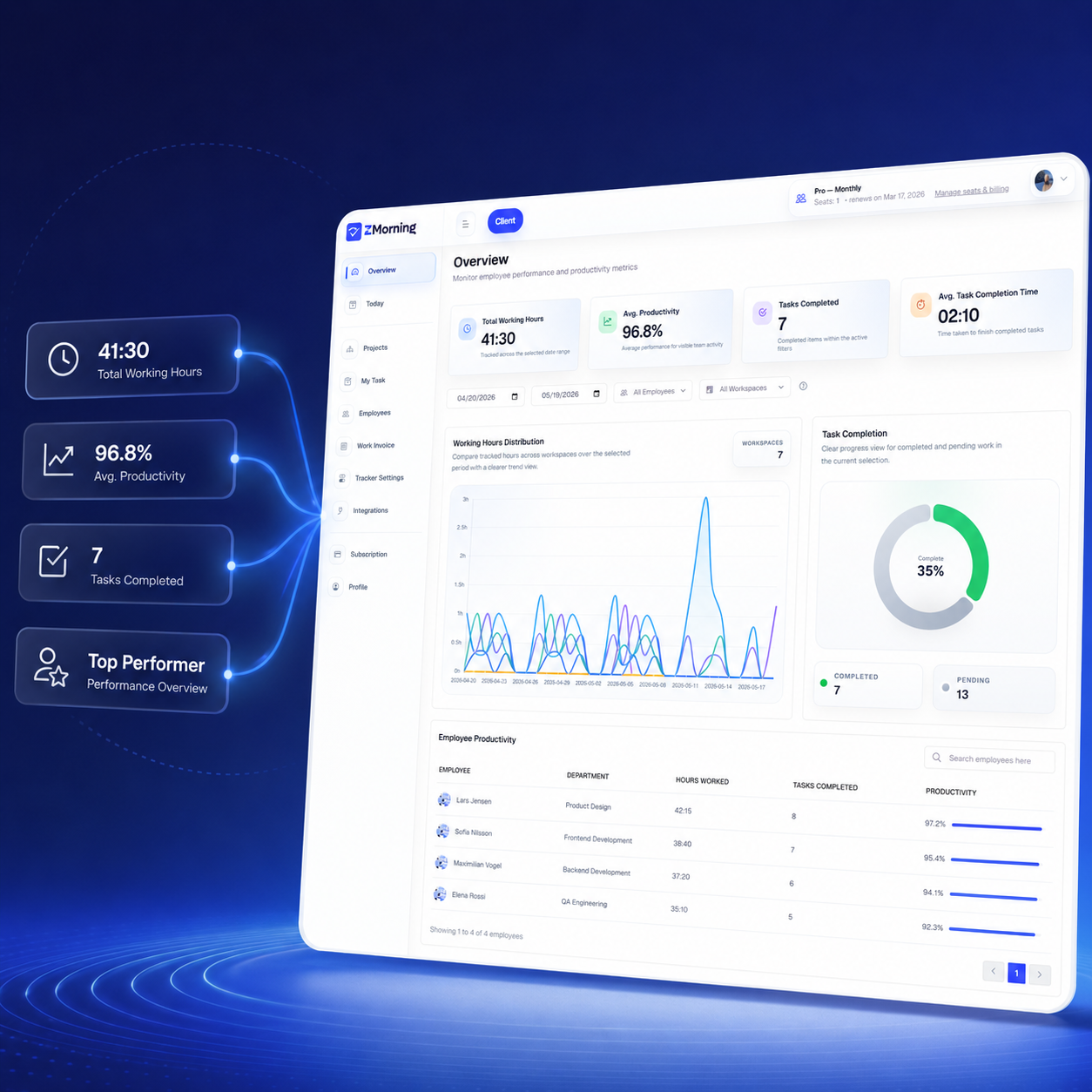
Review employee hours and productivity without waiting for updates
Managers can see total working hours, average productivity, and current work patterns from one dashboard view instead of collecting status reports by hand.
Explore employee time tracking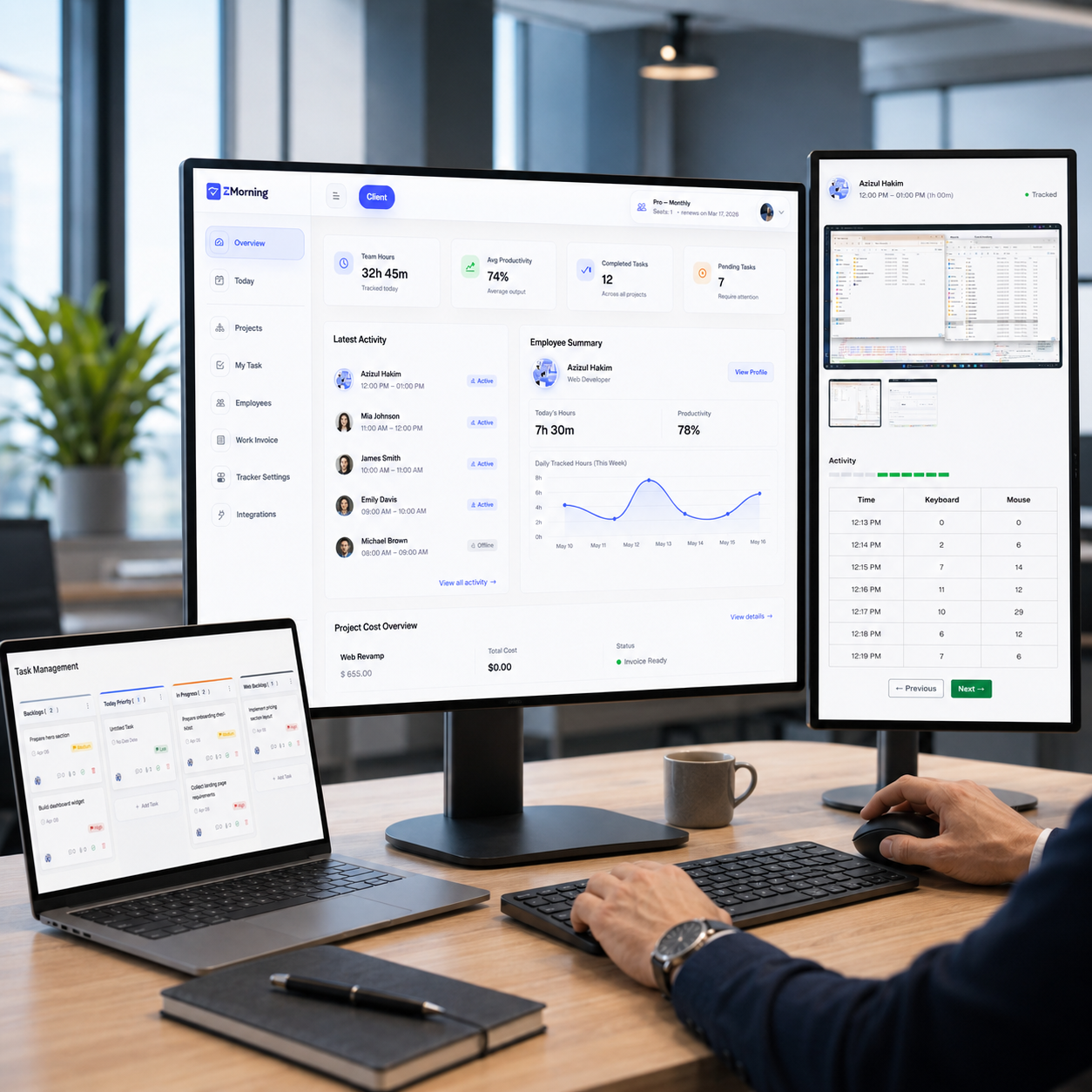
Break down project effort by workspace, task, and date range
Filter reports by employee, project, and time period to understand where hours are going, which workspaces are active, and how task output is progressing.
Explore task management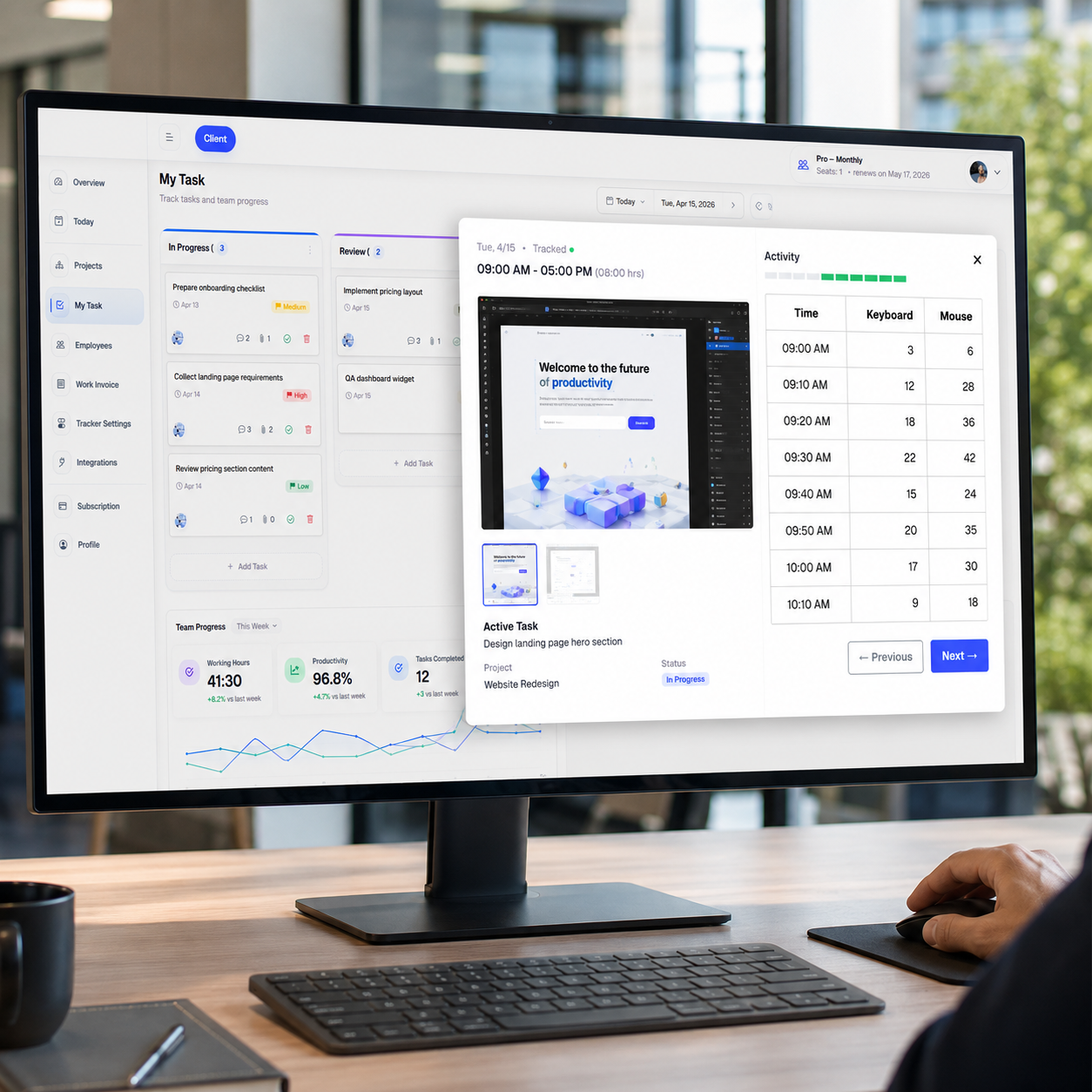
Add activity context so reports stay useful, not just numerical
Screenshots, keyboard and mouse signals, and manual time corrections help teams review reported hours with stronger context when deeper visibility is needed.
Explore activity visibility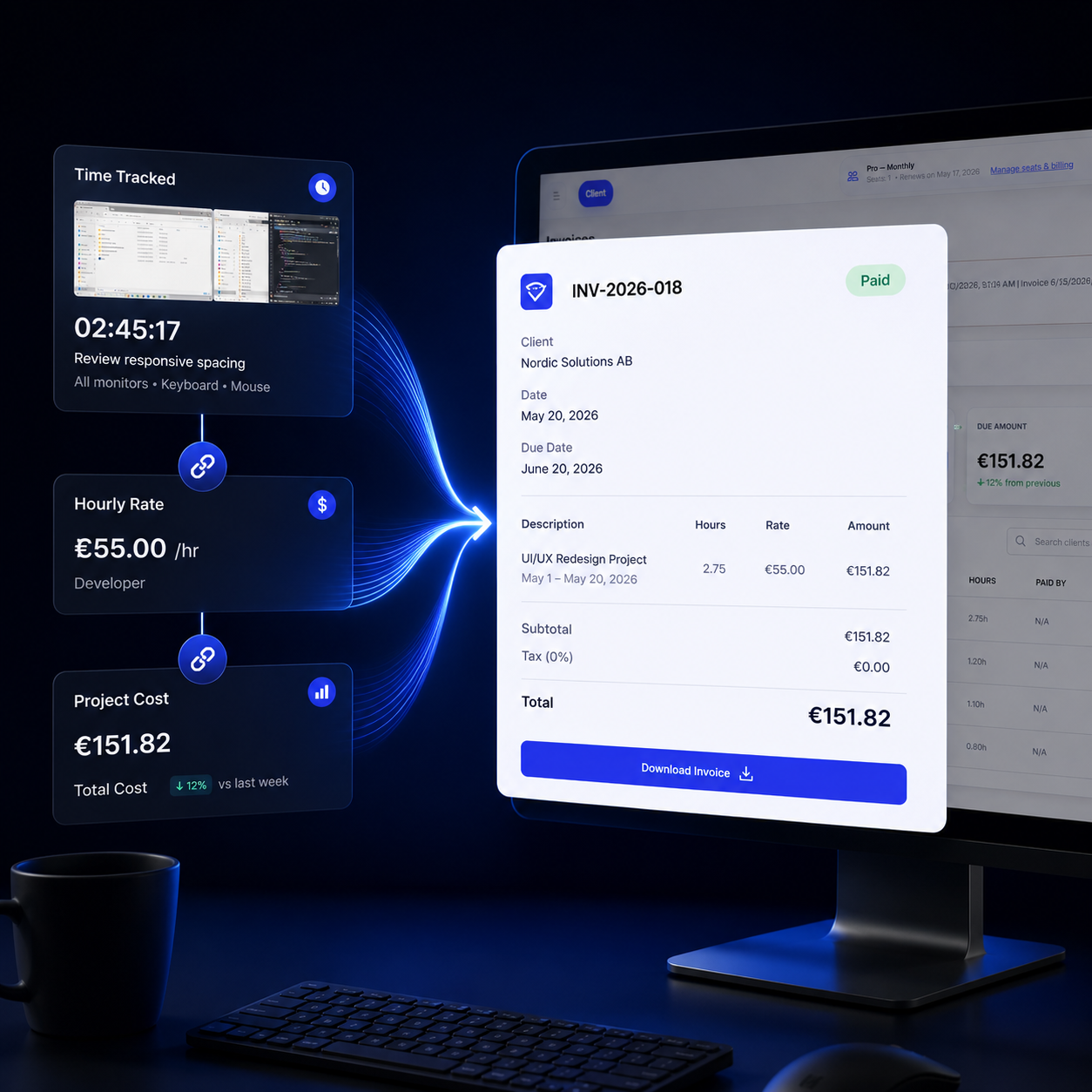
Move from reporting to cost insight and billing readiness faster
Once hours and task effort are clear, managers can review project cost exposure and prepare cleaner invoice-ready records from the same reporting foundation.
Explore cost calculationA report is only useful when the workflow behind it stays clean
ZMorning reporting works because tracked time, task ownership, and visibility signals stay connected from the first work session to the final review.
Track by task
Employees start from assigned work, use the timer, and keep hours attached to real execution instead of generic time logs.
Capture context
Screenshots, activity signals, manual entries, and offline sync all contribute to a more reliable reporting trail.
Filter what matters
Managers filter by employee, project, and date range to isolate the exact performance or project view they need to review.
Act on the numbers
Once effort is visible, teams can spot productivity shifts, review project cost, and prepare billing with less manual cleanup.
Measure output
Reports show completed tasks, average completion time, total working hours, and productivity trends from the same reporting layer.
Prepare follow-up
After review, teams can move into project cost checks, invoice-ready records, and billing decisions without rebuilding the data elsewhere.
What makes ZMorning reports more trustworthy than disconnected timesheet summaries
Reporting should lead to decisions, not just dashboards
Once teams understand hours, productivity, and task effort clearly, they can move faster into cost review, billing preparation, and operational follow-up.
Use reports to understand effort before cost and invoicing
Reporting gives managers the clean review layer first: who worked, on what, for how long, and with what level of visible productivity. That makes project cost and invoice preparation far more reliable.
Cost calculation
Understand labor cost by employee and project using the reporting data already captured.
Explore cost calculationInvoice-ready records
Turn approved tracked work into cleaner billing preparation with fewer manual handoffs.
Explore invoicingTeams that benefit most from stronger reporting visibility
ZMorning reports are especially useful when managers need operational clarity, not just basic tracked hours.
Remote teams
Review distributed team output with hours, visibility signals, and live work context in one reporting flow.
Agencies
Track project effort across teams, spot cost pressure earlier, and support cleaner client billing preparation.
Team leads
See which employees, tasks, and projects need attention before delayed reporting turns into operating problems.
Billing-focused operations
Use reporting as the clean review layer before cost review, invoice generation, and stakeholder reporting.
Freelancers
Keep task-based hour records, work proof, and cleaner summaries ready when clients ask how time was actually spent.
Operations teams
Use live reporting to monitor delivery health, compare project effort, and reduce manual admin around team performance reviews.
Frequently asked questions
-
What can managers filter inside ZMorning reports?
Managers can review reports by employee, project or workspace, and date range so the dashboard matches the exact reporting question they need to answer.
-
Do manual time entries appear in reporting?
Yes. Manual time corrections remain part of the work record, which helps teams keep reporting accurate when automatic tracking was not available for part of a work session.
-
Will offline work still show up in reports after sync?
Yes. ZMorning supports offline sync, so tracked work can be synchronized later and still contribute to the reporting history.
-
Can reports be reviewed alongside screenshots and activity data?
Yes. Managers can use screenshots, keyboard and mouse activity, and task-linked time records together when stronger reporting context is needed.
-
How do reports connect to cost and billing workflows?
Reporting helps teams verify hours, task effort, and project activity first, then move into cost calculation and invoice-ready records with a cleaner source of truth.
Bring live reporting, visibility, and billing readiness into one workflow.
Built for teams that need clearer oversight before cost review and invoicing.