How to Balance Employee Privacy and Company Security
ZMorning Team | Dec 05, 2025
4 min read
A practical guide for modern teams
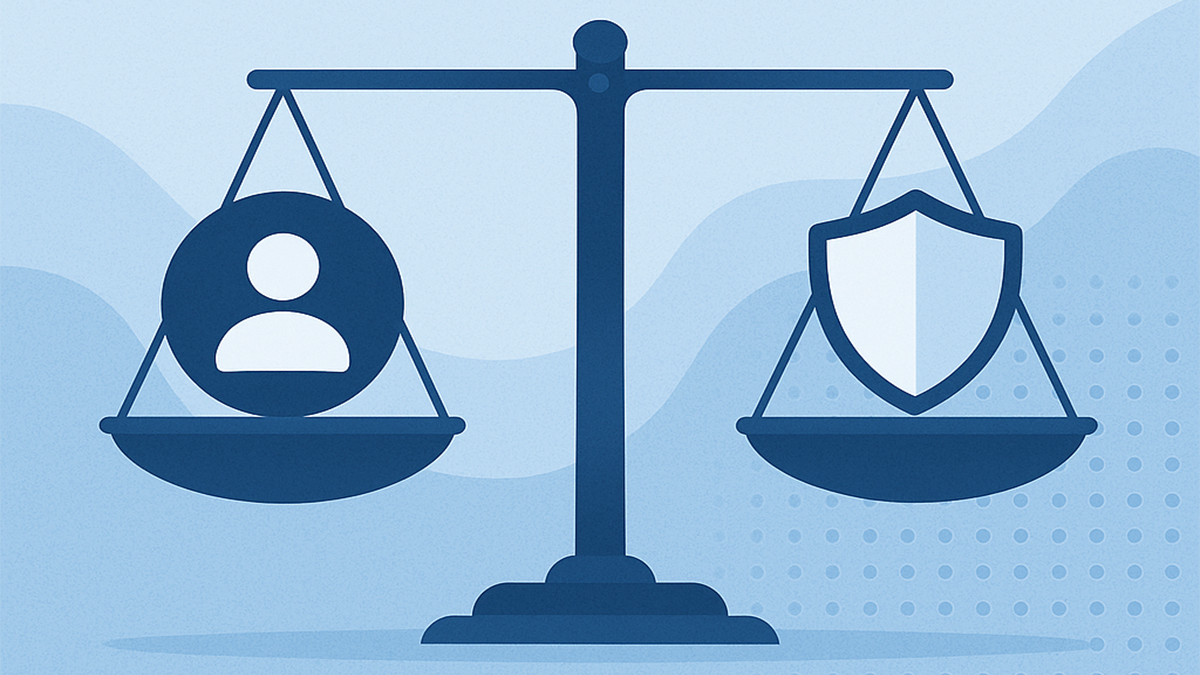
Finding the right balance between respecting employee privacy and protecting company data has become one of the most important responsibilities for any organization. Teams want trust and autonomy; companies need visibility, compliance, and security. When these two goals are handled correctly, workplace culture improves, risks are reduced, and everyone wins.
Below is a clear, practical guide designed to help companies build a healthy balance — one that strengthens security without crossing personal boundaries.
Why This Balance Matters
Employees perform their best when they feel trusted. At the same time, companies face growing risks:
Data breaches
Insider threats
Compliance requirements
Remote-work vulnerabilities
Trying to solve these challenges with excessive monitoring can damage morale. But ignoring them can expose the business to real danger.
The goal is smart, transparent protection — not surveillance.
To understand how tracking works in general, you may also explore our beginner-friendly guide:
What Is Time Tracking?
1. Be Transparent About What You Monitor
The biggest source of distrust comes from hidden monitoring. Companies should:
Clearly explain what data is collected
Share why it’s needed
Inform employees how long data is stored
Provide policies in simple language, not legal jargon
Transparency builds trust and reduces fear. Employees feel respected, and companies avoid compliance issues.
2. Collect Only What You Need
“More data” doesn’t always mean “more security.” In fact, collecting unnecessary information creates:
Extra storage risks
Legal liabilities
Lower employee trust
Follow a minimal-necessary-data approach:
Track only productivity and security signals
Do not track personal conversations, private browsing, or unrelated details
Smart tools — like modern time-tracking and productivity platforms — help you stay focused on essential insights only.
Time tracking is useful, but it must feel supportive, not controlling.
Good practice:
Use simple check-in / check-out or task-based tracking
Allow employees to view and edit time entries
Avoid constant screenshots or screen recordings unless absolutely needed
Healthy time tracking improves accountability without harming trust.
How ZMorning Solves a Major Flaw in Traditional Screenshot-Based Tracking
In many tracking systems, when an employee turns off screenshots for privacy or sensitive work, the system stops tracking active working time.
As a result, even if the employee continues working, the platform cannot detect activity — causing inaccurate timesheets, confusion during invoicing, and frustration for both the employee and the company.
This is a major limitation because screenshot = time tracking becomes a dependency.
If screenshots are off, work hours are lost. Productivity drops, billing becomes unreliable, and trust is affected.
ZMorning removes this dependency completely. Even if screenshots are turned off, the platform continues to count working hours accurately.
Tasks continue smoothly, activity is captured through ethical activity signals, and invoices remain correct — without requiring screenshots to be enabled.
ZMorning ensures that:
Employees can disable screenshots whenever needed for privacy
Working hours continue to be tracked correctly
Billing and invoices remain accurate
No disruption happens in time tracking or productivity analysis
In short, ZMorning supports true privacy without sacrificing accuracy. Screenshot is optional — work continues normally.
4. Protect Sensitive Employee Information
Maintaining privacy also means protecting the personal data you do collect. Companies should ensure:
Encrypted storage
Role-based access controls
Strong device and network security
Regular audits and clean-up of outdated data
Treat employee data with the same seriousness as customer data.
5. Use Security Tools That Respect Autonomy
Modern companies rely on tools for:
Activity insights
Access control
Device security
Productivity tracking
But not all tools are created equal.
Choose solutions that:
Avoid invasive monitoring
Offer customizable privacy settings
Provide team-friendly analytics
Focus on work patterns, not personal behavior
Platforms like ZMorning are built around this principle: visibility for managers, privacy for teams.
6. Set Clear Boundaries for Remote and Hybrid Work
Remote work often raises questions:
Is the home device monitored?
What activity counts as “work”?
When is tracking active or inactive?
Provide clear guidelines:
Monitoring applies only to work accounts or work devices
Tracking stops when employees log out
Personal time remains completely private
Clarity prevents misunderstandings and protects both sides.
7. Build a Culture of Trust, Not Fear
Security is not just a system — it’s a culture.
Promote:
Open communication
Feedback channels
Training on digital safety
Respect for personal boundaries
When employees understand the why behind policies, they naturally become stronger security partners
Final Thoughts
Balancing privacy and security isn’t a battle — it’s a partnership. With clear communication, ethical tools, and smart policies, companies can improve trust and performance.
To explore the deeper reasons why many businesses struggle and how to avoid common mistakes early, you may also read our guide: 7 Reasons Startups Fail & How to Avoid Them.
Boost productivity
Strengthen trust
Reduce risk
Create a healthier work environment
Strong security protects the company. Respectful privacy protects the people. Together, they build a workplace where everyone feels safe, valued, and empowered.
Track time & tasks. Get clarity. Grow faster.
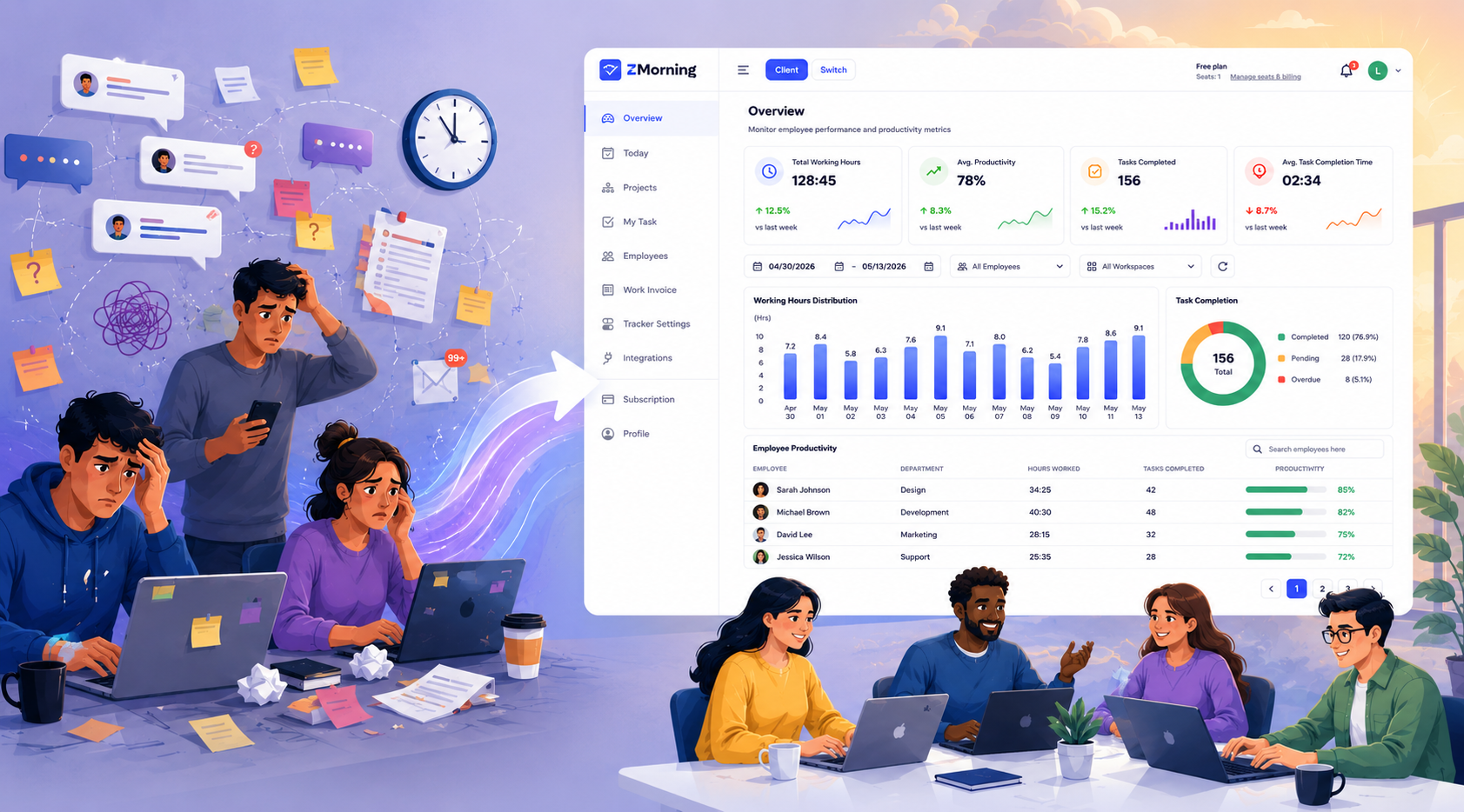
ZMorning unifies time tracking, task progress, automatic screenshots, and
invoice-ready reporting — all in one clean dashboard.