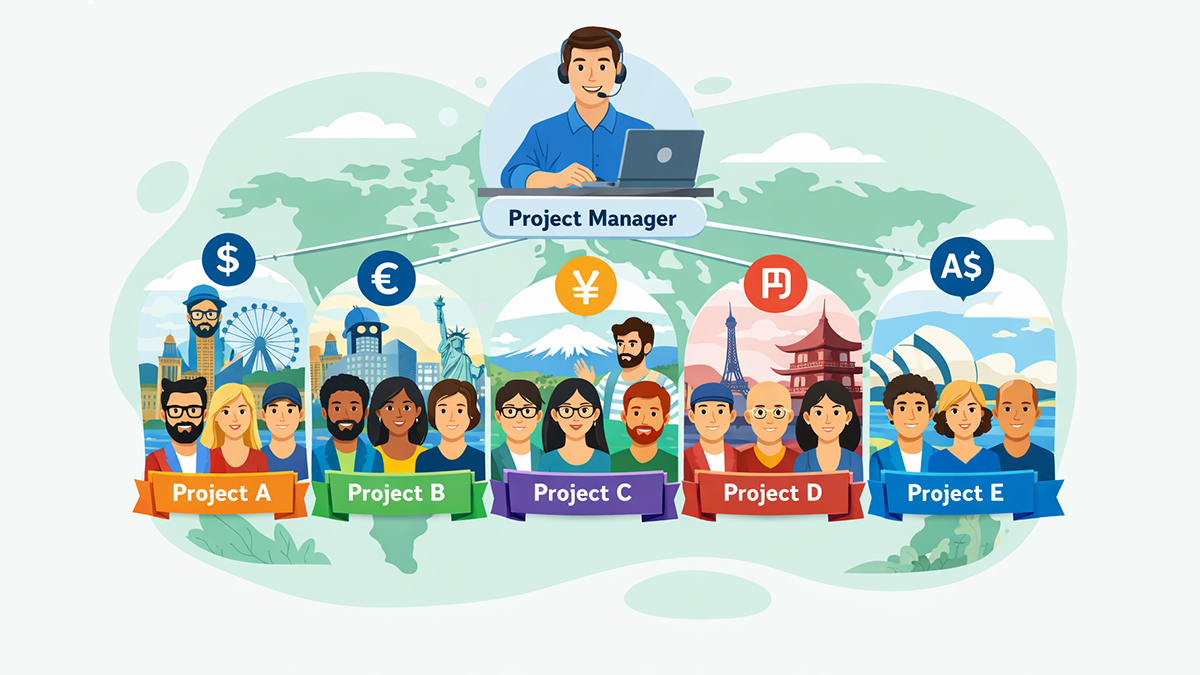
Every successful project begins with a clear direction. Whether you are building a product, designing a website, or organising a team activity, a good project plan works like a quiet guide beside you. It keeps you focused, reduces stress, and helps everyone understand what needs to happen next.
A project plan does not have to be a complicated document. You do not need special words or thick files. You simply need clarity — what you want to achieve, how you want to get there, and who will help you along the way. When these pieces come together, even a difficult project feels more manageable.
Let’s walk through ten simple steps that can help you create a strong and confident project plan.
1. Begin With the Purpose
Before starting any work, take a moment to ask yourself: Why are we doing this project?
A clear purpose keeps the team aligned and helps you make better decisions later. When challenges appear — and they always do — the purpose will remind everyone what truly matters.
2. Imagine the Final Result
A project becomes clearer when you can picture the final outcome.
What will be delivered? How will it look? Who will use it?
Describing the end result helps everyone understand the destination, which makes the journey easier to organise.
3. Break the Work Into Manageable Pieces
Instead of thinking about everything at once, divide the project into smaller parts. Each part becomes less scary and easier to complete. This also helps you estimate time, assign tasks, and track progress more accurately.
4. Set a Realistic Timeline
A good plan respects time. After breaking work into parts, think about when each part should be finished. A timeline should be simple and flexible — something that guides you, not something that creates pressure. The goal is steady progress, not rushing.
If you want to understand how time impacts project success, explore how poor time habits create hidden problems.
Related reading: The Hidden Costs of Poor Time Management in Teams
5. Identify Who Will Do What
A project is a team effort. When everyone knows their role, the work flows smoothly.
Assign tasks to people based on their strengths. Clear responsibility reduces confusion and builds confidence because each person knows exactly what they are expected to accomplish.
6. Gather the Resources You Need
Every project requires tools, information, or support. These might be documents, software, materials, or guidance from another team. Preparing resources early saves time later and prevents last-minute stress.
7. Study the Possible Risks
No project is perfect. Problems can appear at any time.
Try to think ahead — what could slow the project down? What can be avoided with better preparation?
Seeing risks early does not make the project negative; it simply makes the team wiser and ready.
8. Create a Simple Communication Plan
Projects often fail not because the work is difficult, but because communication breaks down. Decide how updates will be shared — weekly check-ins, short messages, or a central dashboard. When communication is regular and clear, misunderstandings disappear and teamwork becomes stronger.
9. Keep Everything Visible
A project plan works best when everyone can see it.
Whether you use a shared document or a project dashboard, visibility helps the whole team stay on the same page. It also helps new members understand the project quickly without long explanations.
10. Review, Adjust, and Keep Improving
A project plan is not a fixed rulebook. It is a living guide. As the project grows, some steps may need to change. Reviewing your plan from time to time keeps it realistic. Adjust what is not working, strengthen what is working well, and keep moving forward with confidence.
Final Thoughts
A good project plan is simply a clear story — where you are going, why you are going there, and how you will reach the end together. When the purpose is strong, the steps are simple, and the team communicates openly, even challenging projects feel calm and organised.
These ten steps give you a gentle, practical way to bring structure into your work. You don’t need advanced tools or complicated language. You only need clarity, patience, and a plan that guides your team with confidence.
For teams who want to stay organised in daily work, time tracking can support any project plan and keep the team aligned.
What Is Time Tracking? Benefits, Tools & Real-Life Examples
Track time & tasks. Get clarity.
Grow faster.
ZMorning unifies time tracking, task progress, automatic screenshots, and
invoice-ready reporting — all in one clean dashboard.
Start free trial