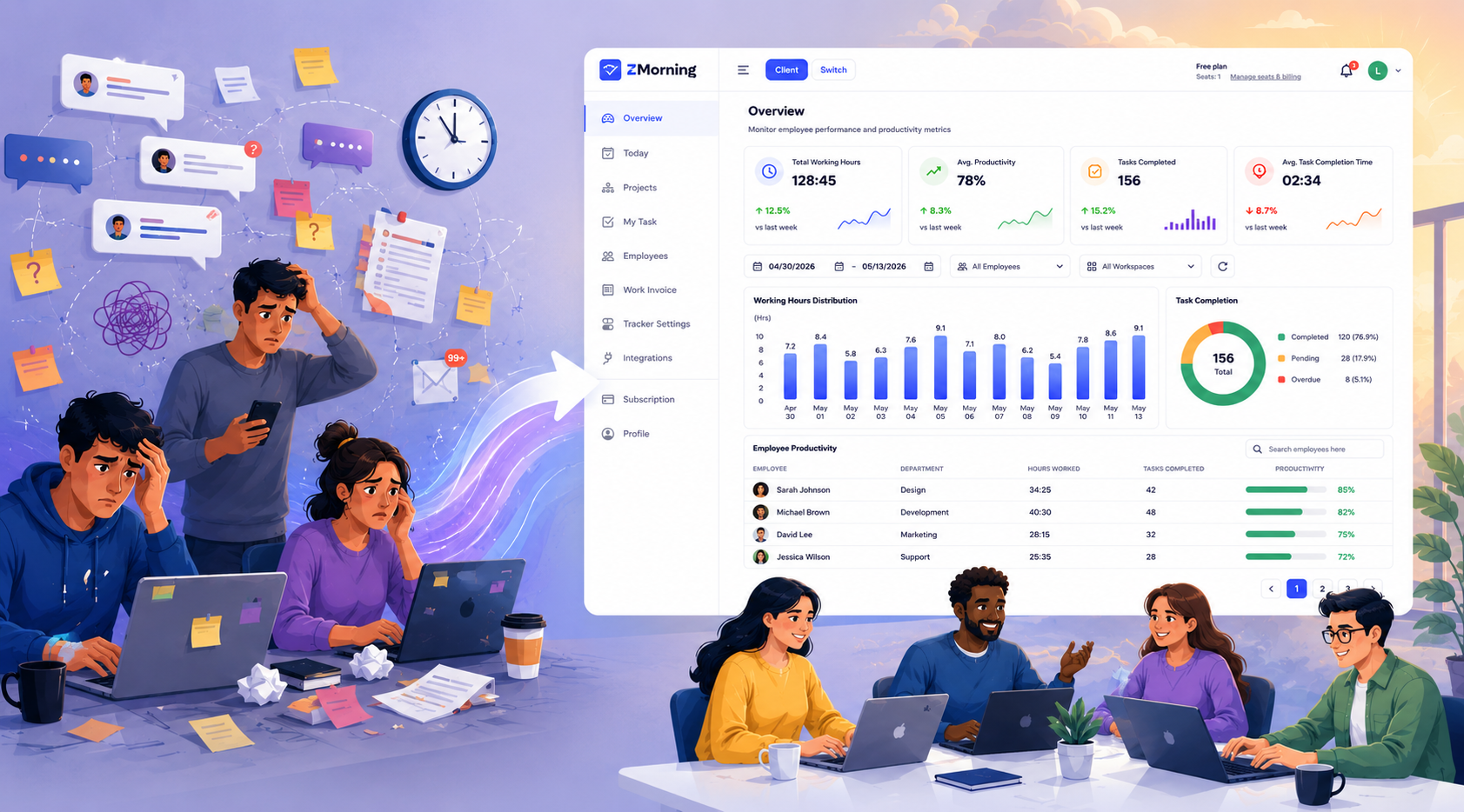
Productivity
tools are meant to help people work better.
But too often, they do the opposite.
For
many teams, time tracking feels uncomfortable—not because tracking itself is
bad, but because of how it’s done. Screenshots, in particular, have become a
sensitive topic. Some people see them as helpful. Others see them as a privacy
risk. And both perspectives are valid.
At
ZMorning, we believe productivity should never come at the cost of trust.
That’s
why we built time tracking around one simple idea:
control should always stay with the people using the tool.
Why Screenshots Make People Uncomfortable
Screenshots
aren’t new in time tracking. Many tools use them to provide visibility,
accountability, or proof of work. In some environments, this works just fine.
But
concerns usually don’t come from screenshots themselves. They come from
questions like:
- Where are these screenshots
stored?
- Who can access them?
- How long are they kept?
- What happens if something goes
wrong?
When
teams don’t have clear answers, discomfort grows. Employees feel watched.
Buyers worry about responsibility. Trust starts to weaken.
The
real problem isn’t screenshots.
The real problem is lack of control.
One Size Doesn’t Fit Every Team
Not
every team works the same way.
Some
teams are perfectly comfortable with screenshots being stored inside a time
tracking platform. They want everything centralized, managed, and visible in
one place.
Other
teams—especially privacy-sensitive ones—prefer a different approach. They want
screenshots, but they don’t want those images stored inside a third-party
system. They’d rather keep that responsibility in their own hands.
Both
approaches make sense.
What
doesn’t make sense is forcing everyone into one model.
A More Flexible Way to Handle Screenshot Tracking
ZMorning
works like other modern time trackers.
It tracks time. It can capture screenshots. Teams can manage everything inside
the platform if that’s what they prefer.
But
here’s where ZMorning does something different.
If
an employee or a buyer feels that screenshot privacy is important, ZMorning
gives them another option. Screenshots can be sent directly to their own cloud
storage—such as Dropbox—without being saved inside ZMorning at all.
In
this setup:
- Screenshots are still captured
when enabled
- ZMorning securely forwards them
- Storage and responsibility stay
with the user
- ZMorning doesn’t keep a copy
ZMorning
becomes a connector—not an owner.
This
gives teams the freedom to work in a way that feels right to them.
What This Means for Employees
For
employees, this approach removes a lot of silent stress.
They
know screenshots exist—but they also know where those screenshots go.
They understand the rules. They understand the boundaries. Nothing feels hidden
or unclear.
That
clarity changes behavior. People stop worrying about being watched and start
focusing on doing meaningful work. Productivity becomes natural instead of
forced.
What This Means for Buyers and Team Owners
Buyers
and team owners benefit too.
When
screenshot storage is optional, responsibility becomes clear. Teams can align
monitoring with company policies, legal requirements, or client
expectations—without taking on unnecessary risk.
Instead
of asking, “Are we doing too much?”
They can ask, “What’s appropriate for our team?”
That
flexibility makes management easier, not harder.
Why Control Changes Everything
When
people feel they have control, their mindset shifts.
Instead
of asking, “Who’s watching me?”
They start asking, “How can I work better?”
Giving
teams a choice builds confidence. Employees feel respected. Buyers feel protected.
Adoption becomes easier because no one feels forced into a system they don’t
fully trust.
Flexibility
doesn’t reduce productivity.
It strengthens it.
Trust Is a Productivity Feature
Trust
isn’t a soft idea.
It’s a practical one.
Teams
that trust their tools communicate better, work more openly, and take ownership
of their results. Tools that respect boundaries don’t need to rely on pressure
or fear to drive performance.
ZMorning
treats trust as a core feature—not an afterthought.
When Each Approach Makes Sense
There’s
no single “correct” setup. Different teams need different solutions.
- Centralized screenshot storage can work well for regulated
industries, compliance-heavy workflows, or teams that need everything in
one place.
- User-managed screenshot storage is often preferred by
privacy-conscious teams, freelancers, contractors, or companies that want
clear ownership boundaries.
The
key is not choosing one approach over the other.
The key is allowing teams to decide.
Screenshot Tracking Should Support Trust, Not Replace It
Time
tracking should feel like a tool—not a surveillance system.
Screenshots
can be helpful, but only when they’re used transparently and responsibly. When
teams understand where their data goes and who controls it, fear fades away.
ZMorning
doesn’t believe in forcing trust.
We believe in earning it—by giving people real choices.
Track Time With Confidence
Productivity
works best when people feel safe.
Safety comes from clarity.
And clarity comes from control.
Whether
you choose to manage screenshots inside the platform or keep them in your own
space, ZMorning adapts to you—not the other way around.
Your
screenshots. Your responsibility. Your way of working.
That’s time tracking built for trust, safety, and flexibility.