
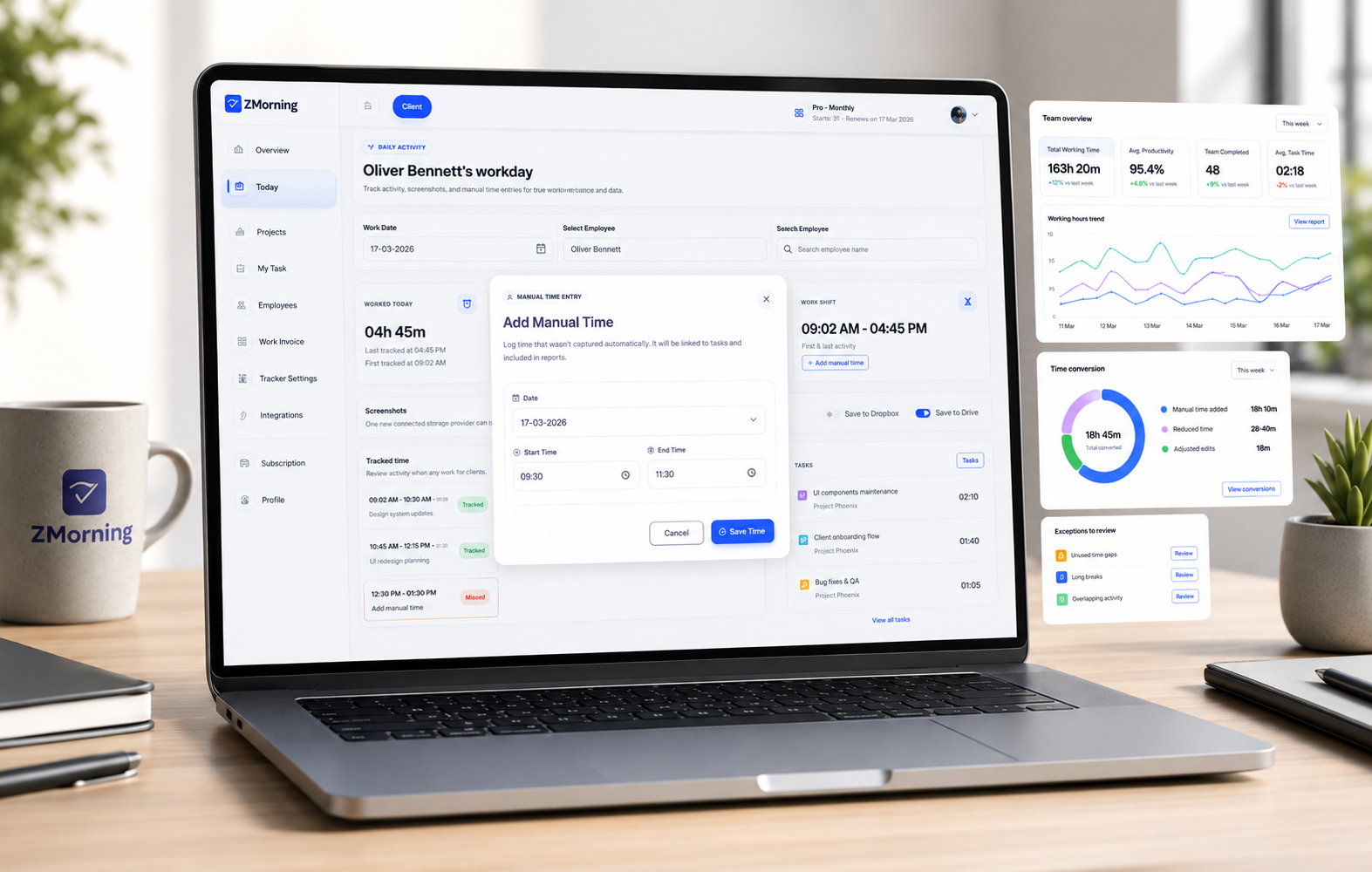
Manual time entry

Handle missed time and corrections without breaking task-based records.

ZMorning lets teams add or adjust hours when exceptions happen while keeping time connected to real tasks, cleaner manager review, and more reliable reporting.

Built for teams that want exception handling without falling back to vague timesheets.

Exception handling / Task-linked records / Manager-ready review
Why it matters

Real teams need a clean way to correct time when normal tracking is interrupted.

Missed timer starts, offline gaps, or end-of-day fixes happen. The problem is not correction itself. The problem is when corrected time loses task context and weakens the work record.

What better manual entry changes

ZMorning keeps manual time entry tied to real tasks so exceptions can be handled without turning reporting, cost review, and billing preparation into cleanup work.

The result is more flexible operations with cleaner oversight.

The goal is not more manual logging. The goal is safer exception handling inside a structured tracking system.
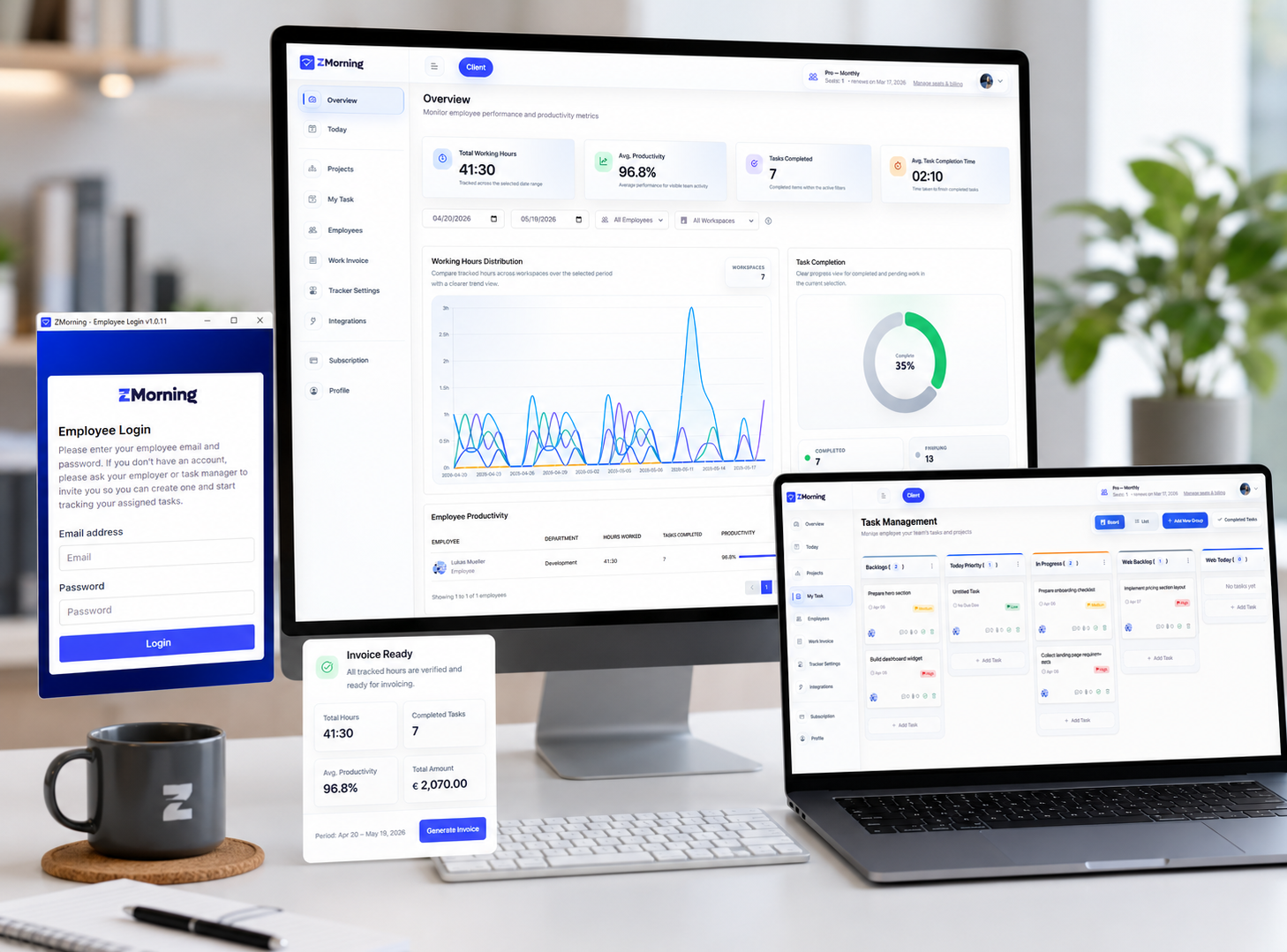
Correction workflow

A simple way to fix time without weakening the record.

Manual time entry works best when it supports the main workflow instead of replacing it.

01

An exception happens, such as a missed timer start, offline gap, or a session that needs correction.

02

The employee adds or adjusts time against the correct task instead of entering a disconnected hour total.

03

The correction stays part of the normal work record, which helps preserve context for later review.

04

Managers review the updated hours inside the dashboard using cleaner task-linked data instead of vague notes or separate spreadsheets.

05

Reports, cost visibility, and invoice-ready records remain more accurate because the correction stayed inside the system.

Key features

Manual entry that still respects operational structure.

The goal is flexible correction without losing the task-based logic that makes the rest of the platform useful.

Task-linked corrections

Add or adjust hours against the right task so manual entries keep their work context.

Exception handling without guesswork

Recover missed sessions and edge cases inside the platform instead of relying on disconnected notes.

Works alongside the desktop app

Manual entry supports the main tracking workflow rather than replacing start, stop, tray control, and normal task-based sessions.

Cleaner manager review

Managers can review corrected time in a clearer structure than generic after-the-fact hour logs.

Better reporting continuity

Corrected time remains more useful in employee, project, and productivity reports.

Cost and invoice support

Structured corrections help project cost visibility and invoice-ready records stay more dependable.

Built for both sides of correction

Simple for employees. Reviewable for managers.

Manual time entry only works well when it solves employee exceptions without creating manager uncertainty later.

For employees

Correct missed or incomplete sessions without falling back to vague daily hour totals.

Keep manual entries connected to the right task so the work record stays clearer.

Use manual entry as a practical backup when offline or workflow exceptions happen.

For managers

Review corrected hours in context instead of chasing explanations across messages or spreadsheets.

Keep reporting, project cost, and billing support more reliable even when exceptions occur.

Preserve cleaner source data for employee review, project reports, and invoice-ready records.

Frequently asked questions

View full FAQ
Keep corrections structured

Give teams flexibility without giving up clean records.

Use ZMorning to track work live, handle exceptions when they happen, and keep reports, cost visibility, and invoice-ready records in better shape.

Built for teams that need task-based tracking with practical exception handling.

ZMorning reports and analytics supported by structured time records