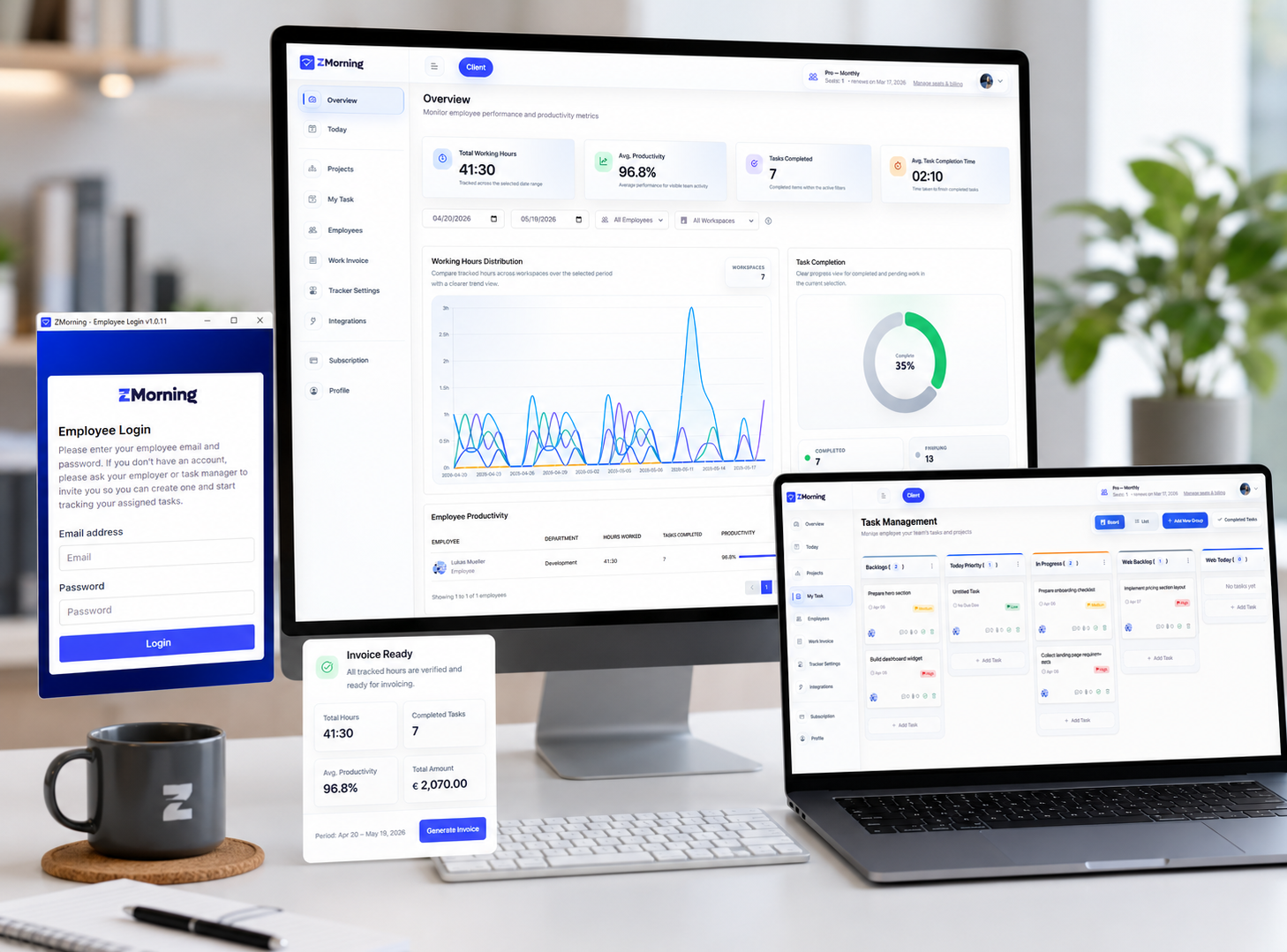
Turn tracked work into cleaner invoice-ready records.
ZMorning helps teams move from task-based tracked time to billing-ready records with stronger manager review, clearer project context, and less spreadsheet cleanup across each billing cycle.
Built for agencies, remote teams, freelancers, and service operations that need cleaner billing from real work data.
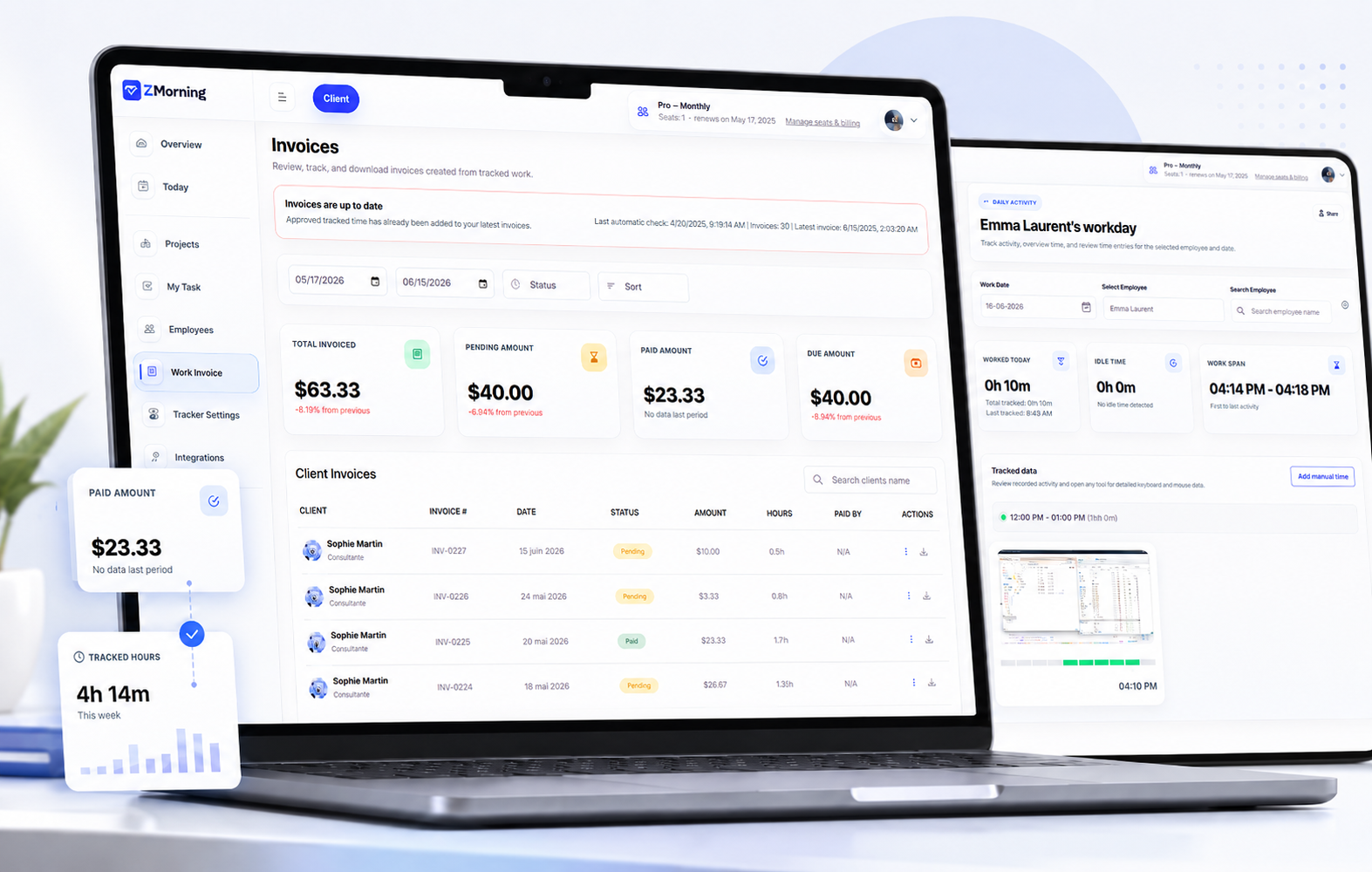
Invoice preparation works better when tracked work stays usable.
ZMorning invoicing works because time, tasks, manager review, cost visibility, and billing records stay connected in one workflow.
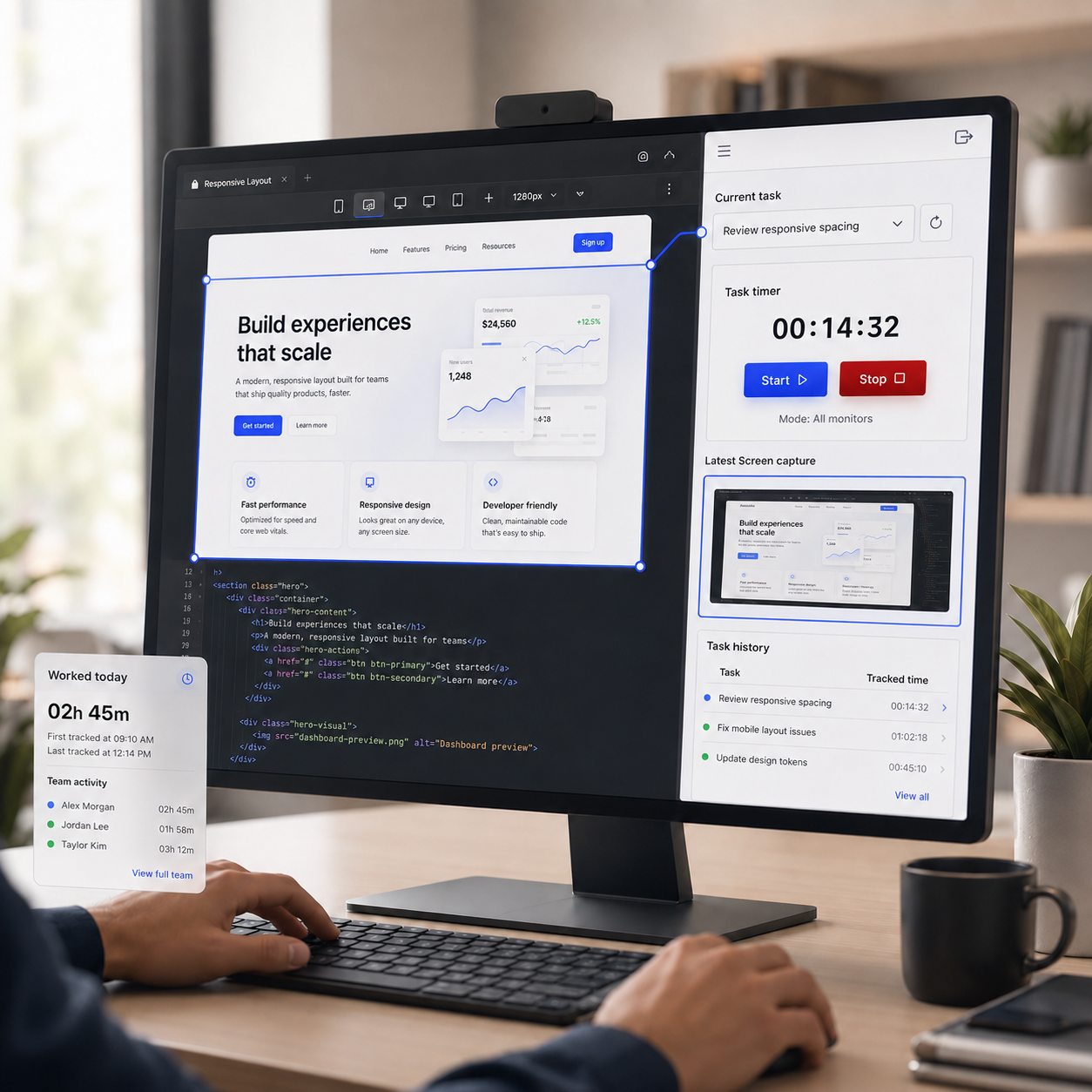
Start billing from tracked work that already belongs to the right task
Employees track time against assigned tasks, so invoice preparation starts from cleaner source records instead of vague hour logs that need extra cleanup later.
Explore employee time tracking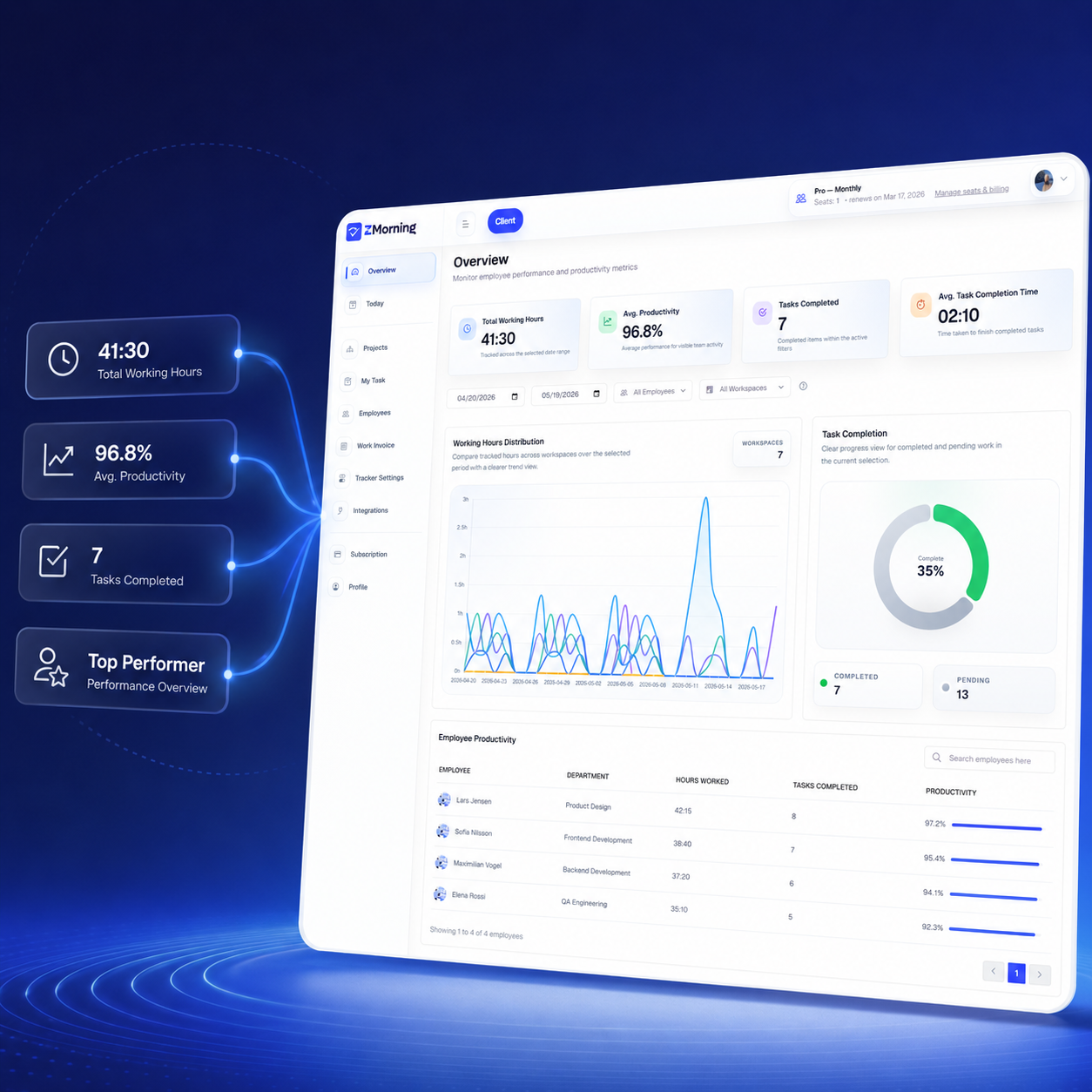
Review hours and work context before invoice records are finalized
Managers can review reports, screenshots, activity signals, task progress, and manual corrections before turning tracked work into billing records that clients or stakeholders will depend on.
Explore reports and analytics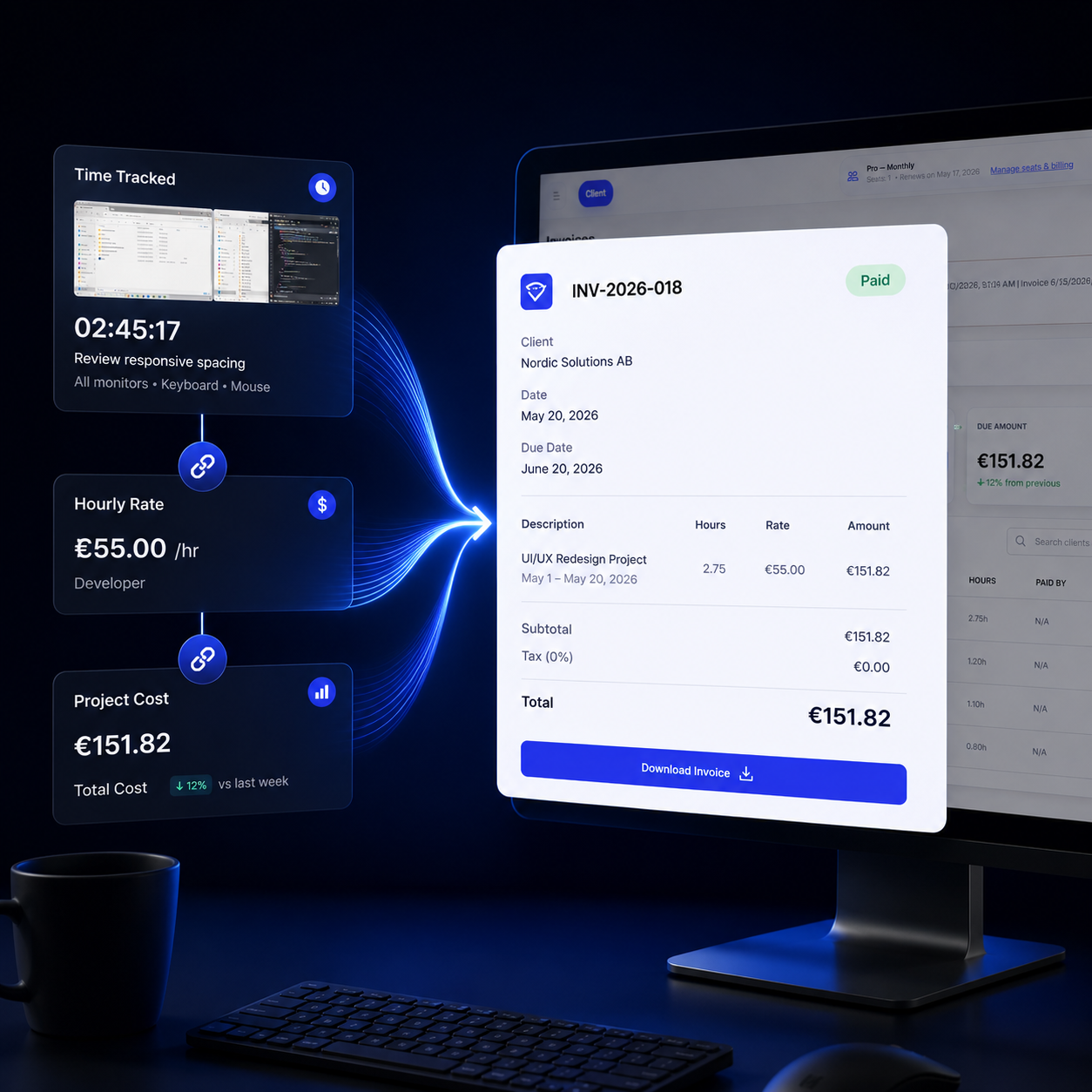
Let invoices appear as billing periods close
ZMorning already supports automatic invoice flow, so approved tracked time can move into invoices when a billing period becomes due instead of relying on manual reminders every cycle.
Explore cost calculation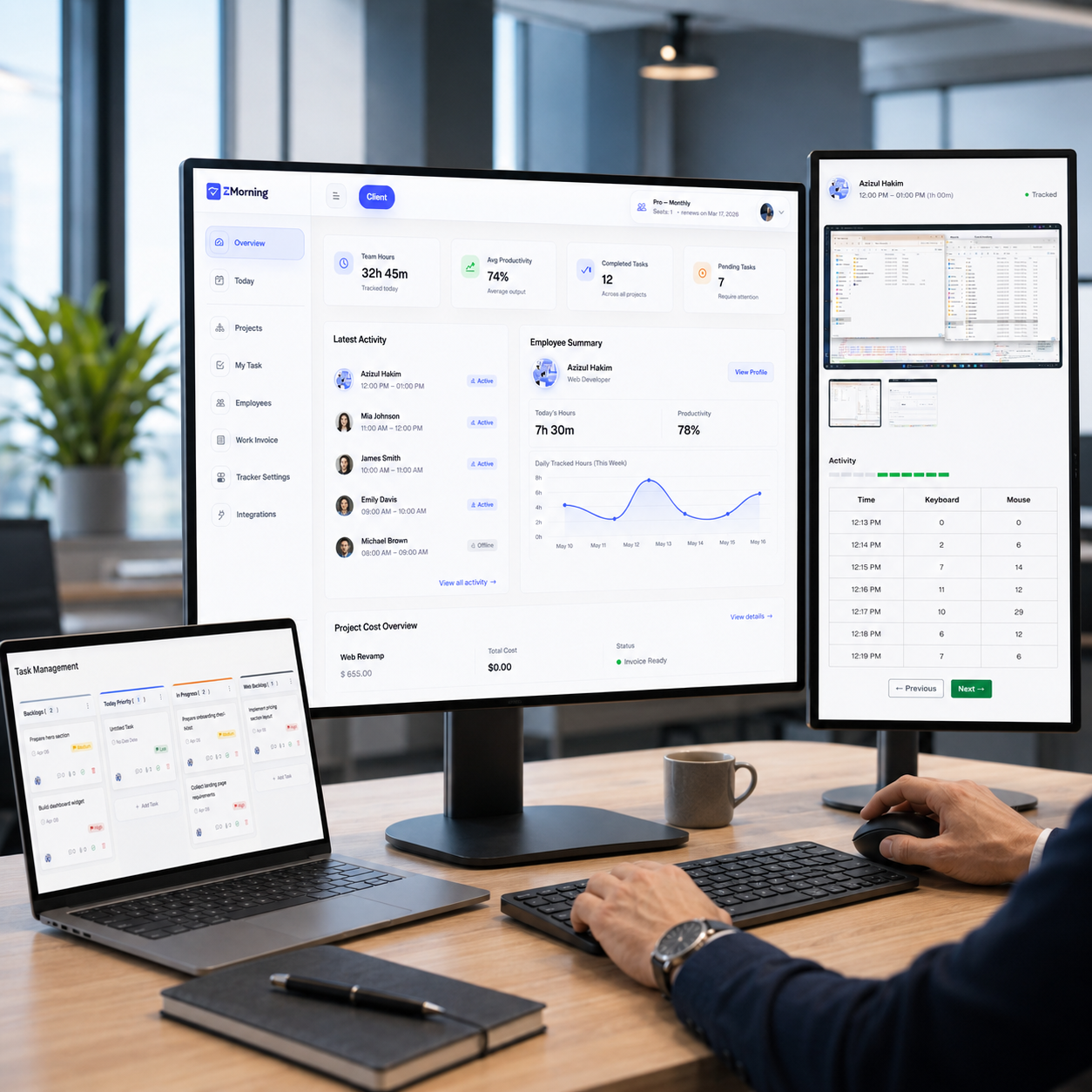
Manage invoice history, status, payment method, and PDF records
Teams can review invoice lists, track pending, paid, and due amounts, update invoice status, adjust payment method, and download PDF copies from the billing workflow.
Explore pricingBilling gets easier when the work record stays clean from the start.
ZMorning helps invoicing because task selection, tracked time, manager review, and billing-cycle logic all stay part of one connected workflow.
Track assigned work
Employees choose the assigned task before tracking starts.
Timer-based work sessions stay connected to real execution.
That gives billing a cleaner source record from day one.
Review the work record
Managers review hours, task progress, and project effort in the dashboard.
Screenshots, activity signals, and manual corrections add stronger review context.
That reduces billing doubt before invoice records are needed.
Close the billing period
Tracked time is already being collected throughout the work cycle.
New invoices can appear automatically when the billing period becomes due.
This keeps the invoice flow more repeatable across client work.
Manage the invoice
Review invoice history and current billing records from the dashboard.
Update invoice status or payment method when follow-up is needed.
Download PDF copies for cleaner sharing and record-keeping.
Review reports and cost
Reporting shows who worked, on what, and for how long.
Cost visibility adds project and labor context before billing goes out.
That makes invoice records easier to trust and defend.
Keep policy control
Tracker settings can shape how screenshots and activity are collected.
That helps teams apply billing review inside the right operational policy.
The billing record stays connected to the actual tracking model in use.
The billing workflow is practical because the records stay operational.
These capabilities help teams turn tracked work into usable invoice records without dropping context along the way.
Automatic invoice generation
Tracked time can move into invoices automatically when a billing period closes.
Invoice list and history
Managers can review recent and older invoice records as part of the dashboard workflow.
Pending, paid, and due tracking
The invoice workflow already surfaces billing state, not just static invoice rows.
Invoice status updates
Managers can update invoice status directly when billing follow-up or payment progress changes.
Payment method updates
Payment method can be adjusted as part of invoice management without breaking the existing record flow.
PDF invoice download
Invoice PDFs can be downloaded when teams need cleaner records for sharing or archiving.
Invoicing works better when reporting and cost review come first.
ZMorning invoicing is not a disconnected billing layer. It works best when reports verify effort first and cost review adds the business context before billing records are prepared.
Use each step for what it does best
Reports help managers verify who worked, on what, and with what level of visible progress. Cost review helps explain exposure. Invoicing turns that reviewed tracked work into a cleaner billing record.
Reports & analytics
Use reporting to verify hours, task effort, and work visibility before turning records into billing output.
Explore reports and analyticsCost calculation
Use cost visibility to understand project exposure before invoice records become part of client billing or internal review.
Explore cost calculationTeams that need billing records to stay tied to real work.
The value is strongest where tracked time, project visibility, and repeatable billing cycles all need to line up.
Agencies
Prepare cleaner client invoices from tracked team work.
Keep project effort, cost review, and billing records aligned.
Remote teams
Support billing with screenshots, activity context, and manager review.
Keep distributed work usable when invoices are prepared later.
Freelancers
Keep task-based work records ready for client billing questions.
Use cleaner tracked sessions instead of rebuilding invoices from memory.
Operations teams
Use repeatable billing-period workflow instead of disconnected invoice admin.
Keep invoice history and follow-up inside a cleaner operational system.
Frequently asked questions
-
How are invoices created in ZMorning?
ZMorning uses tracked work records, billing-cycle logic, and manager-reviewed data so invoices can appear from the same operational workflow instead of being rebuilt by hand.
-
When does a new invoice appear?
When tracked time is already being collected and a billing period becomes due, new invoices can appear automatically as part of the billing workflow.
-
Can managers update invoice status and payment method?
Yes. The invoice workflow includes status updates and payment method management so follow-up can stay connected to the original billing record.
-
Can invoices be downloaded as PDF?
Yes. Invoice PDFs can be downloaded when teams need cleaner records for clients, internal archiving, or billing follow-up.
-
How does invoicing connect to reports and cost calculation?
Reports help verify effort first, cost calculation helps explain exposure, and invoicing turns that reviewed tracked work into cleaner invoice-ready records.
Keep tracked work useful all the way to invoicing.
Give employees a simple task-based tracking workflow and give managers cleaner reporting, cost review, and invoice-ready records from the same system.
Built for teams that need more than disconnected hours and manual invoice cleanup.