Managing a team becomes more challenging as a business grows. Employees may work on different projects, follow different schedules, or work from different locations. Keeping track of everything can quickly become difficult.
Managers often have questions like:
How many hours is the team working?
Which projects are taking more time than expected?
Are employees keeping up with their tasks?
Is anyone handling too much work?
Are projects moving in the right direction?
Without the right information, managers may spend too much time asking for updates or checking different reports.
This is where time tracking tools can make a difference.
In 2026, time tracking is about more than recording working hours. It helps businesses understand how work is moving, manage projects, and keep everyone on the same page.
In this guide, we will explain how time tracking tools improve team visibility, which features matter most, and how to choose the right solution for your business.
What Is Team Visibility?
Team visibility means having a clear understanding of what is happening across your team.
It allows managers to see working hours, project progress, task updates, and other important work information in one place.
For example, imagine you manage a team of ten employees. Everyone is working on different tasks and projects.
Without a shared system, you may need to contact each employee to understand what they are doing.
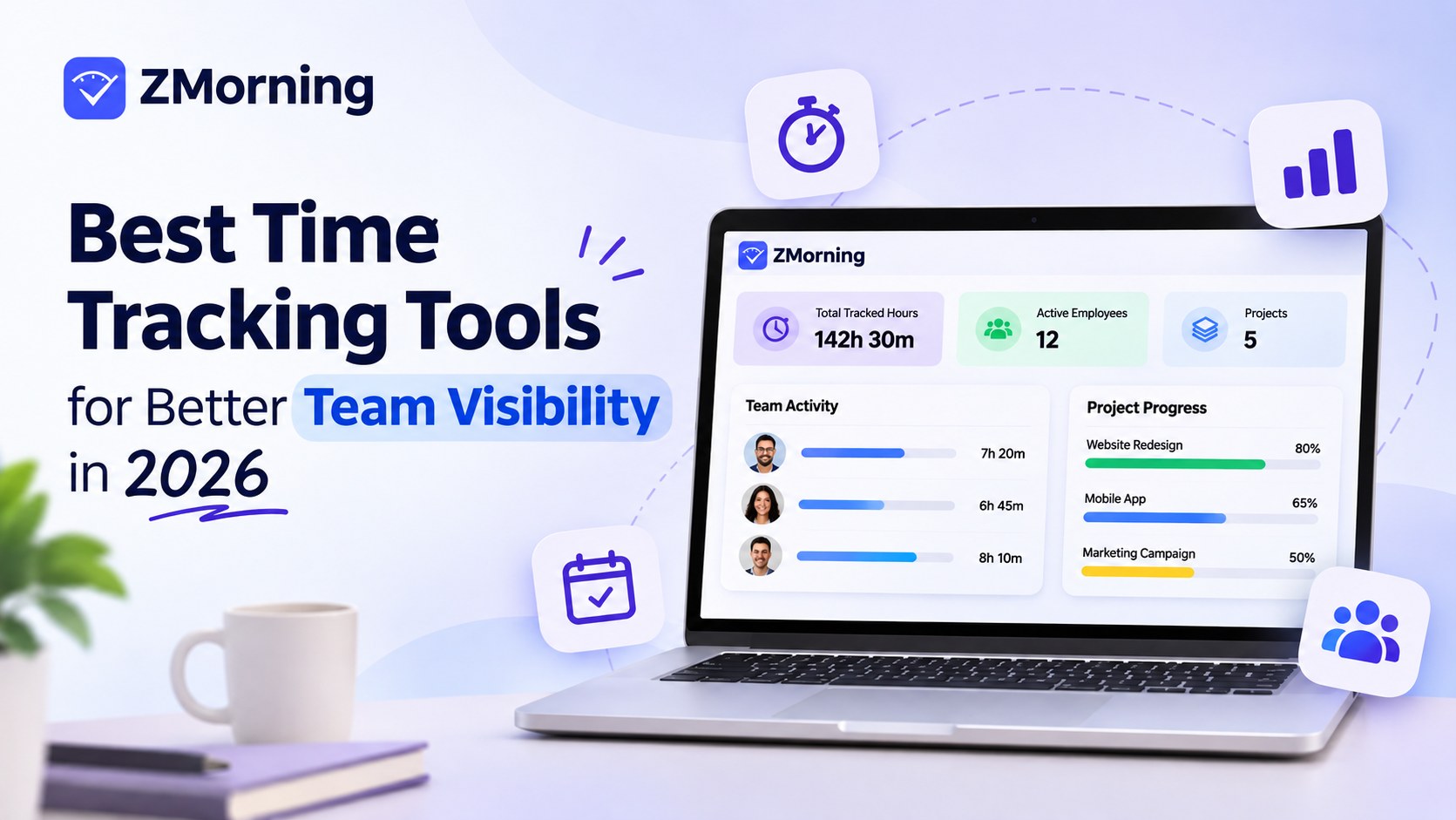
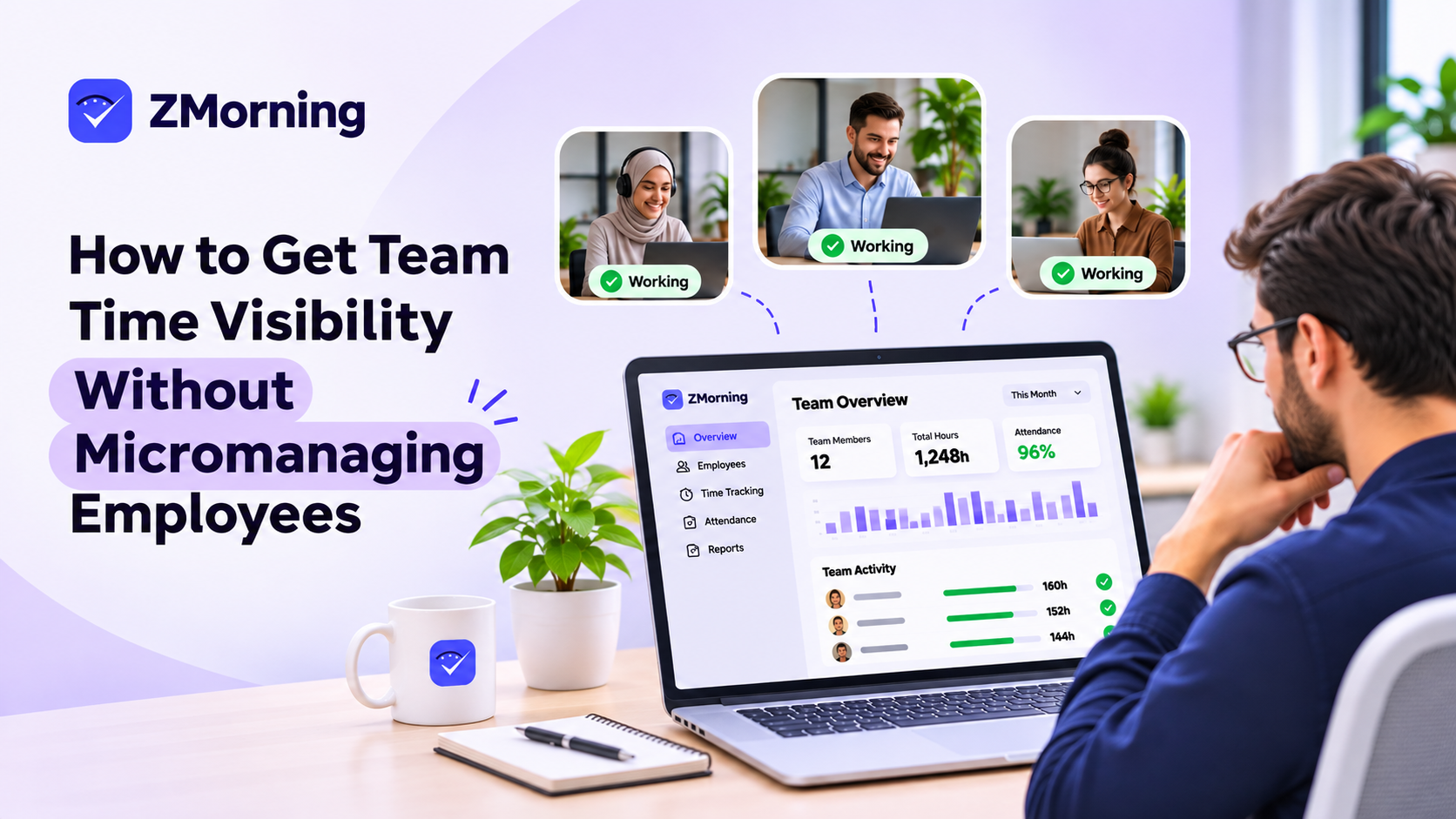
With a good time tracking tool, you can review the available information from one dashboard and get a better understanding of the team's work.
Good team visibility helps managers make better decisions without asking employees for constant updates.
Why Is Team Visibility Important in 2026?
The way people work has changed. Many businesses now manage remote, hybrid, and office-based employees.
When everyone works in the same office, managers can often get updates through everyday conversations. But when employees work from different locations, keeping everyone informed becomes more challenging.
Here are some common problems that better team visibility can help solve.
1. Too Much Time Spent Asking for Updates
Managers often need to ask employees about their tasks, working hours, and project progress.
These conversations are important, but repeating them throughout the day can waste valuable time.
A time tracking system with clear reports and dashboards makes important information easier to access.
2. Difficulty Managing Employee Workloads
Sometimes, one employee has too many tasks while another has more available time.
Without proper information, managers may not notice this problem until deadlines are missed or employees become overwhelmed.
Time tracking reports can help managers understand how working hours are distributed and make better decisions when assigning tasks.
3. Poor Project Planning
A project may look simple at first, but unexpected work can increase the time required to complete it.
If a business does not track project hours, it becomes difficult to understand where the time is going.
With project-based time tracking, managers can review previous work and make more realistic plans for future projects.
4. Remote Teams Need Better Communication
Remote employees do not always have the same opportunities for quick conversations as office-based teams.
This can make it harder to understand project progress and identify problems early.
A shared system helps employees and managers stay informed without needing unnecessary meetings or messages.
Essential Features to Look for in Time Tracking Tools
Not every time tracking tool offers the same features. Some focus mainly on recording working hours, while others provide project reports, attendance information, screenshots, and activity insights.
Before choosing a tool, consider the following features.
1. Real-Time Time Tracking
Time tracking is the foundation of better team visibility.
It allows employees to record the time they spend working on different tasks or projects.
Managers can use this information to understand how many hours have been recorded and how time is being distributed across the team.
For example, if a project was expected to take 20 hours but has already used 35 hours, the manager can review the situation and understand what is causing the difference.
This makes it easier to manage project time and plan future work.
2. Attendance and Working Hour Reports
Attendance tracking helps managers understand when employees start and finish their working day.
It also makes it easier to review working hours, attendance records, and schedules.
Instead of maintaining separate spreadsheets, businesses can keep their attendance information organized in one system.
This is particularly useful for companies managing employees across different locations and working schedules.
3. Project and Task Tracking
Knowing how many hours employees work is useful, but understanding where those hours go is even more valuable.
Project and task tracking connects working hours with actual work.
For example:
A developer spends 3 hours fixing bugs.
A designer spends 2 hours creating a new design.
A project manager spends 1 hour reviewing project updates.
This information helps managers understand how time is being used across different projects.
It also helps businesses estimate future project costs and deadlines more accurately.
With project-based time tracking, managers can review previous work and make more realistic plans for future projects. For more tips, read our guide on managing multiple projects in remote teams.
4. Clear Reports and Dashboards
A good dashboard should make important information easy to understand.
Managers should not need to open several pages or calculate everything manually just to understand what is happening across their team.
Useful reports may include:
Clear reports help managers identify patterns, review progress, and make decisions based on actual information.
5. Screenshots and Activity Insights
Some time tracking tools also provide screenshots and activity information.
These features can give managers additional context about work activity, especially when managing remote teams.
For example, screenshots may help managers understand the work being done during recorded working hours.
However, these features should be used responsibly. Screenshots and activity data should support better communication and project understanding, not make employees feel watched every minute.
Businesses should explain what information is collected, why it is collected, and who can access it.
6. Notifications and Updates
Managers cannot always check their dashboards throughout the day.
Useful notifications can help them stay informed about important updates without constantly asking employees for information.
For example, notifications may help teams stay aware of timesheet updates, project changes, or other important activities.
This helps reduce unnecessary follow-ups and keeps communication simple.
7. Easy-to-Use Employee Dashboards
Team visibility should not be useful only for managers.
Employees should also be able to understand their working hours, recorded time, and assigned projects.
When employees can see their own information, they can manage their schedules, check their records, and stay informed about their progress.
A simple dashboard makes the entire process easier for everyone.
How to Choose the Right Time Tracking Tool for Your Team
Choosing a time tracking tool is not just about finding software with the most features.
The best tool is the one that solves your team's actual problems without making everyday work more complicated.
Here are some important things to consider before making a decision.
Understand Your Team's Needs
Start by identifying what your business needs most.
For example, a small business may only need basic time tracking and attendance reports.
A remote company may need project tracking, screenshots, and activity insights.
A service-based business may need accurate project hours and billing reports.
Choose a tool based on your daily workflow rather than paying for features you may never use.
Look for a Simple Interface
Employees should not need hours of training just to record their working time.
Look for a tool with a clean dashboard, simple navigation, and an easy time tracking process.
If the software is difficult to use, employees may avoid it or forget to update their records.
Check Reporting Options
Reports are one of the most useful parts of a time tracking system.
Before choosing a tool, check whether it provides the information your managers need.
Look for employee reports, project summaries, attendance information, and working hour records.
The easier it is to understand the reports, the easier it becomes to manage the team.
Consider Employee Privacy
Employee privacy is an important part of choosing a time tracking tool.
Before introducing a tracking system, explain what information the business collects and how it will be used.
Avoid collecting more information than necessary. Employees should understand the tracking process and know who can access their information.
A transparent approach helps build trust and creates a healthier working environment.
Compare Pricing and Scalability
Your team's needs may change as your business grows.
A tool that works for five employees today should still make sense when your company has twenty or fifty employees.
Check the pricing structure, employee limits, available features, and upgrade options before making your decision.
How to Use Time Tracking Without Micromanaging Employees
One common concern about time tracking is that employees may feel someone is watching them all day.
But time tracking does not have to work that way.
When used correctly, it helps managers understand work and support their teams rather than constantly checking on them.
Here are a few simple ways to create a better tracking environment.
Be Clear About What You Track
Explain which information is collected and why. Employees should never have to guess what the tracking system is doing.
Focus on Results, Not Just Hours
Working longer hours does not always mean better performance. Consider completed tasks, project progress, and work quality instead of looking only at the number of hours recorded.
Use Reports to Offer Support
If an employee is spending more time on a task than expected, talk to them and understand the reason. They may need additional resources, clearer instructions, or more time.
Respect Personal Privacy
Use tracking features only when they serve a clear business purpose. Give employees a reasonable understanding of how their information is collected and used.
Build Trust Through Transparency
When employees understand why time tracking is used, it becomes easier for everyone to work with the system.
Responsible time tracking should help businesses improve visibility while respecting the people doing the work.
For additional guidance, businesses can read the ICO's Data Protection and Monitoring Workers guidance to better understand responsible employee monitoring and data protection.
How ZMorning Helps Improve Team Visibility
For businesses looking for a simple way to manage working hours and understand project activity, ZMorning brings several useful features together in one platform.
Instead of managing time records, employee information, and reports across different systems, teams can use ZMorning to keep important work information organized.
Here are some ways ZMorning can help.
Track Working Hours
ZMorning helps employees record their working time and gives managers a clearer view of employee hours.
This makes it easier to review working time and keep records organized.
Understand Employee Activity
For businesses that need additional work visibility, ZMorning provides automatic screenshots and activity-related insights.
These features can give managers a better understanding of work activity, especially when managing remote teams.
Review Employee and Project Information
Having employee and project information organized in one place makes everyday management easier.
Managers can review important work records and use available reports to understand how time is being spent.
Keep Work Information Together
Managing employees through different tools can create confusion.
ZMorning brings time tracking, employee management, automatic screenshots, and invoice-related reporting together in one platform.
This helps businesses manage important work information without moving between multiple systems.
Whether you manage a small business or a growing remote team, having a clearer view of work can make everyday management easier.
Common Mistakes to Avoid When Using Time Tracking Tools
Even the best software will not solve every problem if a team uses it incorrectly.
Here are some common mistakes businesses should avoid.
Tracking Time Without a Clear Purpose
Do not track everything just because the software allows it. Decide what information your business actually needs.
Ignoring Employee Feedback
Employees are the people who use the system every day. Listen to their feedback and make the process as simple as possible.
Focusing Only on Working Hours
Long working hours do not always mean better results. Managers should also consider completed tasks, project progress, and work quality.
Using Tracking Data to Micromanage
Time tracking should help managers understand work, not interrupt employees throughout the day. Use reports to identify problems and offer support instead of constantly checking on people.
Not Reviewing Reports Regularly
Collecting time records is only the first step. Managers should review the information regularly and use it to improve planning.
Final Thoughts
Better team visibility starts with better information.
When managers understand how time is being used, how projects are progressing, and where employees may need support, they can make smarter decisions.
The right time tracking tool should make work easier to understand, not more difficult to manage.
In 2026, businesses do not need to choose between managing their teams and trusting their employees. With the right system, they can have both.
If you are looking for a simple way to track working hours, manage employee information, and keep important work records together, ZMorning is worth exploring.
Track time, understand work, and help your team move forward with confidence.