Have you ever started working on something important and only remembered later that you forgot to start your time tracker?
It happens more often than many people think.
An employee may open their computer, check emails, reply to a client, or start working on a project. They become busy with their work and forget to click the Start button.
At the end of the day, they may notice that some of their working time was never recorded.
This can create problems for both employees and managers. Employees may have missing work records, while managers may find it harder to understand how much time was spent on different tasks.
The good news is that this problem can be reduced with a few simple habits and a real-time time tracking system.
Let's look at why employees forget to start tracking and what businesses can do to prevent it.

Why Do Employees Forget to Start Time Tracking?
Forgetting to start a timer does not always mean an employee is careless. Sometimes, people are simply busy and focused on getting their work done.
Here are some common reasons.
1. They Start Working Right Away
Many employees begin their day by checking emails, answering messages, or handling urgent work.
They may think they will start the timer in a few minutes. But then they get busy with another task and completely forget about it.
Before they realize it, part of their workday has already passed without being recorded.
2. They Forget After Taking a Break
An employee may stop tracking before lunch or a short break. When they return, they start working again but forget to restart the timer.
This leaves a gap in their work records.
3. They Move Between Different Tasks
Employees often handle several tasks during the day.
For example, someone may finish a design project and then move to client support. If they forget to change the selected task, their working time may be recorded under the wrong task.
Over time, this can make project reports less accurate.
4. They Do Not Realize the Timer Is Not Running
Sometimes employees think their tracking app is already running when it is not.
This can happen after restarting a computer, opening the app, or returning from a break.
A quick look at the timer before starting work can help avoid this problem.
How Can Businesses Prevent Missing Work Records?
The best solution is not to remind employees all day. It is to make time tracking a simple part of their normal work routine.
Make Time Tracking Part of the Daily Routine
Employees should get into the habit of starting their timer before beginning their first task.
It only takes a few seconds, but it can make a big difference.
They should also remember to stop tracking when they finish work or take a break.
When starting a new task, they should select the correct task before starting a new tracking session.
Make It Easy to Check the Timer
Employees should be able to quickly see whether their timer is running.
Keeping the tracking app easy to access can help. A simple reminder at the beginning of the workday can also be useful.
The goal is to make tracking feel like a normal part of starting work, not an extra job.
Give Employees Clear Instructions
Everyone on the team should understand how time tracking works.
Managers should explain when employees need to start tracking, when to stop, and what to do when they move between tasks.
Clear instructions during onboarding can prevent many common mistakes.
What If an Employee Forgets to Start Tracking?
Even with good habits, mistakes can still happen.
An employee might work for 30 minutes before remembering to start the timer. Instead of ignoring the missing time, they should let their manager know what happened.
Managers can then review the available records and decide how to correct the missing time.
For example, ZMorning allows employees and managers to add manual time when work was completed but was not recorded through live tracking.
However, manual time should only be used for genuine missing work. It is different from a normal live tracking session and does not include the same automatic activity and screenshot records.
This helps keep the difference between live-tracked work and manually added time clear.
Why Screenshot Access and Employee Control Matter
Time tracking is not only about recording working hours. Employees should also understand what information is being collected and have a clear way to review their own records.
In ZMorning, screenshot tracking can be enabled or disabled through the employer's tracking settings. When it is enabled, screenshots are captured at random times during active ten-minute tracking intervals.
Employees can review their own screenshots through the Today page. They also have the option to delete a complete ten-minute slot when necessary.
There is one important detail: deleting a slot removes its recorded time, activity records, and all screenshots attached to it. It is not a way to delete just one image while keeping the rest of that time record.
This gives employees a way to review and manage their own records while helping everyone understand how tracking works.

?Keep Task Updates and Discussions in One Place
Sometimes, missing work information is not only about time tracking. Employees may also need to explain what they are working on, ask questions, or share updates about a task.
This is where task comments can help.
With ZMorning, employees can use comments on tasks to share updates, discuss work-related questions, and provide extra information about their progress.
For example, if an employee is waiting for client feedback or needs more time to complete a task, they can leave a comment to explain the situation.
This helps managers and team members understand what is happening without always needing a separate conversation.
When task discussions and time records are available together, it becomes easier to understand both the time spent on work and the context behind it.

How Real-Time Time Tracking Helps Teams
When employees record their work as it happens, businesses do not have to depend only on memory or end-of-day updates.
A real-time tracking system can help teams keep better records of working hours and tasks.
With ZMorning, employees can select their employer and assigned task, then start tracking through the desktop app.
While the session is active, ZMorning records working time and, depending on the employer's settings, can also collect screenshots and keyboard and mouse activity counts.
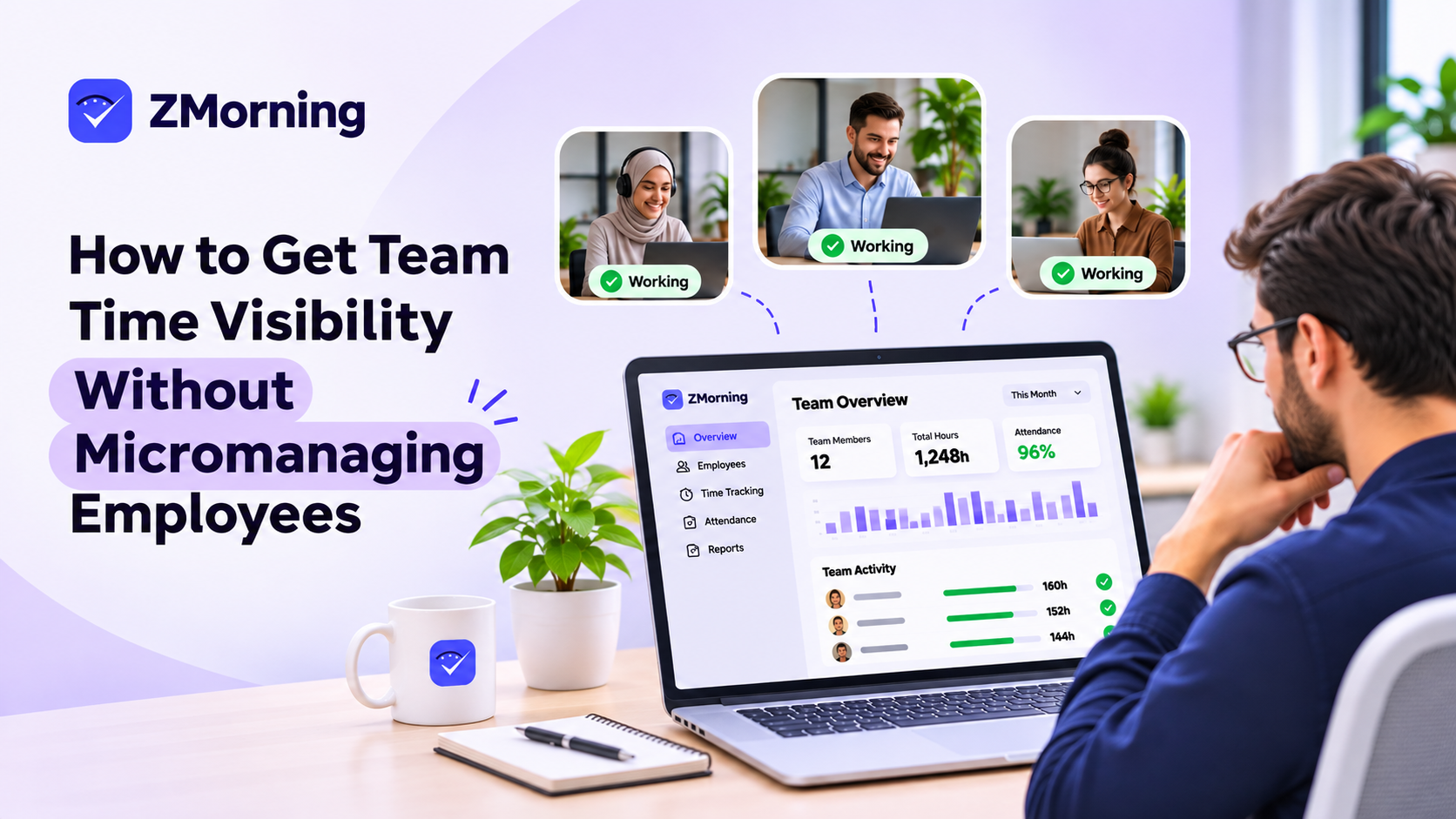
Managers can review the available records through the dashboard and get a clearer picture of the team's tracked work.
This makes it easier to understand how time is being used and notice missing records that may need attention.
Final Thoughts
Forgetting to start time tracking is a common mistake, especially when employees have busy days and several tasks to manage.
But it does not have to become a regular problem.
A simple daily routine, clear instructions, and an easy-to-use tracking app can help employees record their work more consistently.
Managers should also make sure employees understand their tracking settings and know how to review their own records.
The goal is not to watch every move employees make. It is to keep accurate work records, reduce confusion, and help everyone work with better information.
When tracking becomes a normal part of the workday, missing work records become much easier to prevent.