




When starting a new project, one common question comes up: How much time will it take to finish?
It is not always easy to give the right answer. Some projects take longer because of extra tasks, client changes, or unexpected problems. A good way to make a better estimate is to look at the time spent on similar projects in the past.
Past time tracking records can help you understand how much work is involved, plan your team's time, and set more realistic deadlines.
Why Should You Look at Past Project Hours?
Every completed project gives you useful information. You can see how many hours the team worked, which tasks took the most time, and where delays happened.
Instead of guessing how long a new project might take, you can use these records as a starting point. This makes planning easier and helps you avoid setting deadlines that are too tight.
1. Find a Similar Past Project
Start by looking for a previous project that is close to the new one. It does not need to be exactly the same, but it should include similar types of work.
Think about a few things:
- Was it the same type of project?
- How many tasks did the team complete?
- Was the project about the same size?
- How many people worked on it?
- Did it include extra work or client changes?
Finding a similar project gives you a better starting point for your new estimate.
2. Check How Much Time Each Task Took
Do not look only at the total project hours. Try to understand how much time the team spent on each type of task.
For example, a project may include:
- Planning and research
- Design work
- Frontend development
- Backend development
- Testing and fixing issues
- Client feedback and revisions
This helps you understand where most of the time went. It also makes it easier to plan each part of the new project.
3. Use Past Hours to Make a New Estimate
Once you find a similar project, use its recorded hours to make an estimate for the new one. If you have records from a few similar projects, compare them instead of depending on just one.
Example: Comparing Past Project Hours
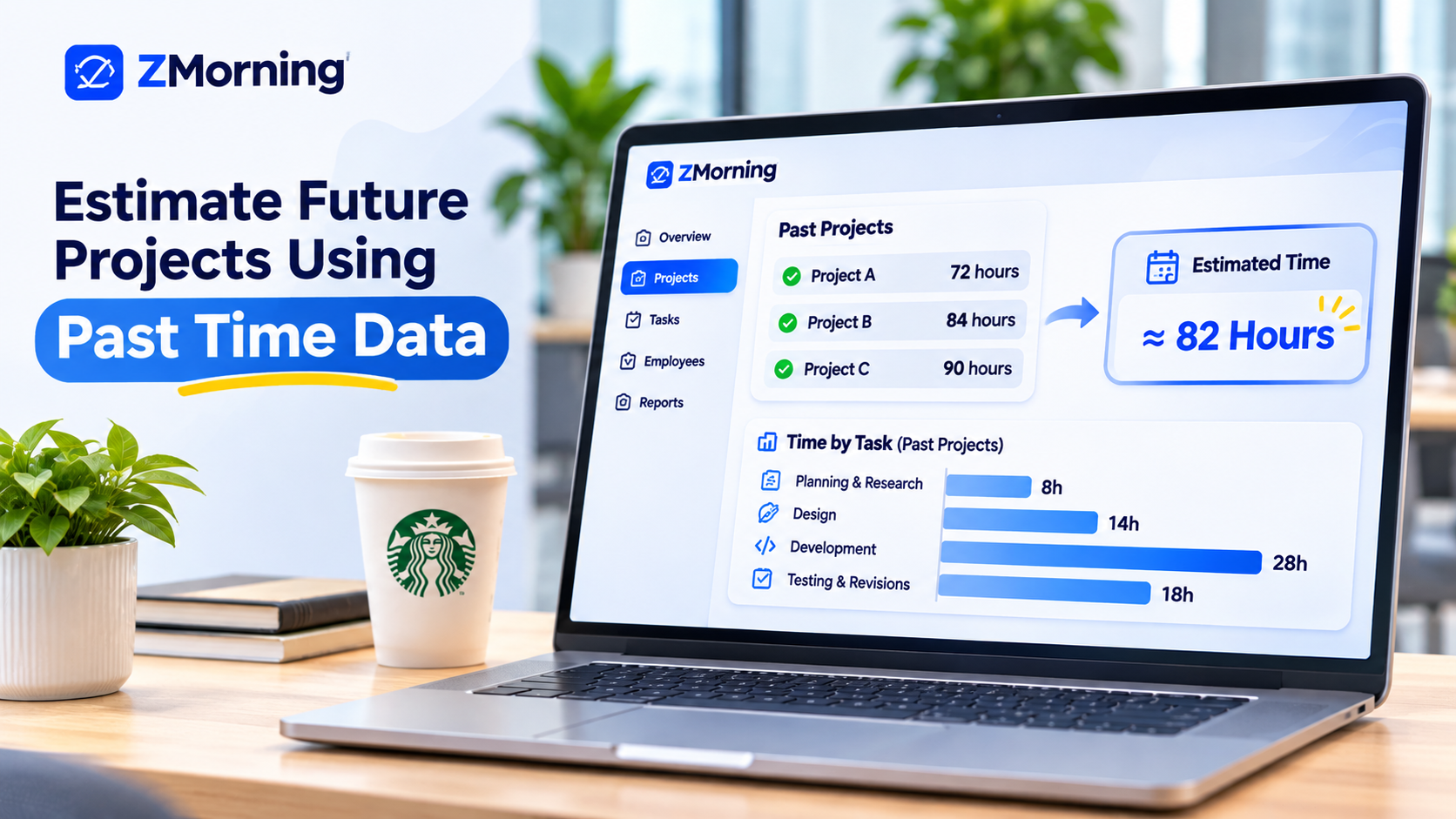
Imagine your team has completed three similar projects. Here is how much time each one took:
This gives your team a starting point for planning the new project.
Based on these past projects, you can start with an estimate of around 82 hours. However, this is only a starting point. The new project may need more or less time depending on its size and requirements.
4. Think About Tasks That Took Longer
Past records can also show which parts of a project caused delays. For example, a task may have taken longer because the team needed more time for revisions, client feedback, or approval.
Keep these things in mind when planning the new project. If you know where delays happened before, you can make a better plan this time.
5. Consider Who Will Work on the Project
The same task can take different amounts of time depending on who is doing it. An experienced team member may finish a task faster, while someone who is learning may need more time.
Before setting your estimate, consider:
- Who will work on the project?
- Does the team have the right skills?
- Are team members already busy with other work?
- Will anyone need help or extra time?
This helps you make a plan that matches your team's actual workload.
6. Leave Some Extra Time for Changes
Even when a project looks simple, things can change along the way. A client may ask for an update, a problem may need fixing, or a task may take longer than expected.
It is a good idea to leave some extra time for these situations. This does not mean making every estimate much longer. It simply means giving your team enough room to handle unexpected work without rushing everything.
How ZMorning Can Help You Review Past Project Time
To make better estimates, you need a clear view of how your team has spent time on previous work.
ZMorning helps managers review working hours, employee productivity, project activity, and task progress from the Overview dashboard. These details can help you understand how much time different projects and tasks have taken.
You can review project hours and employee working hours to get a clearer idea of your team's workload. By comparing this information with previous projects, you can make more informed plans for upcoming work.
ZMorning does not automatically predict how long a future project will take. Instead, it gives you time and project information that you can use when making your own estimates.
Common Mistakes to Avoid When Estimating Project Time
When planning a new project, try to avoid these common mistakes:
- Guessing without checking past records: Use previous project hours as a starting point.
- Looking only at total hours: Check how much time different tasks took.
- Ignoring unexpected work: Remember that revisions and delays can happen.
- Forgetting team workload: Consider the other work your team members already have.
- Setting very tight deadlines: Leave enough time for changes and testing.
Final Thoughts
Estimating a new project does not have to be based on guesswork. By looking at past project hours, checking how long different tasks took, and understanding your team's workload, you can make better plans for future work.
Time tracking records are useful because they show what really happened during previous projects. Use that information to set more realistic estimates, plan your team's time, and give each project a better chance of staying on schedule.