


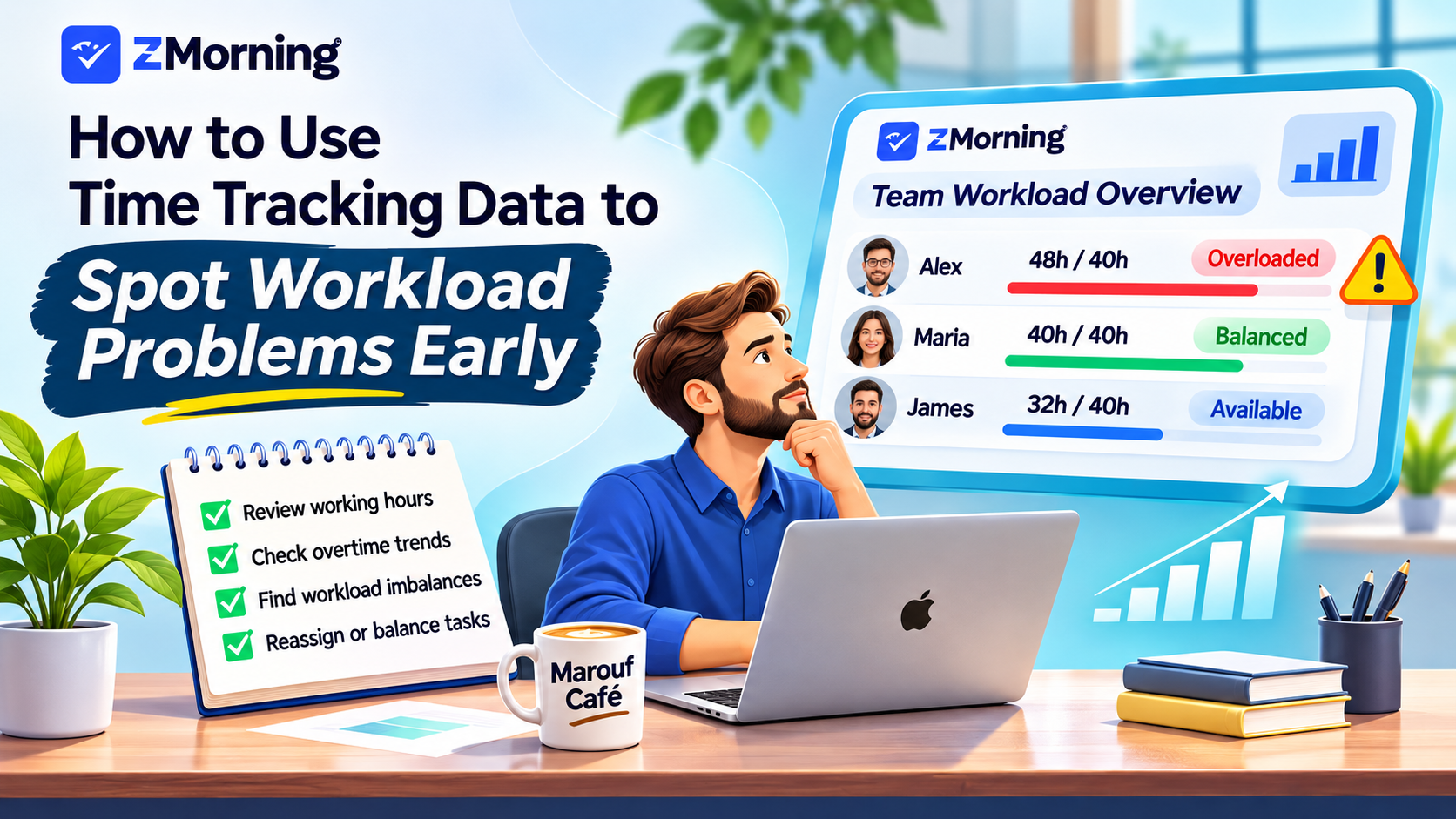

A team can look busy while some employees have too much work and others have more available time. Managers may not notice this problem until deadlines are missed, overtime becomes common, or employees start feeling stressed.
Time tracking data can help managers see these patterns earlier. By reviewing working hours, overtime, and time spent across different tasks, managers can get a clearer picture of how work is distributed.
The goal is not to watch every minute an employee works. It is to understand whether the team has a fair and manageable workload.
What Is a Workload Problem?
A workload problem happens when the amount of work assigned to an employee does not match their available time, skills, or capacity.
It can happen in different ways:
- One employee has too many tasks at the same time.
- Some team members regularly work overtime.
- Important tasks keep getting delayed.
- A few employees handle most of the team's responsibilities.
- Other team members have available time but are not given enough work.
These problems may not be easy to notice during daily work. Time tracking records can help managers find patterns that need attention.
1. Look for Unusual Working Hour Patterns
Start by reviewing how many hours each employee works during the week.
Compare their recorded hours with their normal working schedule. If someone regularly works longer than expected, it may be a sign that their workload needs attention.
For example:
| Employee | Weekly Contract Hours | Tracked Hours |
|---|---|---|
| Employee A | 40 hours | 48 hours |
| Employee B | 40 hours | 39 hours |
| Employee C | 40 hours | 41 hours |
This does not automatically mean they are overloaded. There may be a temporary deadline or another reason. However, if the same pattern continues, it is worth discussing with the employee.
2. Review Overtime Trends
Working extra hours once in a while may be normal. The problem starts when overtime becomes a regular part of someone's schedule.
Review overtime across several weeks instead of looking at only one day.
Ask questions such as:
- Is the same employee regularly working extra hours?
- Does overtime happen during every project deadline?
- Are employees working extra hours to complete routine tasks?
- Is the team relying too much on a few people?
These patterns can help managers understand whether work needs to be reassigned or priorities need to change.
3. Compare Workload Across Team Members
Total working hours are useful, but they do not show the full picture.
Two employees may both work 40 hours, but one may handle several demanding tasks while the other works on fewer, simpler tasks.
Review working hours alongside assigned responsibilities, task complexity, deadlines, and employee feedback.
For example, if one employee handles several important projects while another has more available time, the manager may need to review how responsibilities are distributed.
Fair workload distribution does not mean giving everyone exactly the same number of tasks. It means considering each person's role, skills, available time, and responsibilities.
4. Find Repeated Changes in Working Patterns
A sudden change in working hours may be worth reviewing.
For example:
- An employee's working hours increase every week.
- Someone starts working late more often.
- A team member regularly needs extra time to finish similar work.
- Working hours become less predictable during busy periods.
One unusual week may not indicate a serious problem. Look for repeated changes before making decisions.
It is also important to ask employees what has changed. New responsibilities, unclear instructions, meetings, or unexpected requests may explain the pattern.
5. Review Time Spent Across Tasks and Projects
When time records include task or project details, managers can review where working hours are being spent.
This can help answer useful questions:
- Which projects are taking most of the team's time?
- Are some employees handling too many projects at once?
- Is routine work taking more time than expected?
- Are important responsibilities spread across the team?
Remember that the number of hours alone does not explain why a task takes longer. Task difficulty, interruptions, experience, and changing requirements can all affect the time needed.
Use the records as a starting point for a discussion, not as a final judgment.
6. Talk to Employees Before Changing Assignments
Time tracking data can show that something may be wrong, but it cannot explain every reason behind the numbers.
An employee working extra hours may be dealing with unclear instructions, frequent interruptions, or responsibilities that were not included in the original plan.
Before moving tasks between employees, ask:
- Do you have enough time to complete your current work?
- Which responsibilities are taking longer than expected?
- Are there any tasks or deadlines creating pressure?
- What support would help you manage your work?
These conversations help managers understand the actual situation instead of making assumptions based only on reports.
7. Make Small Workload Adjustments
Once you understand the problem, take practical steps to improve the situation.
You may need to:
- Move some tasks to employees with available capacity.
- Review deadlines and priorities.
- Reduce unnecessary meetings.
- Make responsibilities clearer.
- Provide additional support or training.
- Review the workload again after making changes.
Small adjustments can help prevent a temporary workload problem from becoming a regular issue.
How ZMorning Can Help Managers Review Working Hours
ZMorning helps managers review employee working hours and team activity through its dashboard and Today page.
Managers can use available time records to understand how many hours employees have worked and review activity alongside the relevant work information.
If enabled by the employer, ZMorning can also record screenshots and keyboard and mouse activity counts during active tracking sessions. These records provide additional context, but they do not independently measure workload, work quality, or productivity.
Managers should combine time records with task responsibilities and direct employee feedback before making workload decisions.
Final Thoughts
Workload problems often grow gradually. By the time employees start missing deadlines or feeling overwhelmed, the issue may have been building for weeks.
Regularly reviewing working hours, overtime, task responsibilities, and employee feedback can help managers notice these problems earlier.
Time tracking data is most useful when it supports better decisions and fairer work distribution. The goal is to help employees work at a sustainable pace while keeping the team moving forward.